
New Marble Tile Supplier Discovery
Discover the potential of Altana by identifying new suppliers for specific commodities. This tutorial is designed for a sourcing manager at a kitchen and tile retailer in the northeast United States.
Accessing Shipment Records
Step 1: Navigate to the transaction search to access shipment records within the graph.
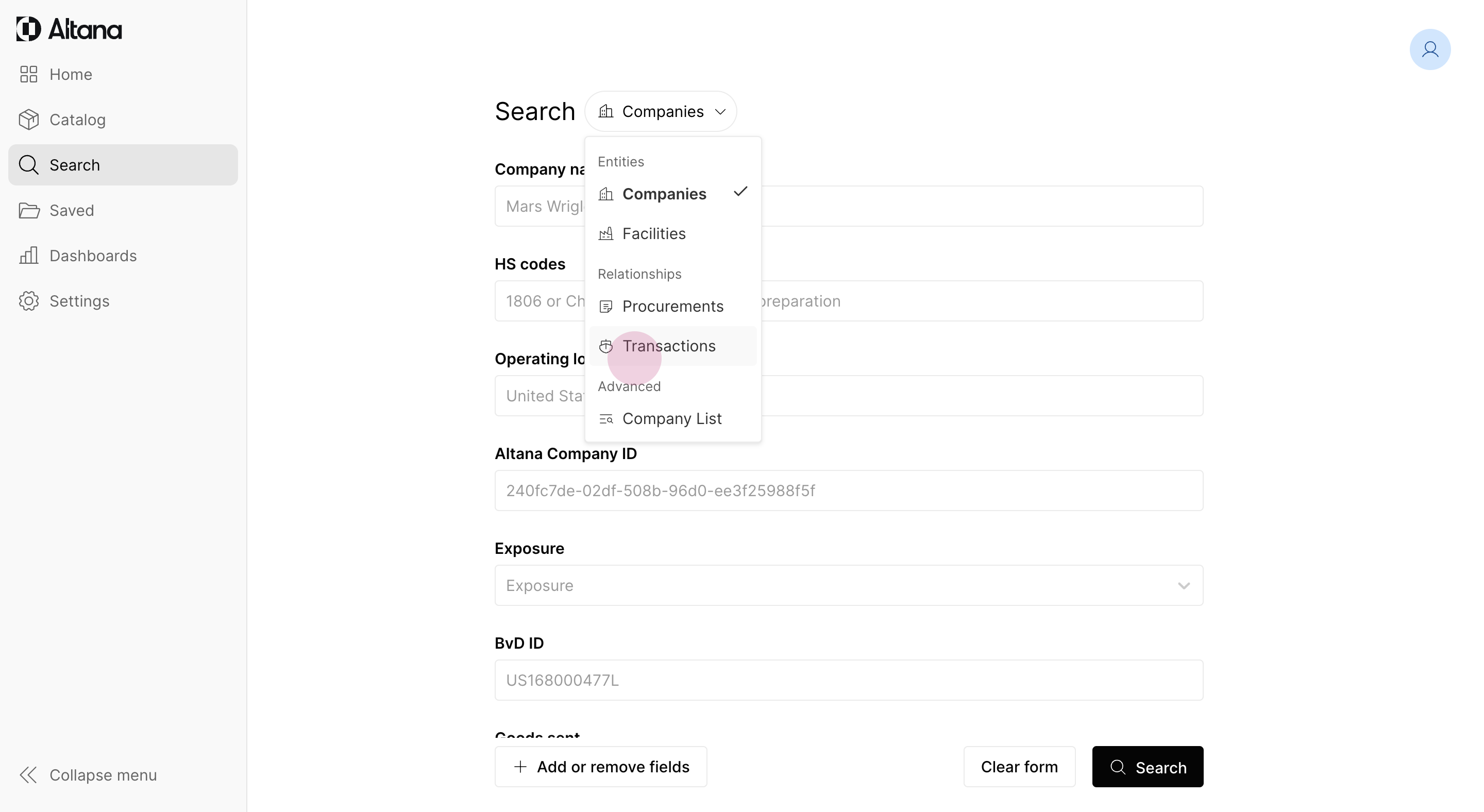
Searching for a New Supplier
Step 1: Initiate the search for a new supplier of marble tiles from Italy. Leave the sender's name blank, as it's unknown.
Step 2: Set the country of origin as Italy and the country of destination as the United States. This ensures the supplier has experience exporting to the U.S.
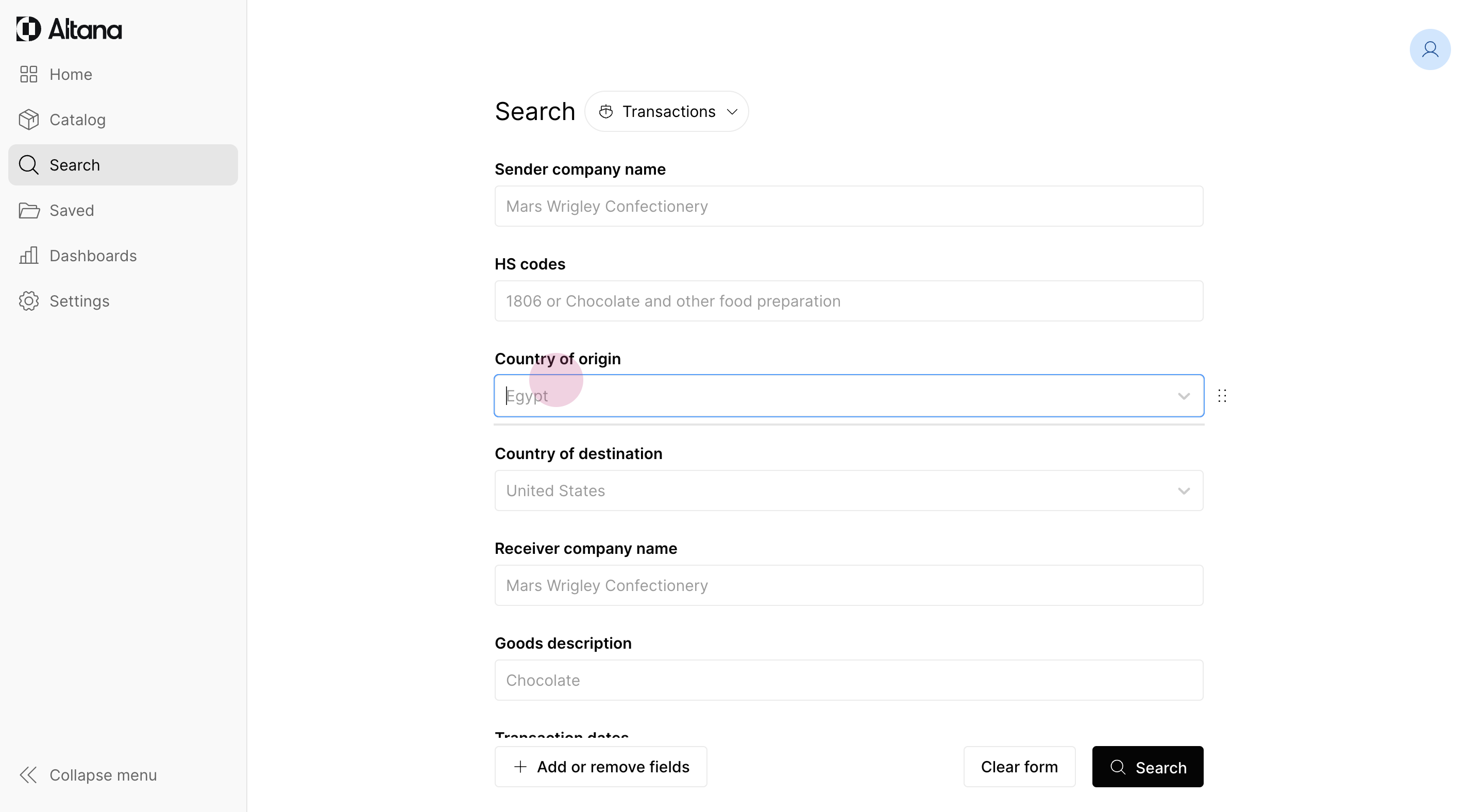
Specifying Commodity of Interest
Step 1: Define the goods description as "marble tiles."
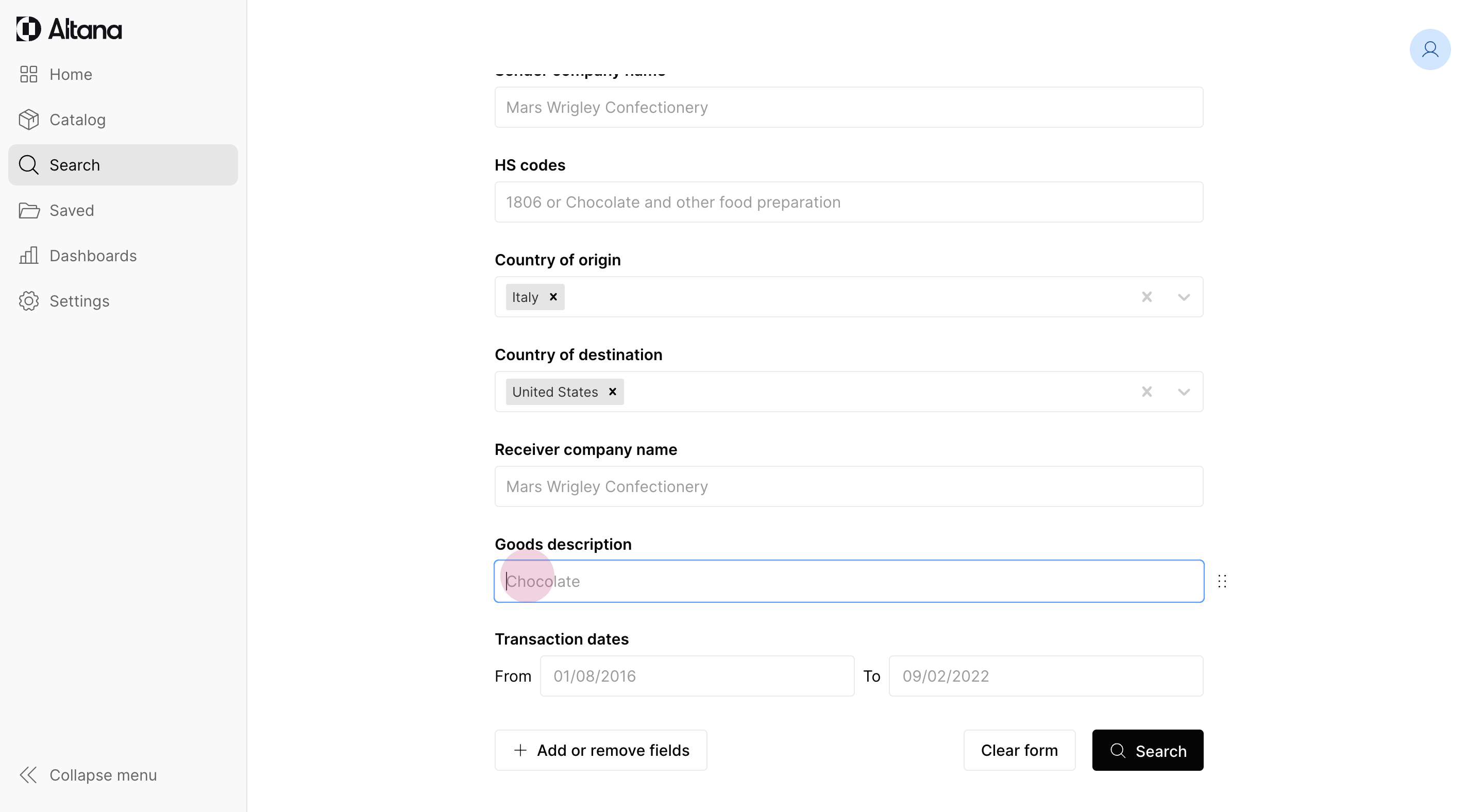
Step 2: Set a date range for the transactions from January 1, 2024 to the present day to filter recent shipments.
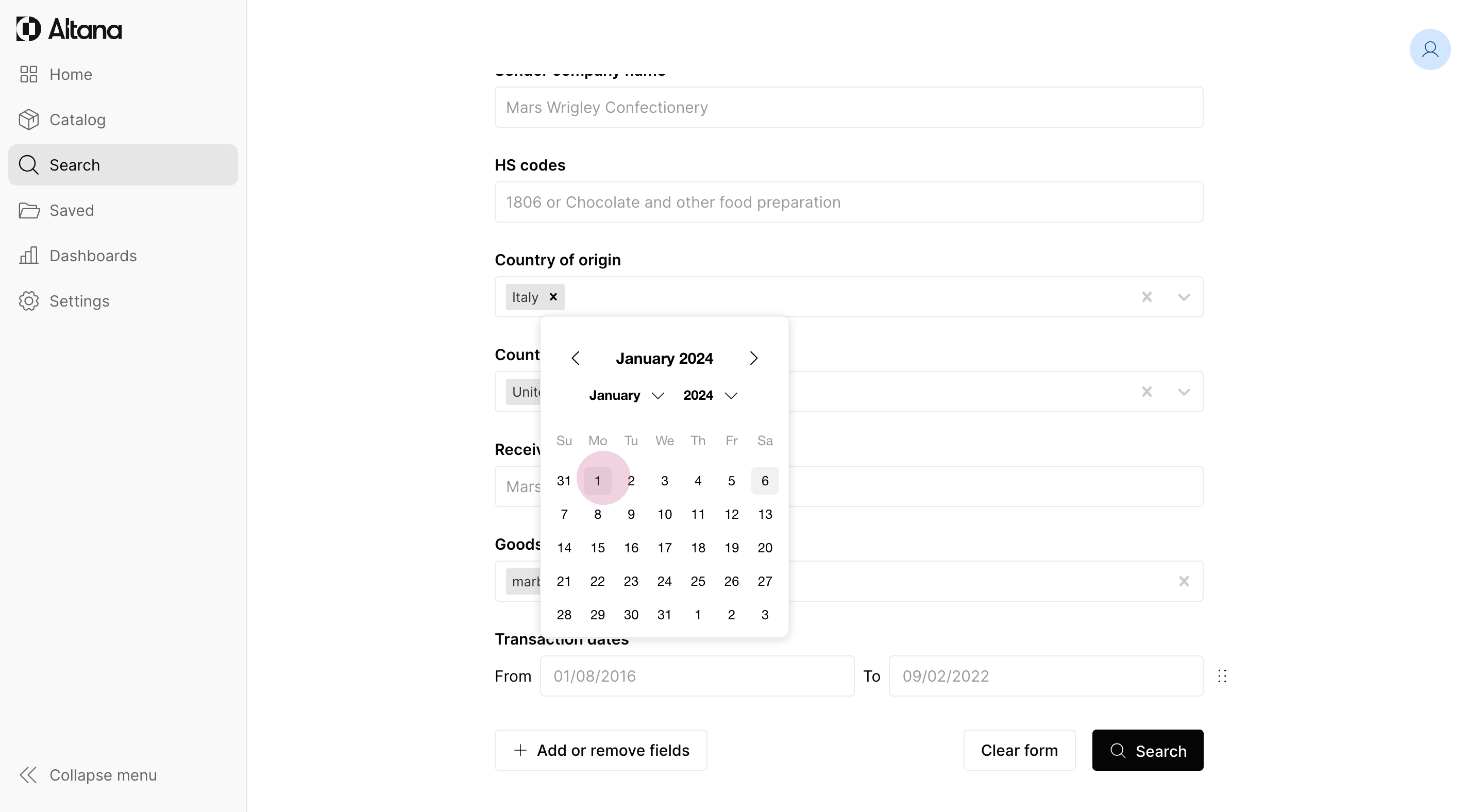
Executing the Search Query
Step 1: Proceed with the search query.
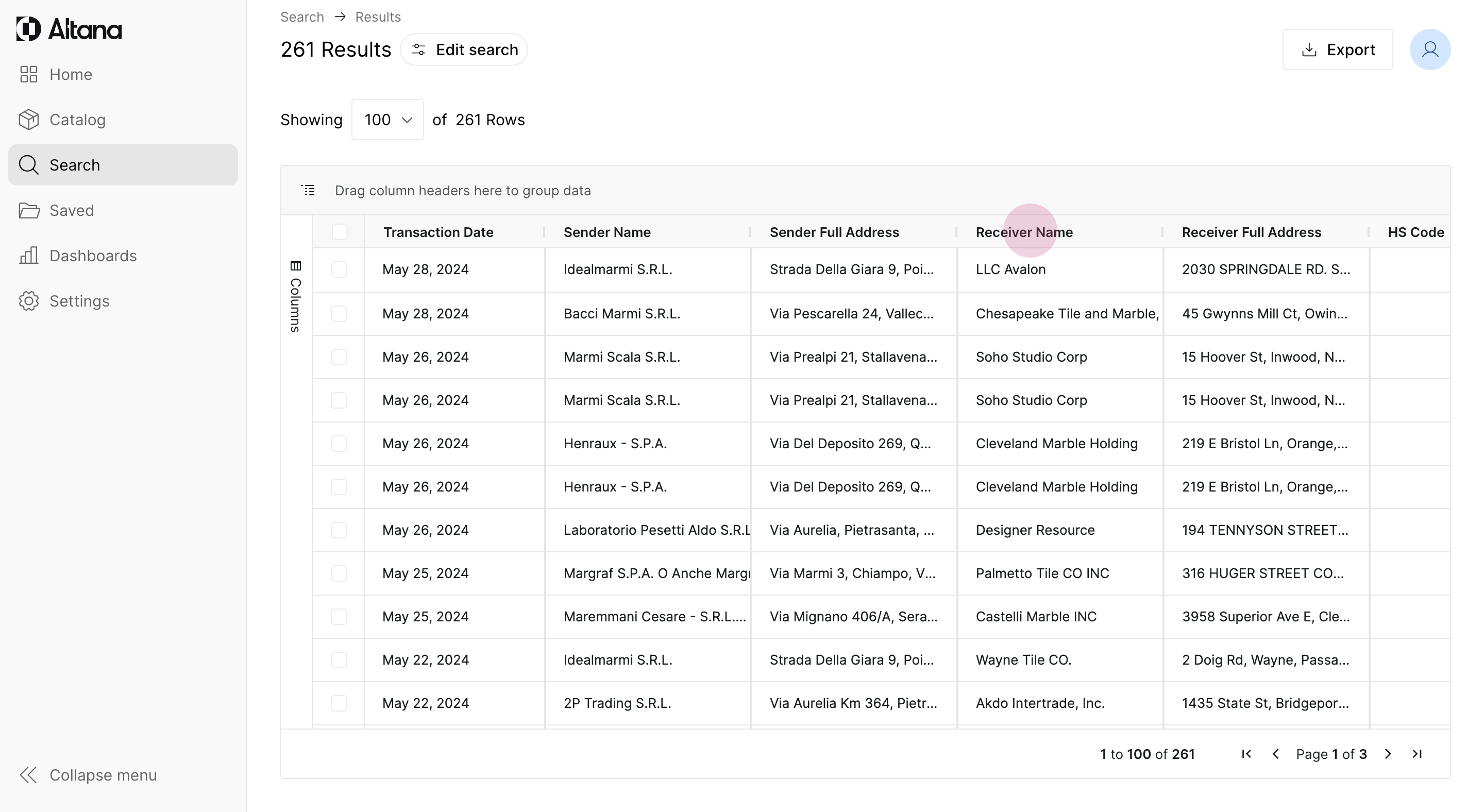
Step 2: Review the results displaying records of transactions matching the search parameters. Aggregate the receiver names to identify the recipients of these shipments.
Analyzing the Data
Step 1: Adjust the display settings by dragging the column for receiver names to the header and clicking to sort the data. Click again to refine the sorting order.
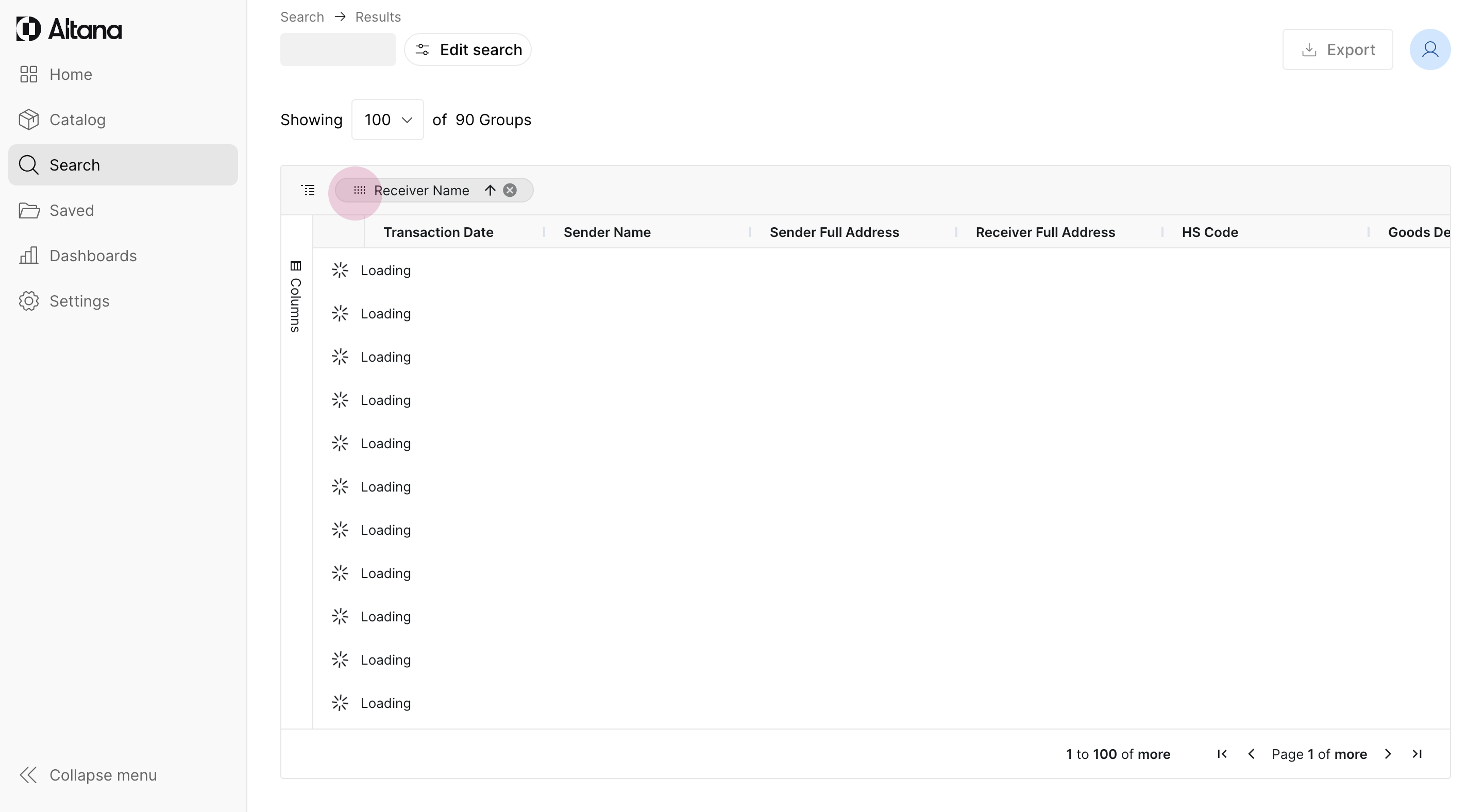
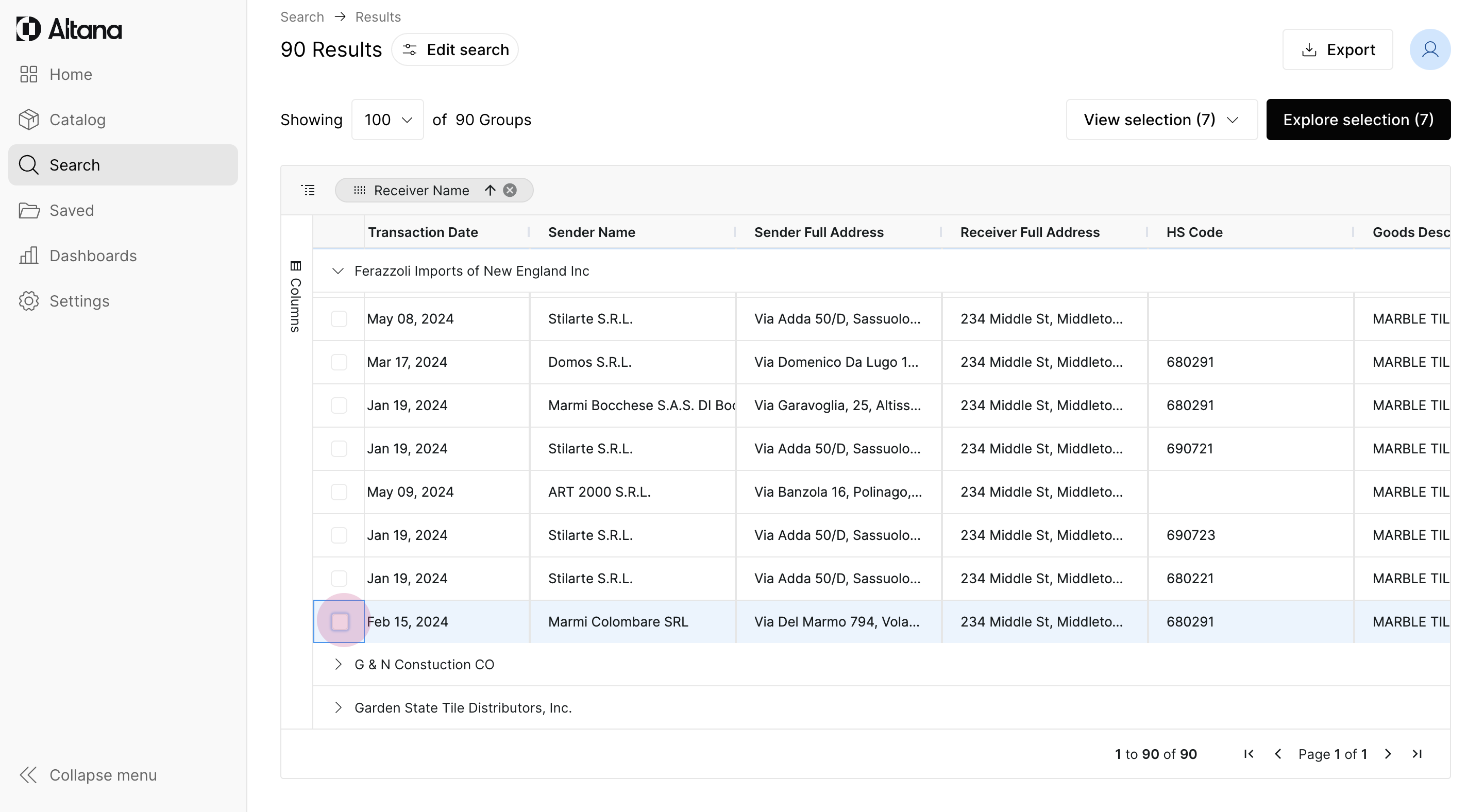
Step 2: Review the list of receivers. Select the first shipment, then proceed to the next one, press the shift key, and select all the shipments in the list.
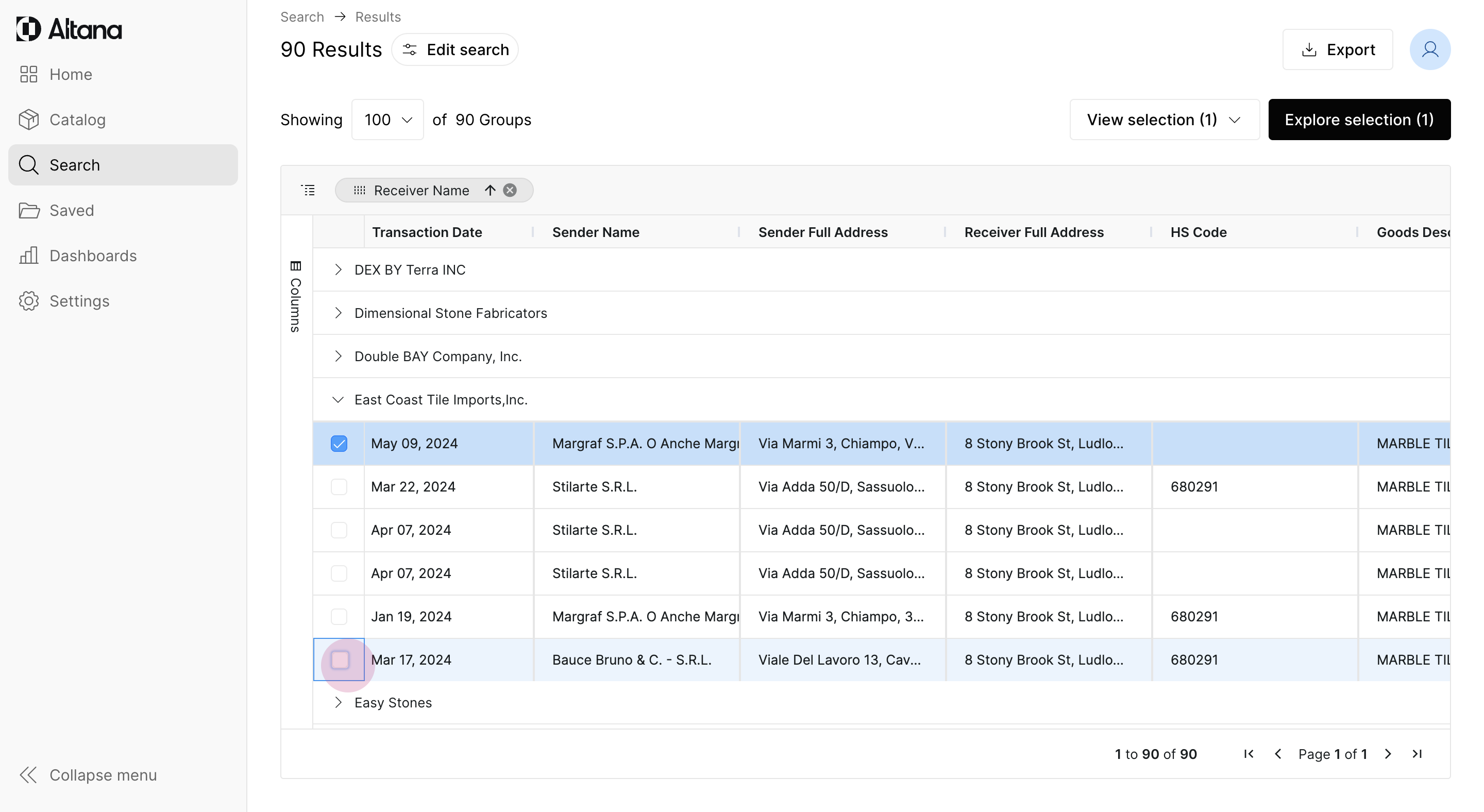
Step 3: Include all these shipment transactions in the analysis.
Step 4: Highlight a total of sixteen shipments for further exploration.
Exploring Altana
Step 1: Observe a constellation view on the screen, showcasing the various facilities engaging in transactions. Highlight all of these entity nodes.
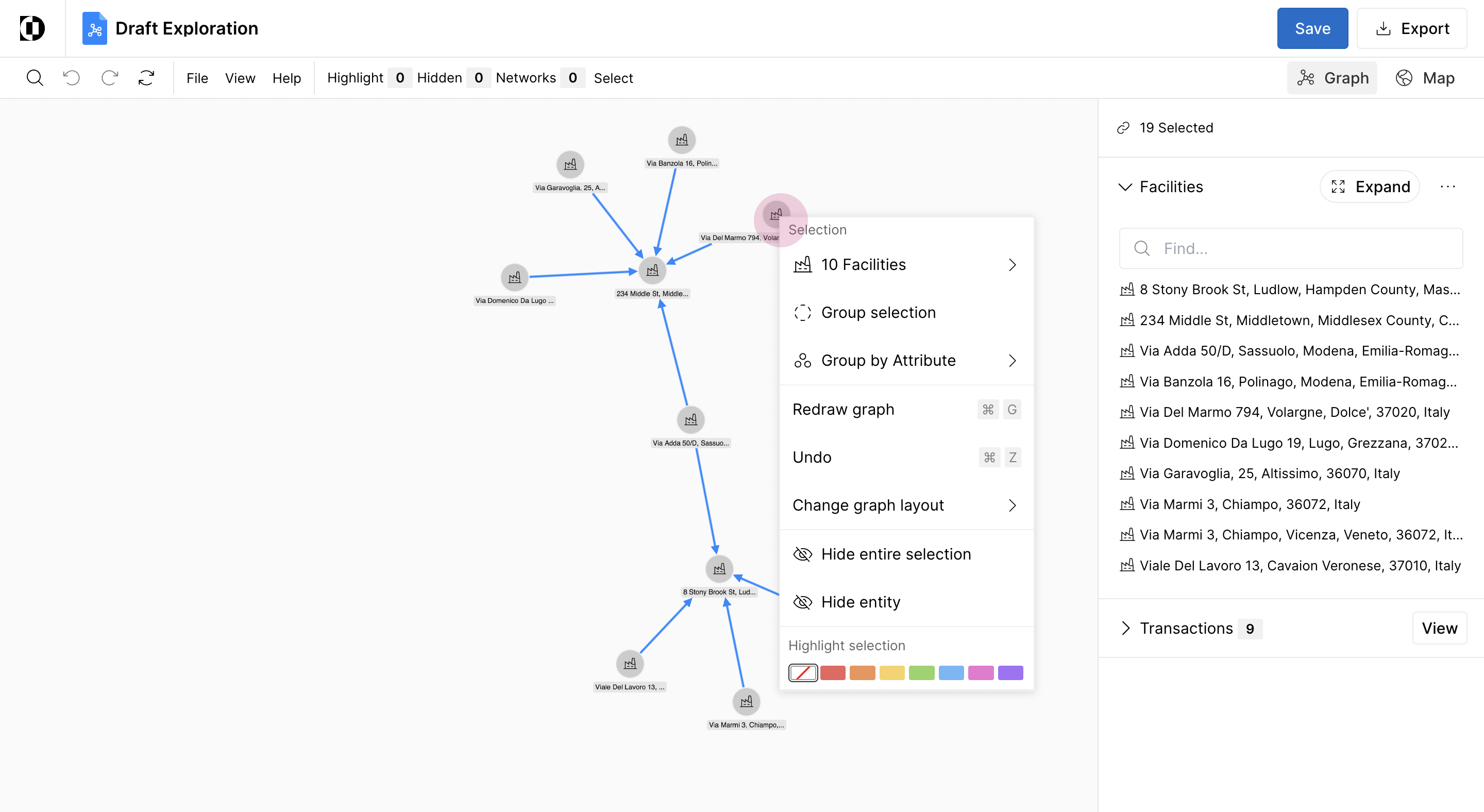
Step 2: Right click to expand the network and see which companies operate these facilities.
Step 3: Identify Stilarte SRL as the supplier for both Farazoli Imports and another competitor, East Coast Tile Imports.
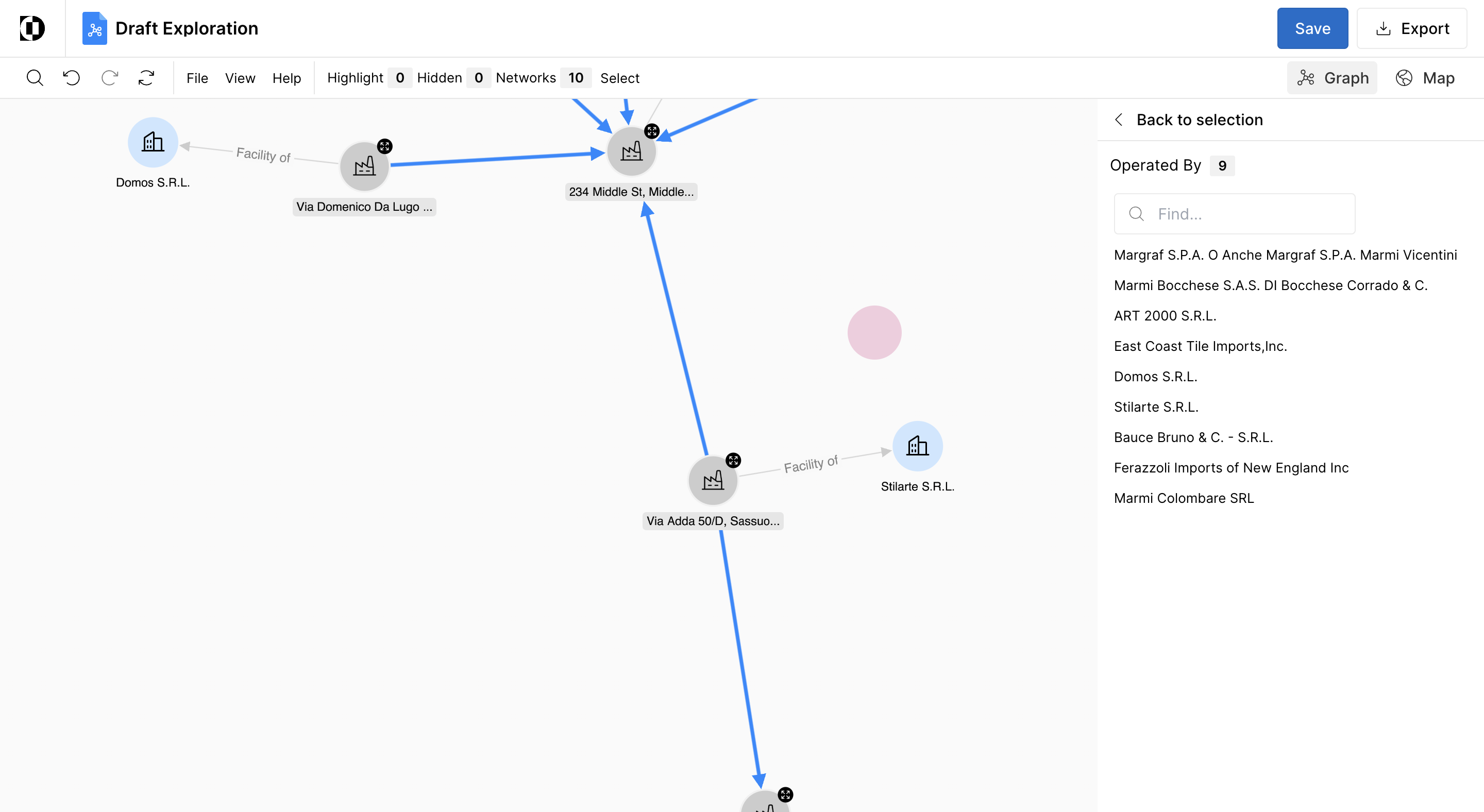
Viewing Transactions on a Map
Step 1: Select the map view option located in the upper right-hand corner.
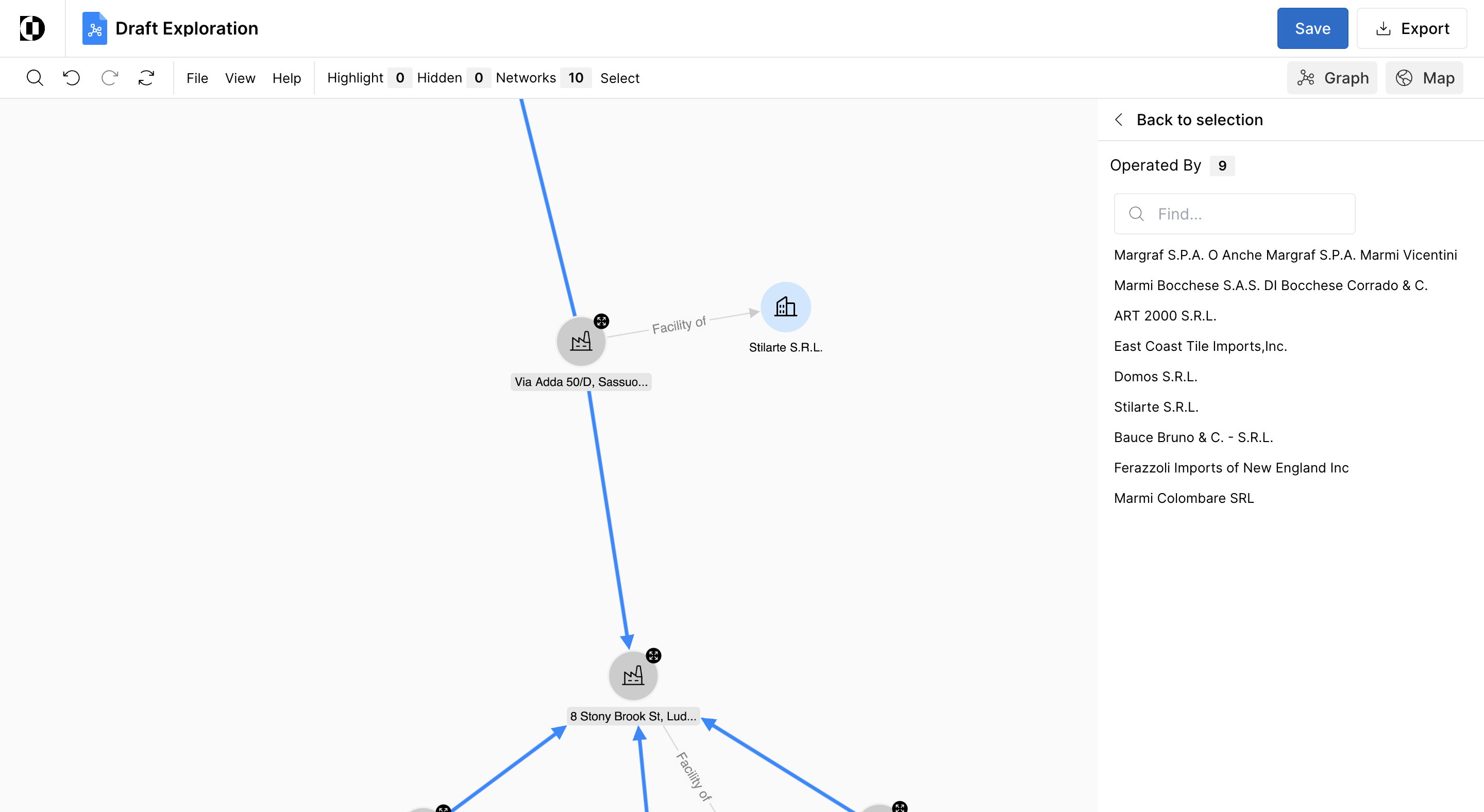
Step 2: Observe the goods originating from Italy and being sent to competitors in the northeast.
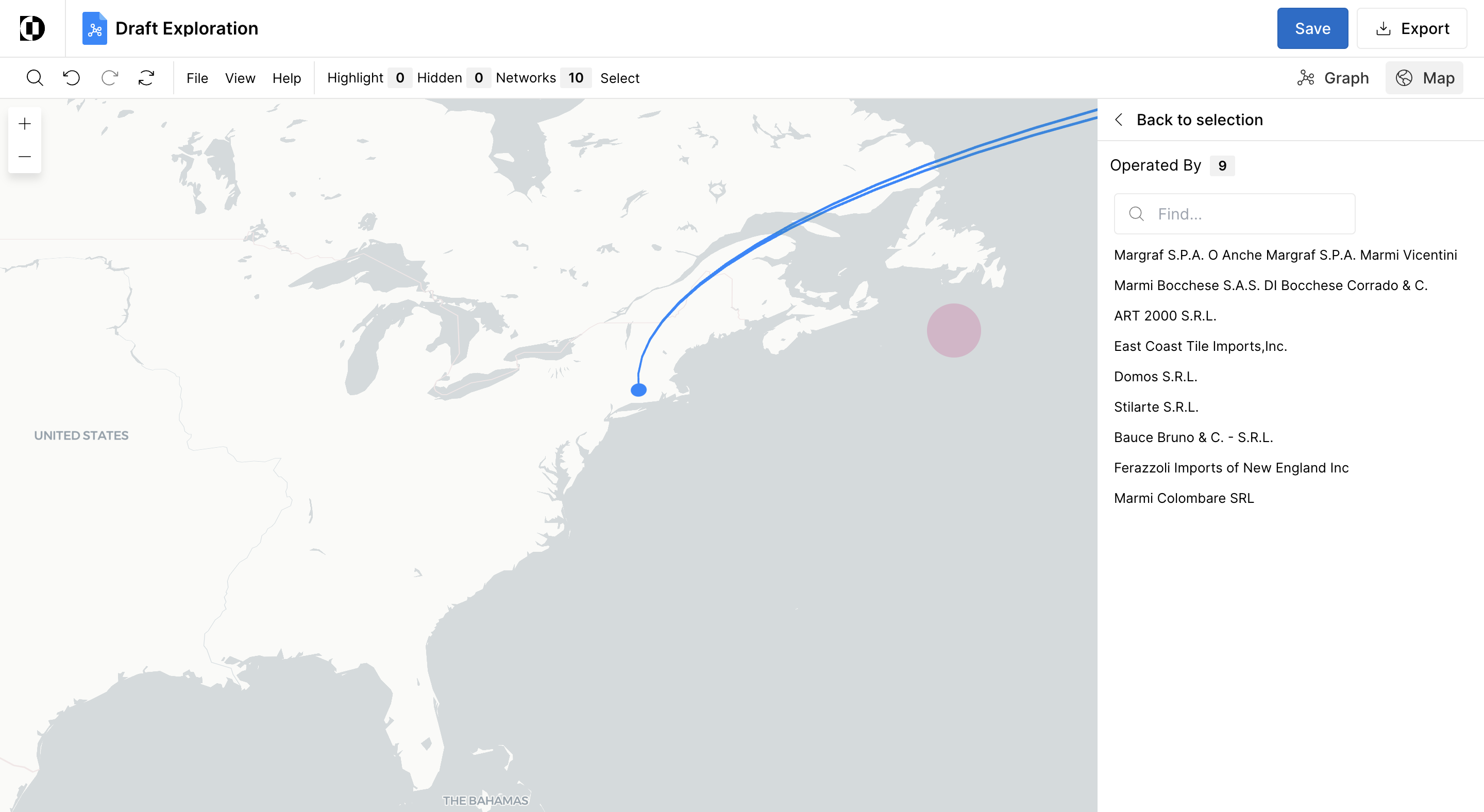
Step 3: Delve deeper into the facility transactions from Stilarte SRL.
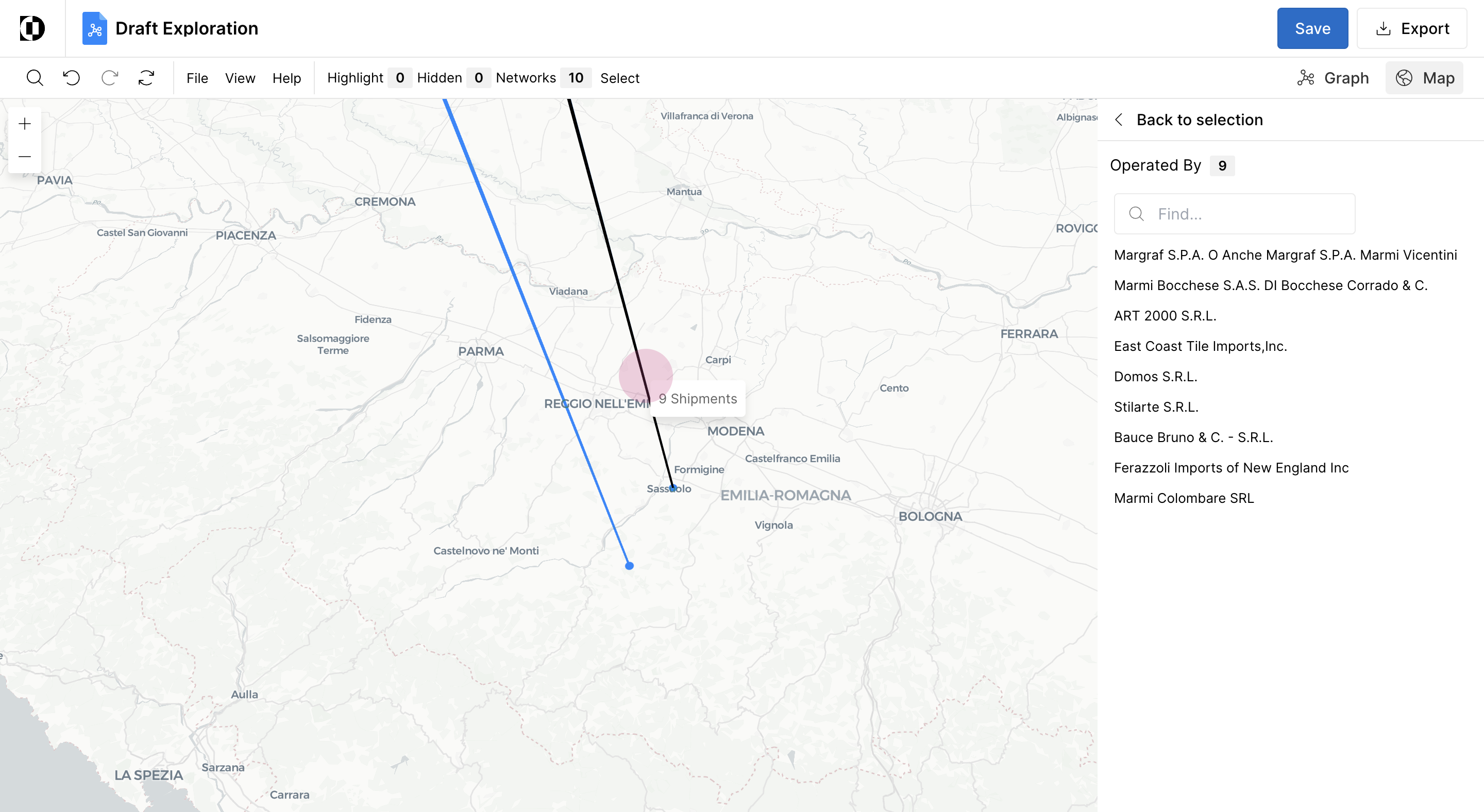
Analyzing Detailed Data
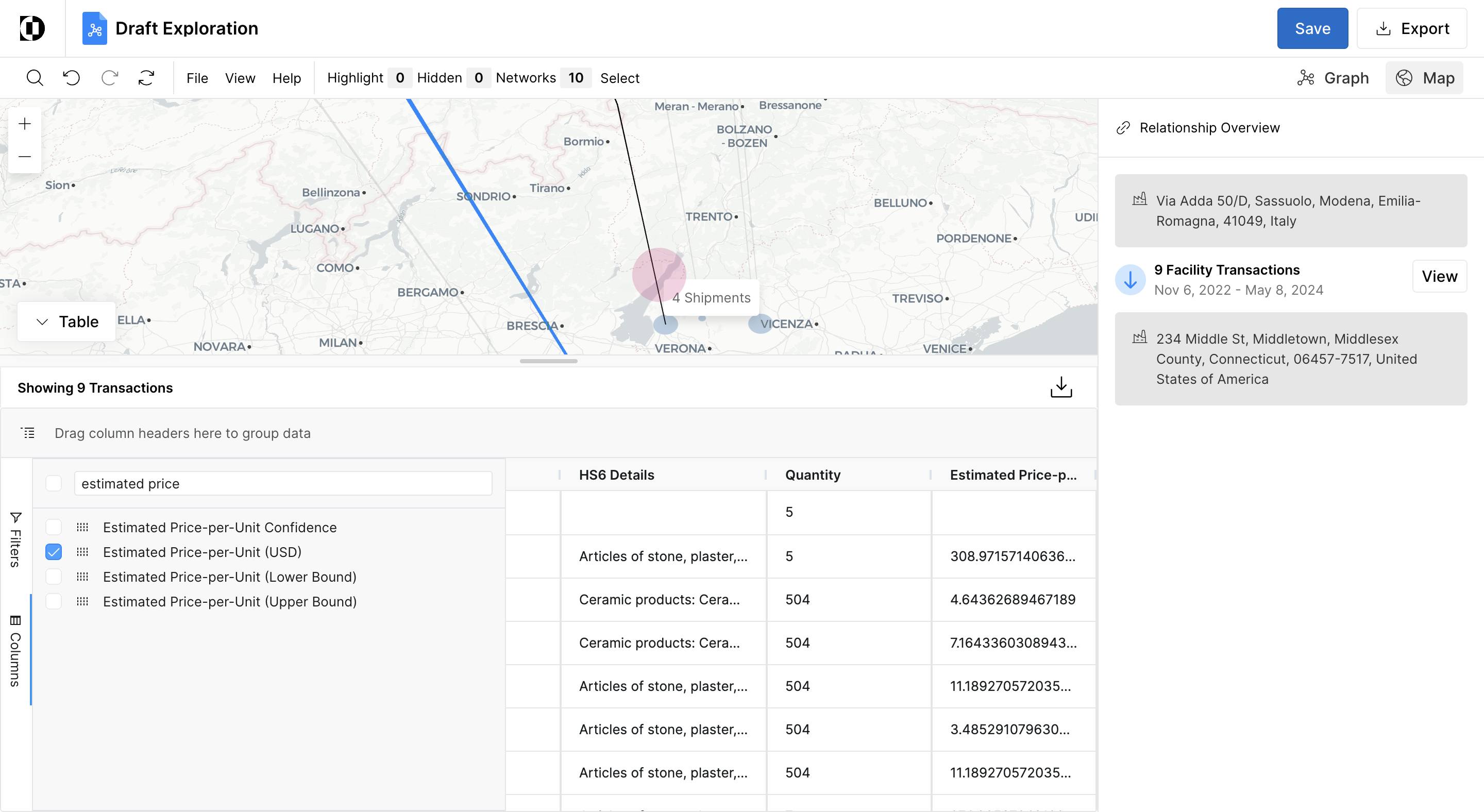
Step 1: Select the transaction link to display all shipments from Stilarte SRL to Ferazzoli in Connecticut.
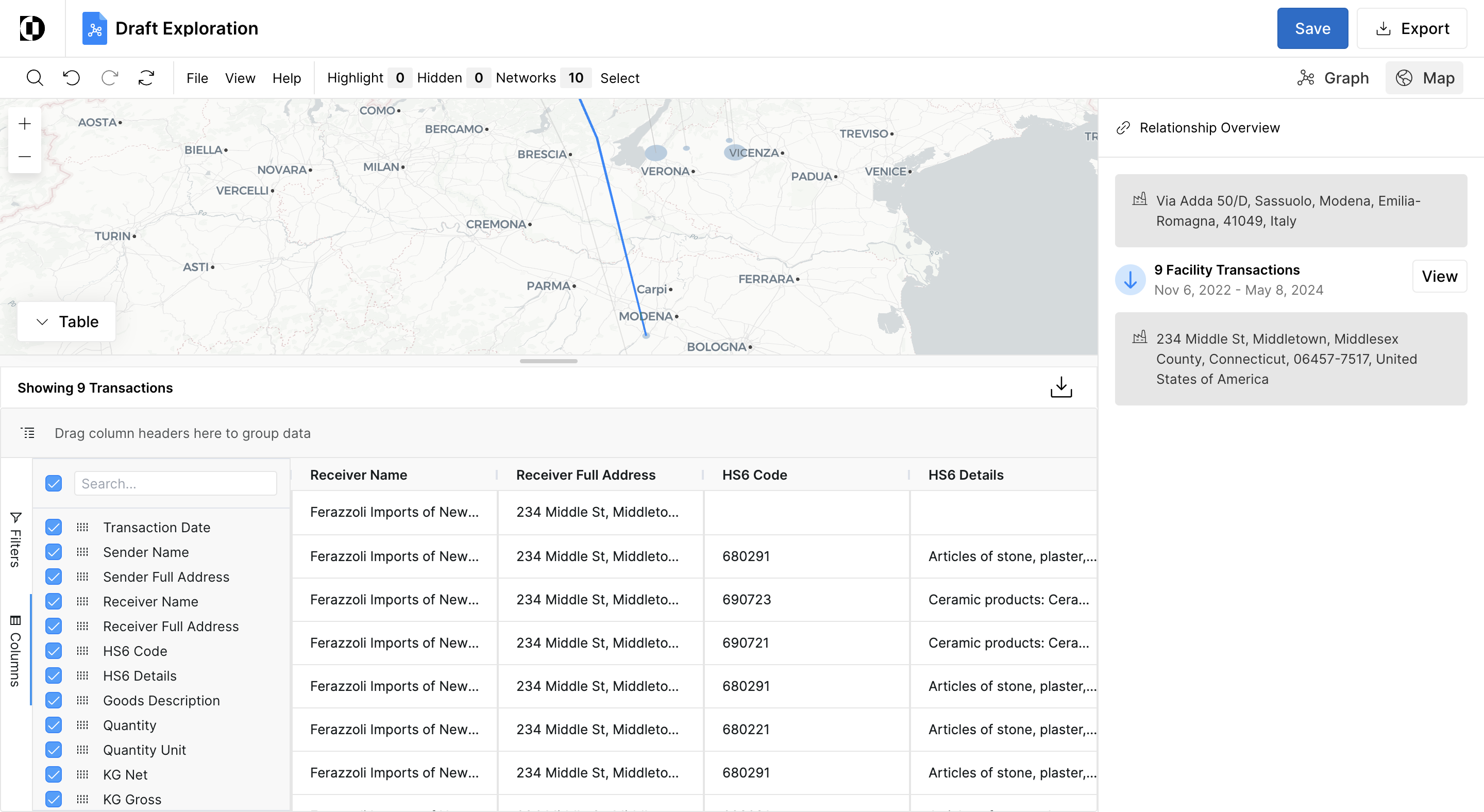
Step 2: Include the columns for quantity as well as estimated per unit price which can be used for further analysis to benchmark costs.
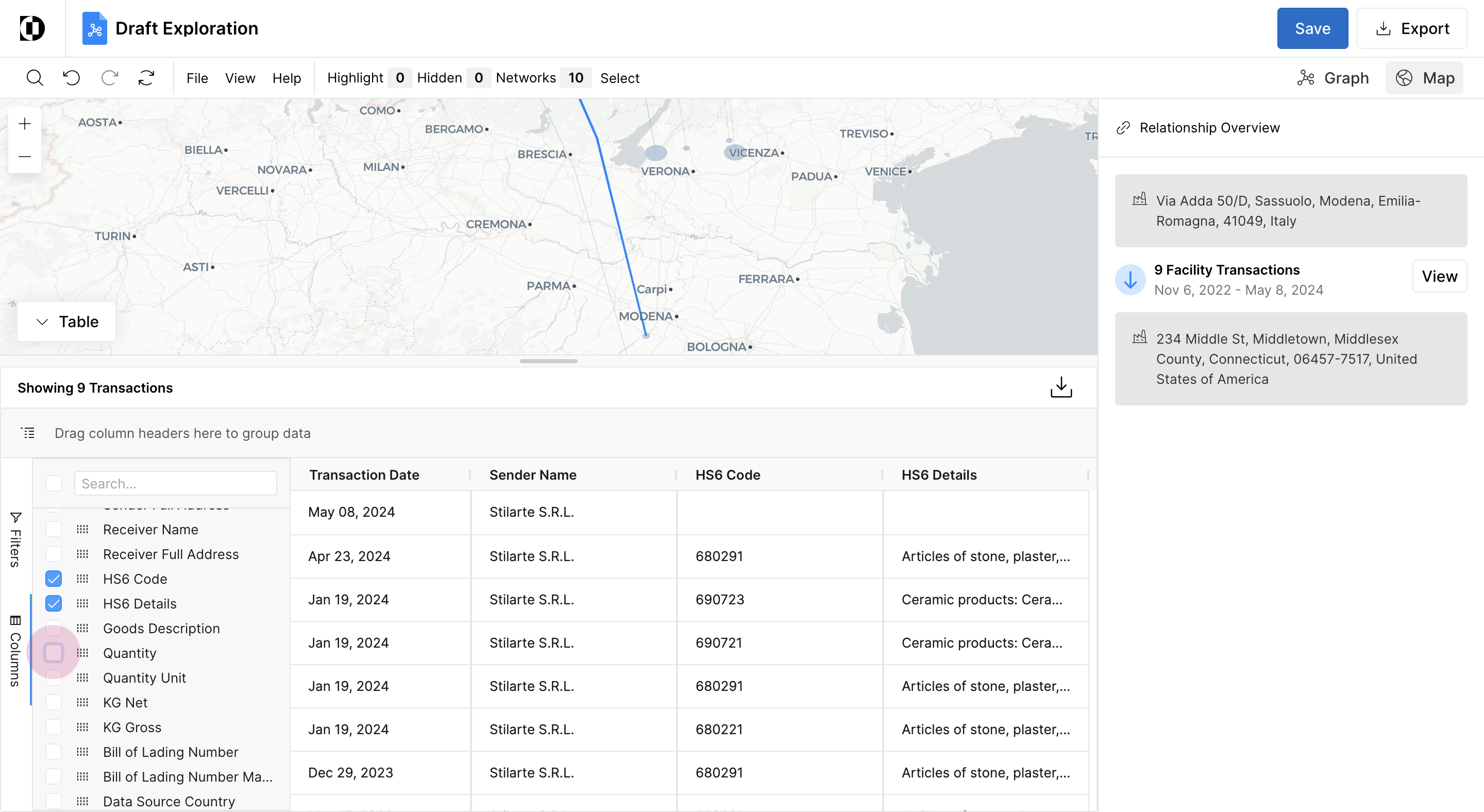
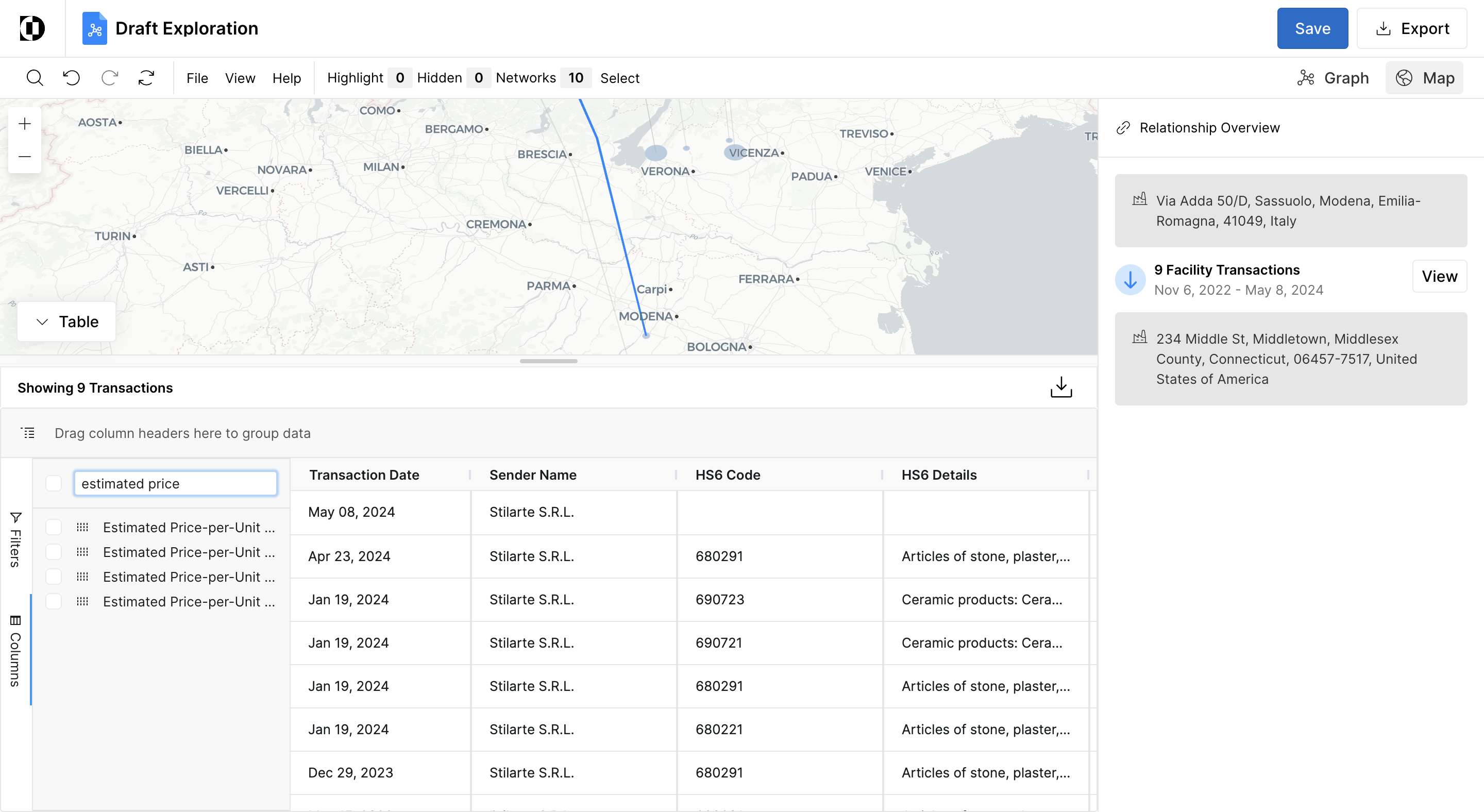
Step 3: Select a supplier from Verona to gather the same data.
Sourcing Decision-making
Step 1: Compare these two suppliers in Italy and assess the per-unit cost.
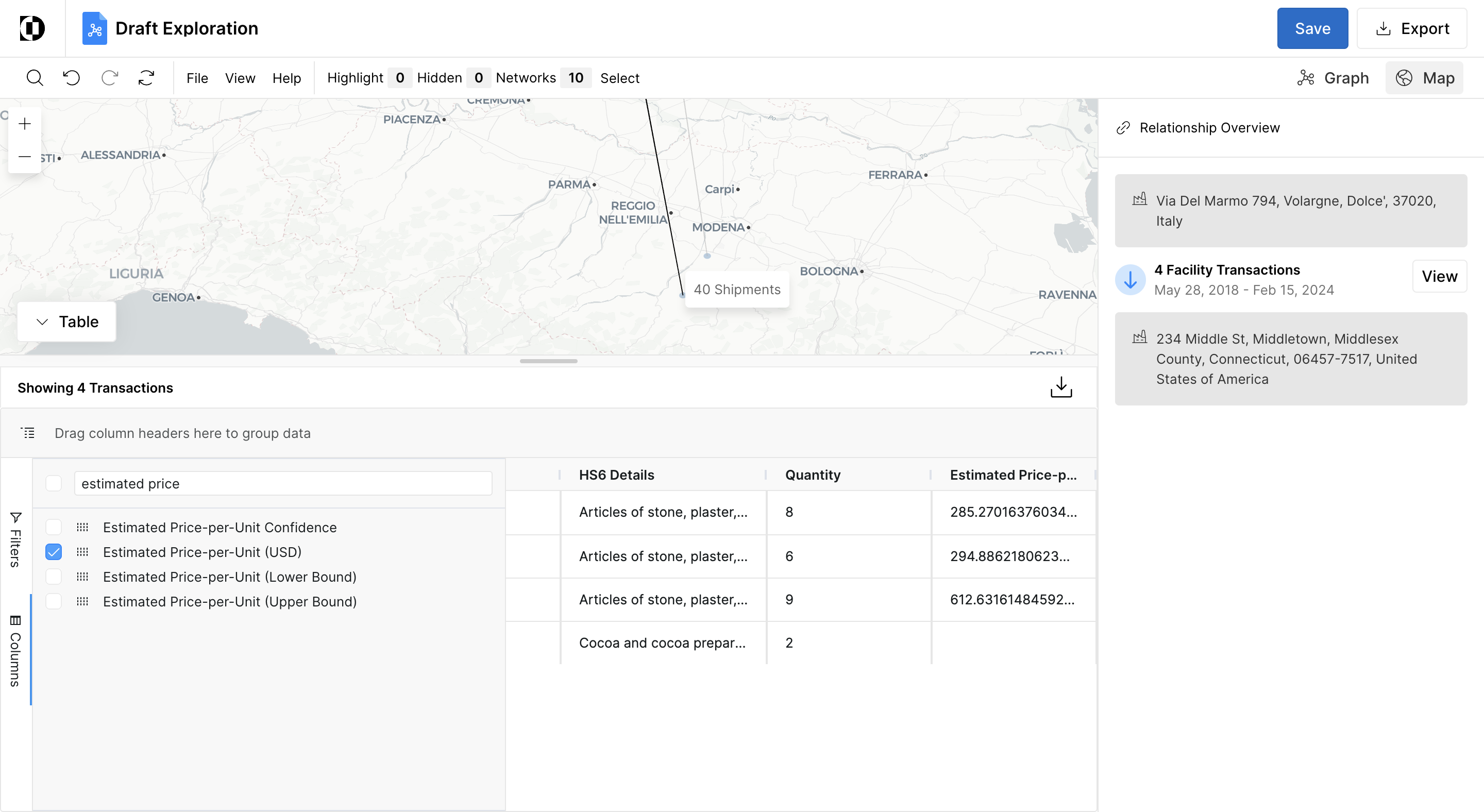
By analyzing this information, you will be able to identify new suppliers who are shipping to your competitors. You will also be able to assess their underlying cost structure and inform whether you should onboard this supplier.