
Generating Automatic Due Diligence Reports
This guide demonstrates how to use Altana for supply chain risk assessments. It explains how to generate an automatic due diligence report that summarizes risk exposures. The example used is an automotive company assessing potential risk exposures to a specific product; in this case, electric motors and generators.
Step 1: Navigate to the product catalog of the company.
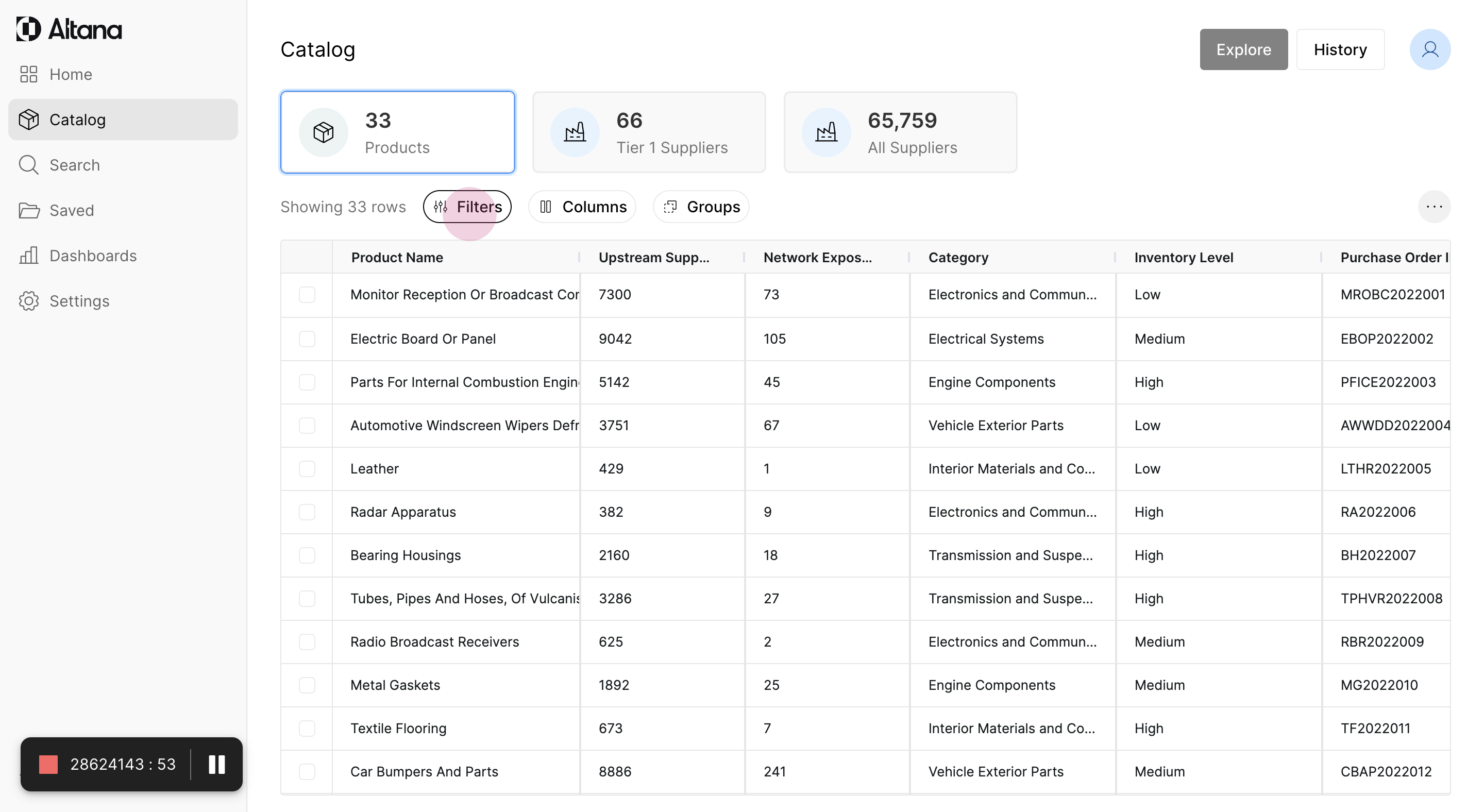
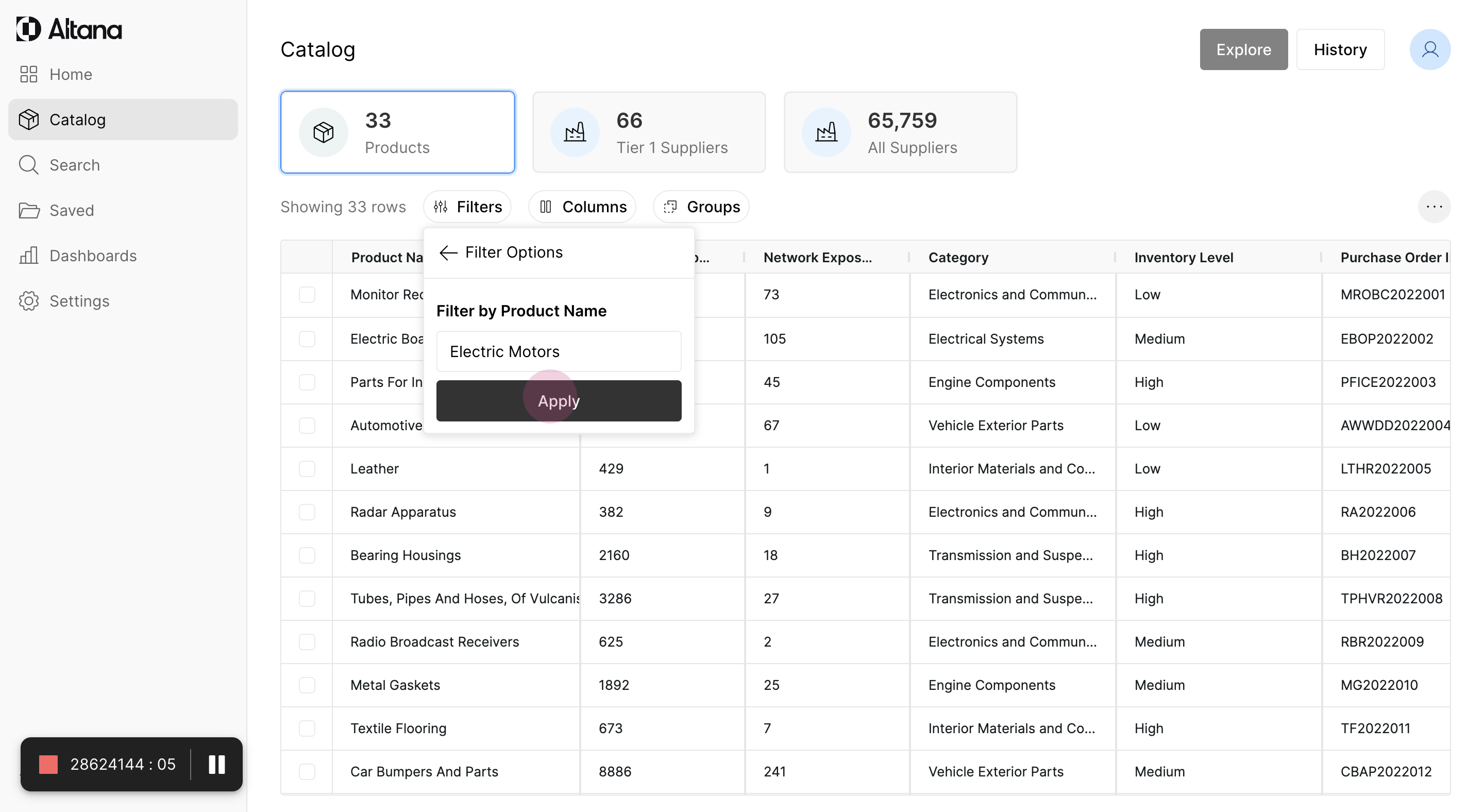
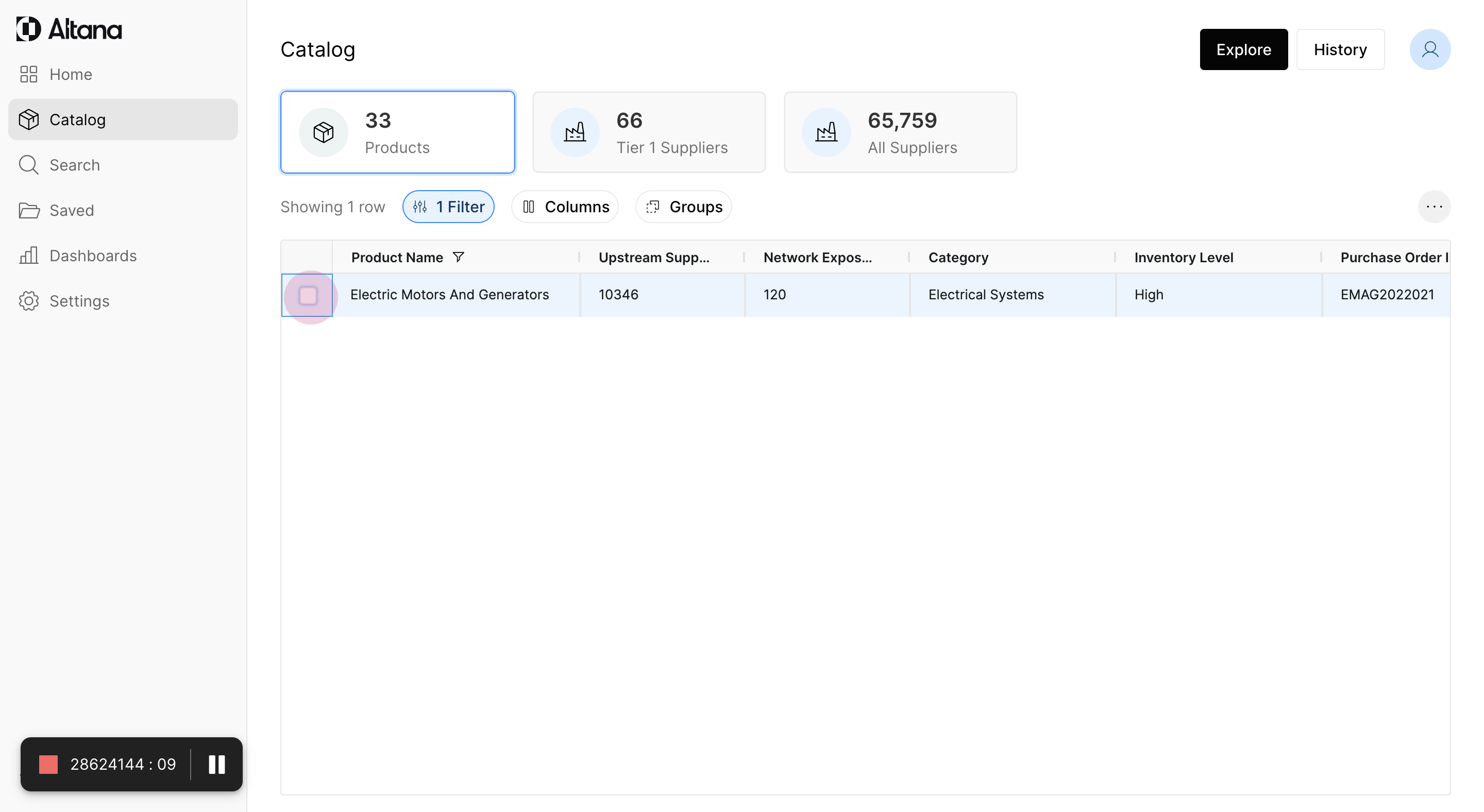
Step 2: Search for the product by name. In this case, type "electric motors" in the search bar.
Step 3: Select the product to explore further.
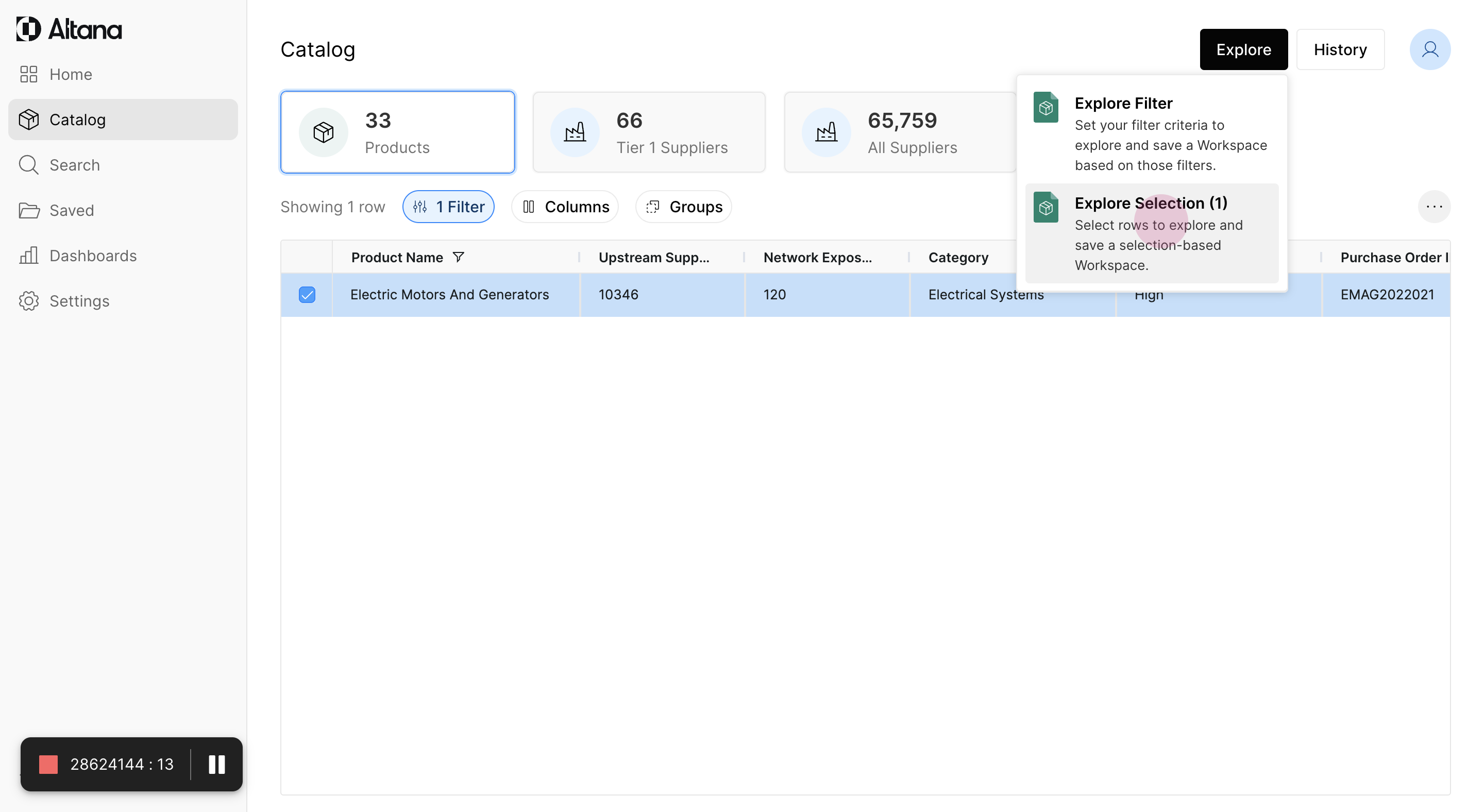
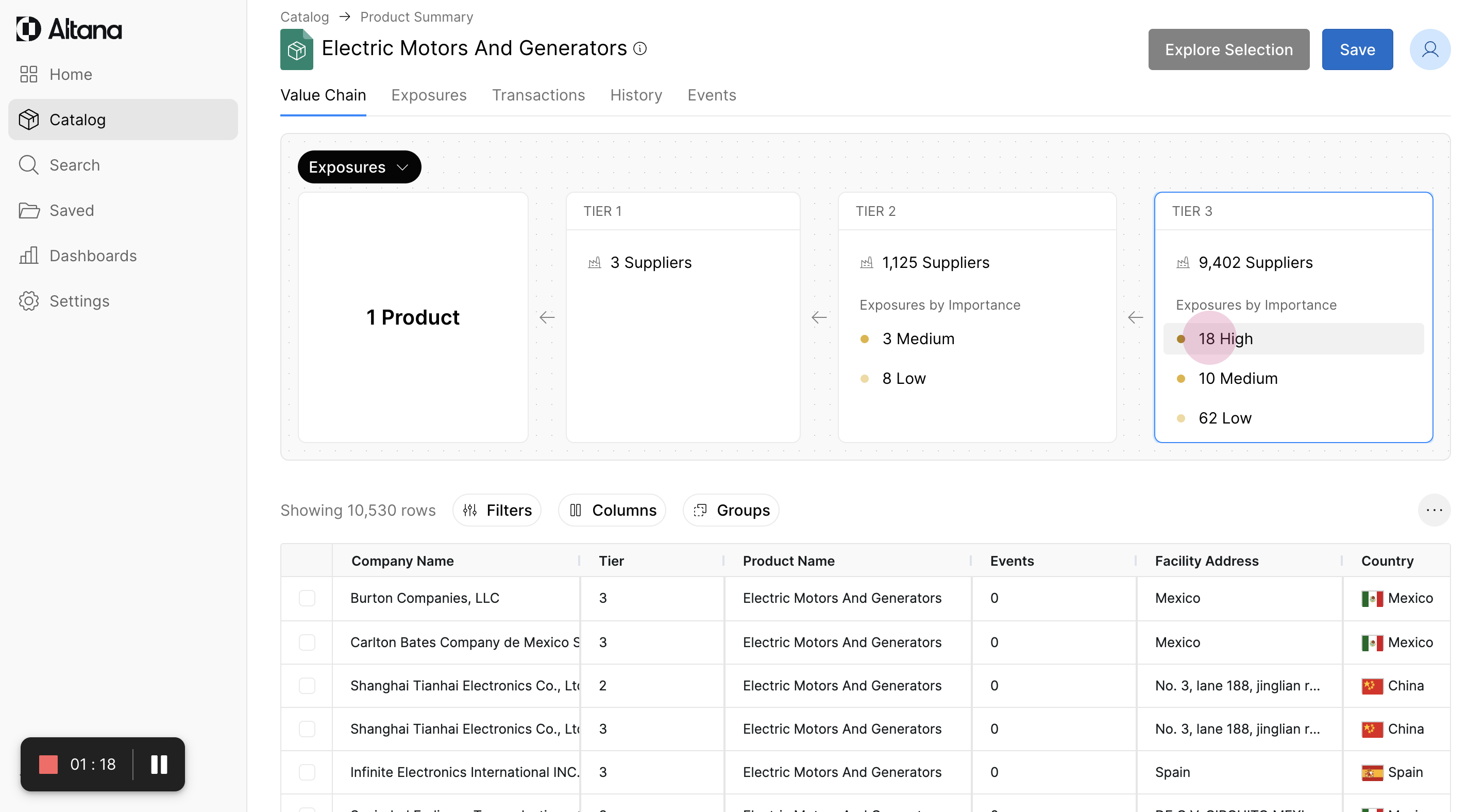
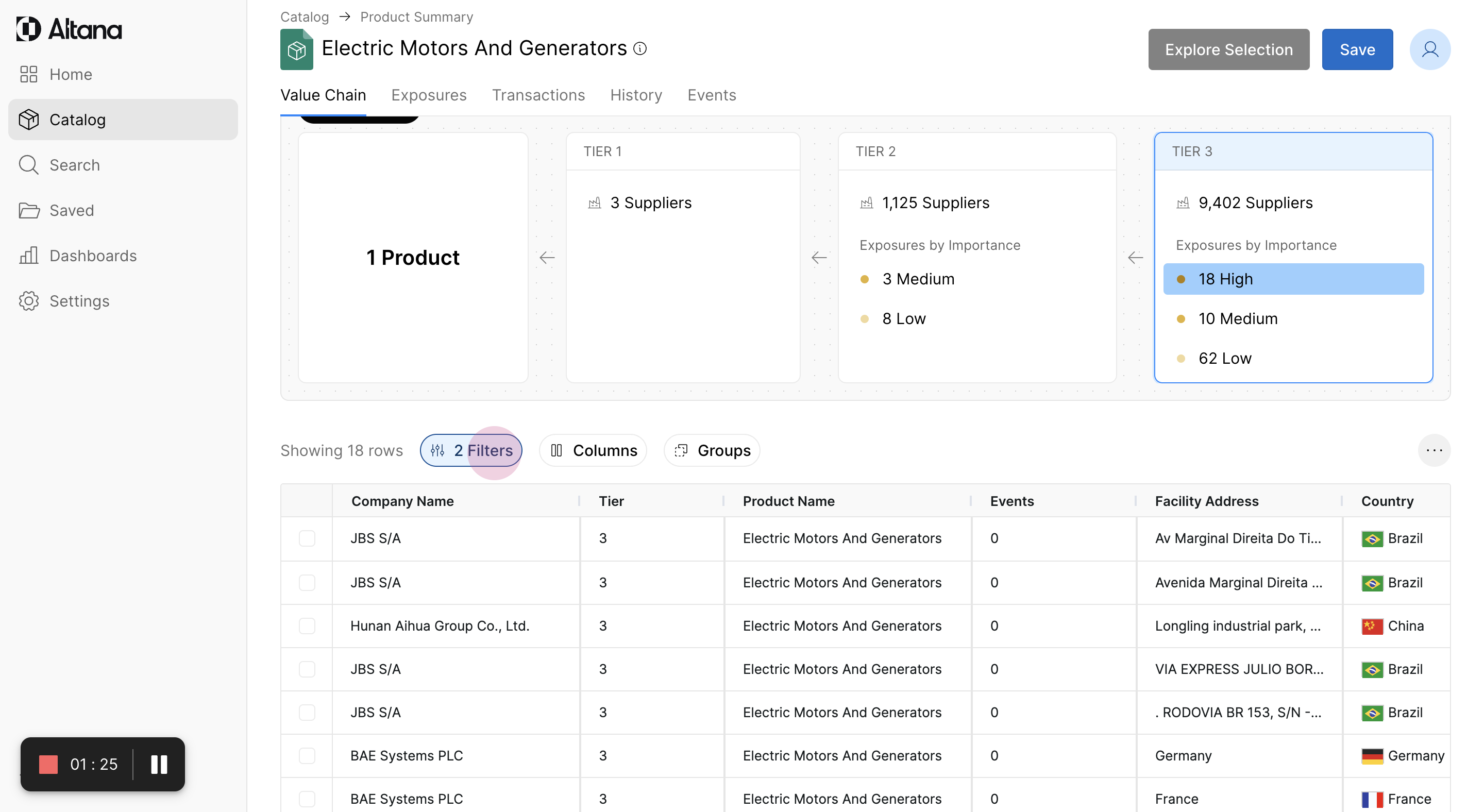
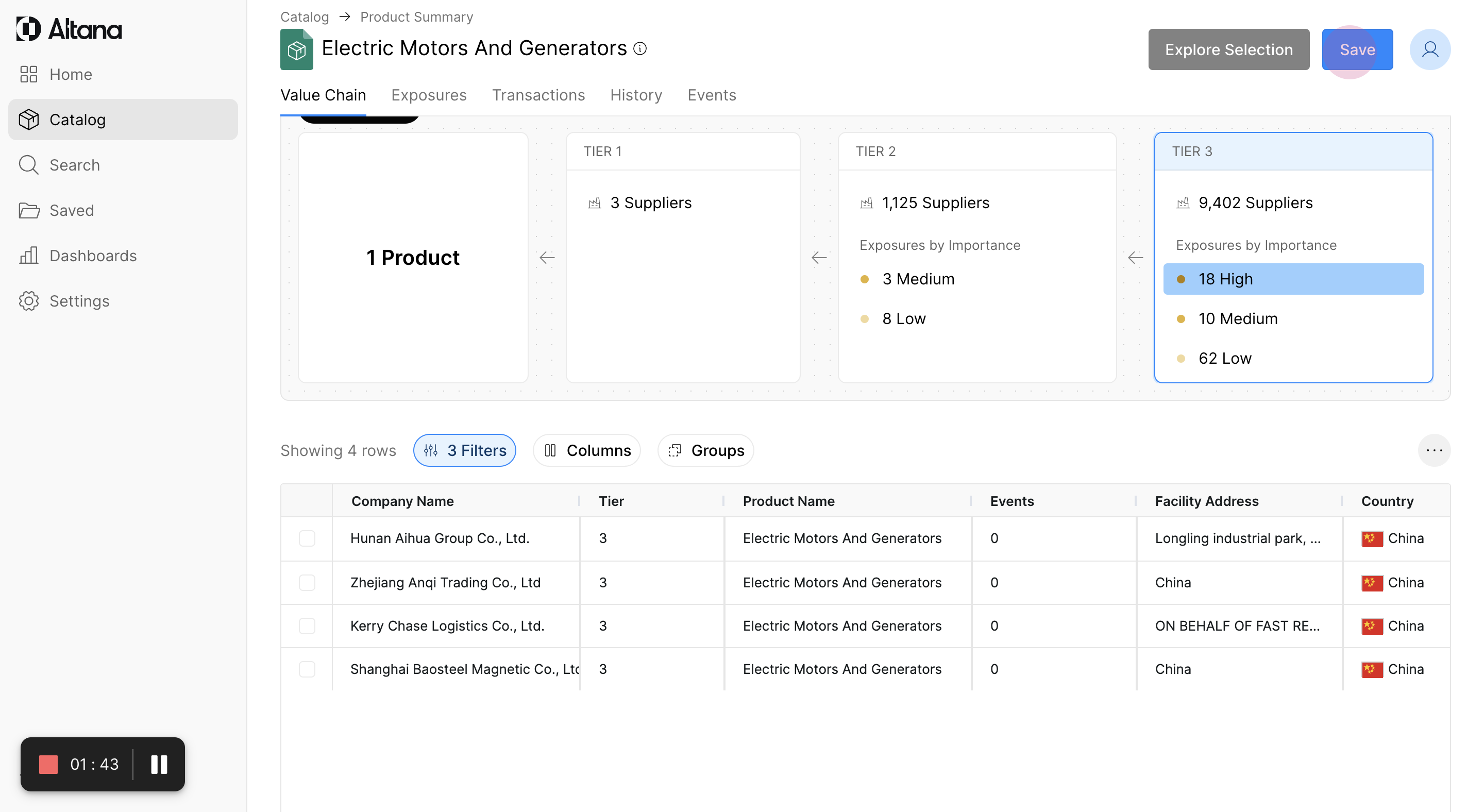
Step 4: View the multi-tier value chain for the product. This shows exposures broken out by tier. To focus on high-risk exposures of severe criticality, apply a geographical filter to suppliers located within China.
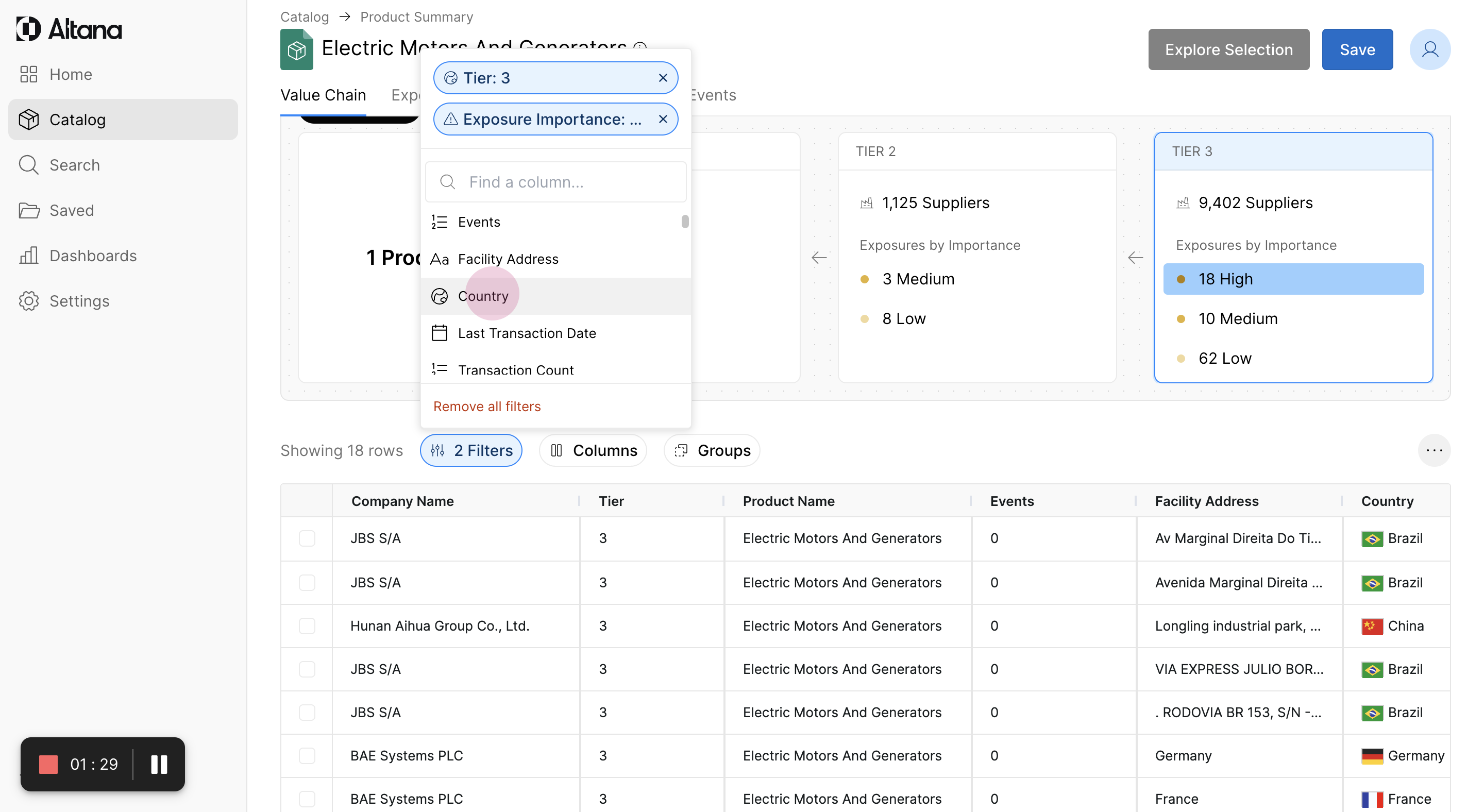
Step 5: Apply a filter for the country. Select "China".
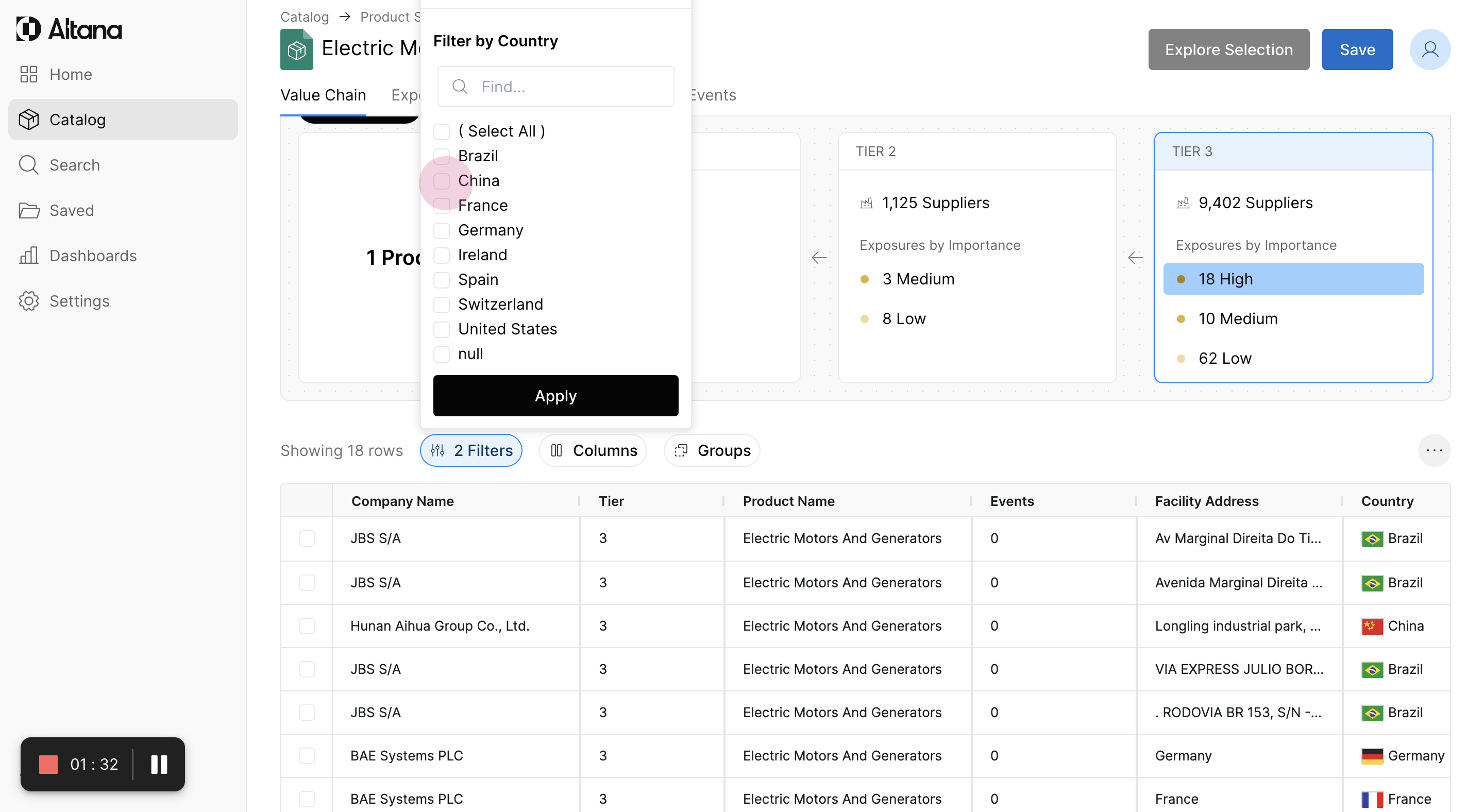
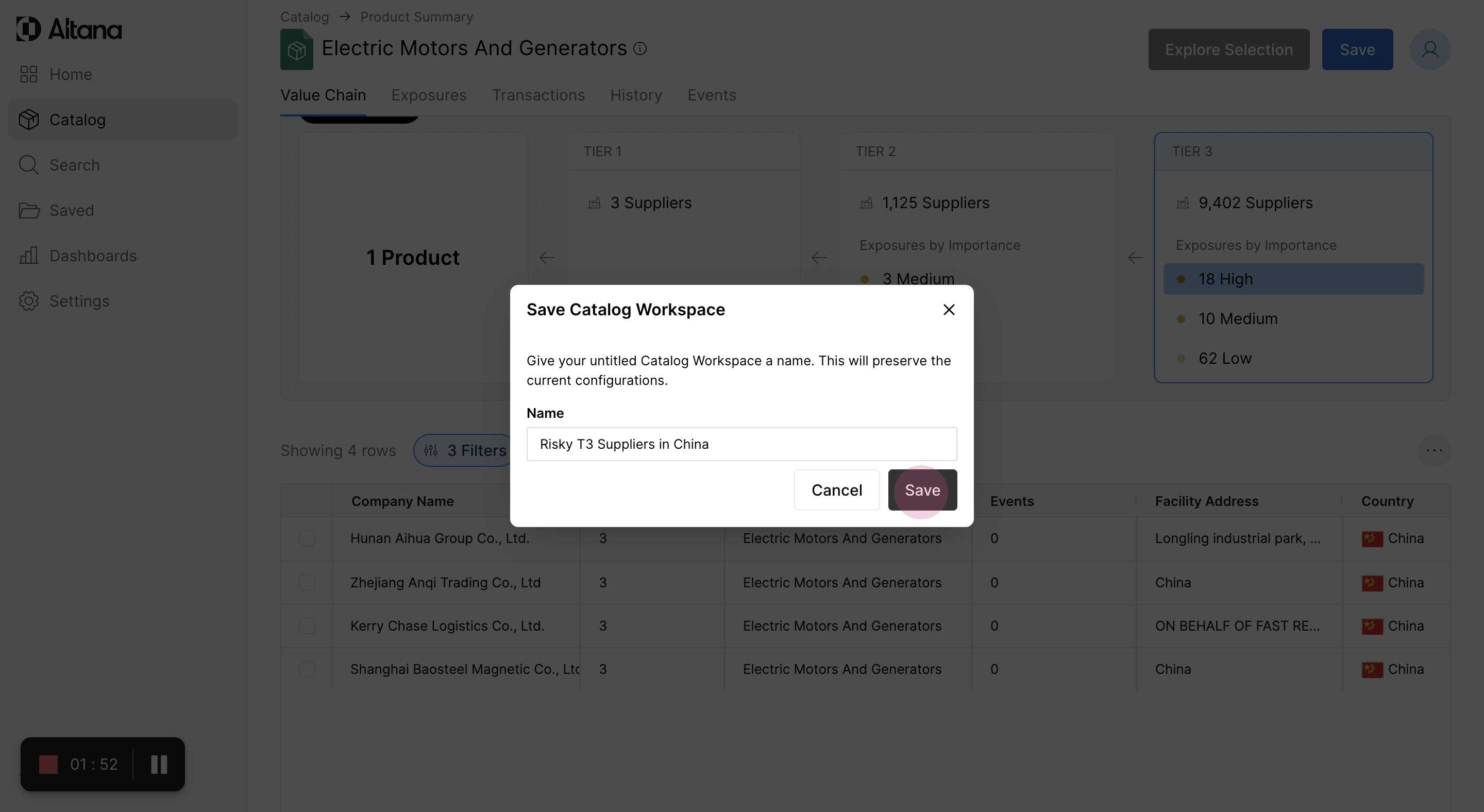
Step 6: After applying the filter, view all tier 3 suppliers that are potentially risky and located in China. Save this workspace with a descriptive name, such as "Risky T3 Suppliers in China".
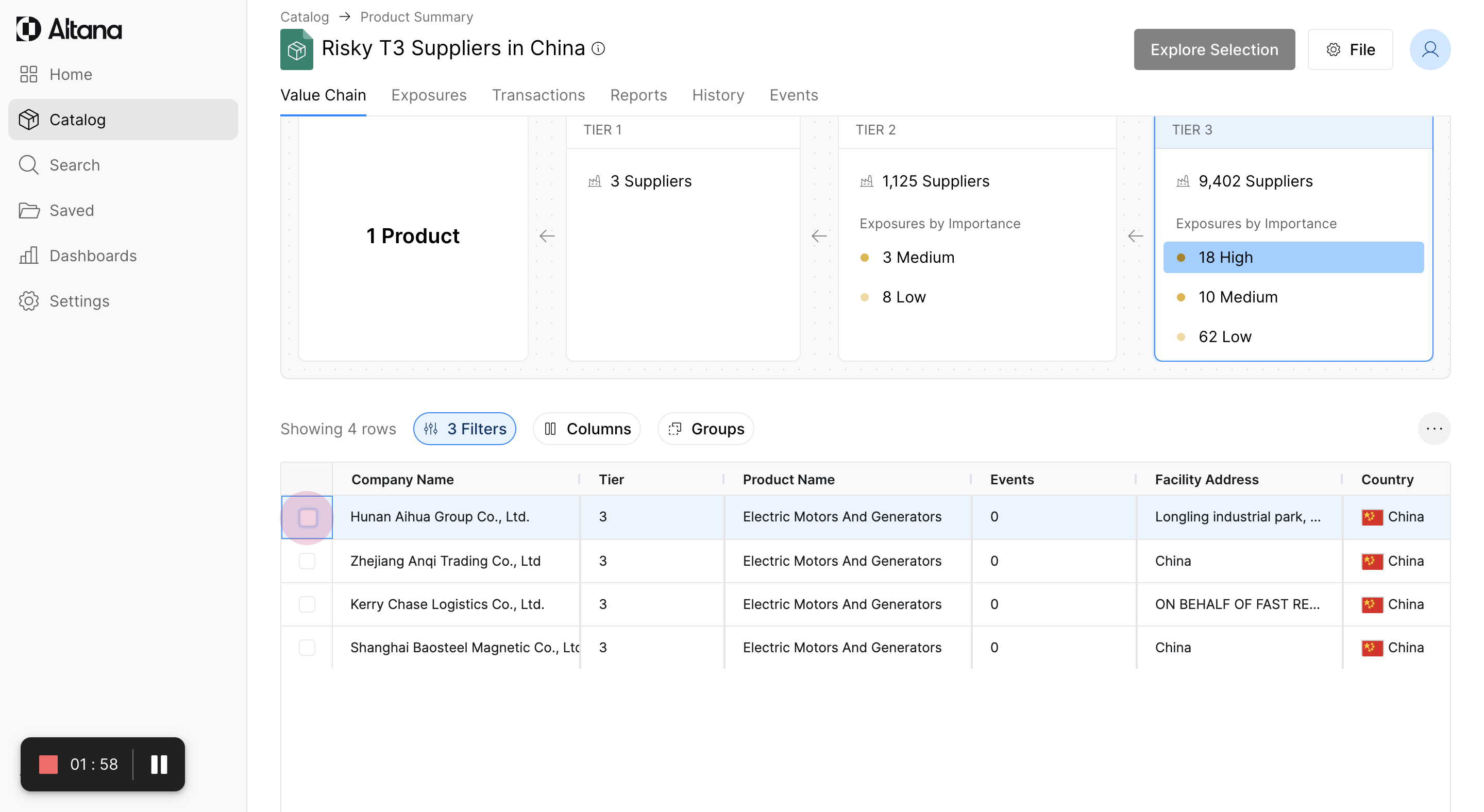
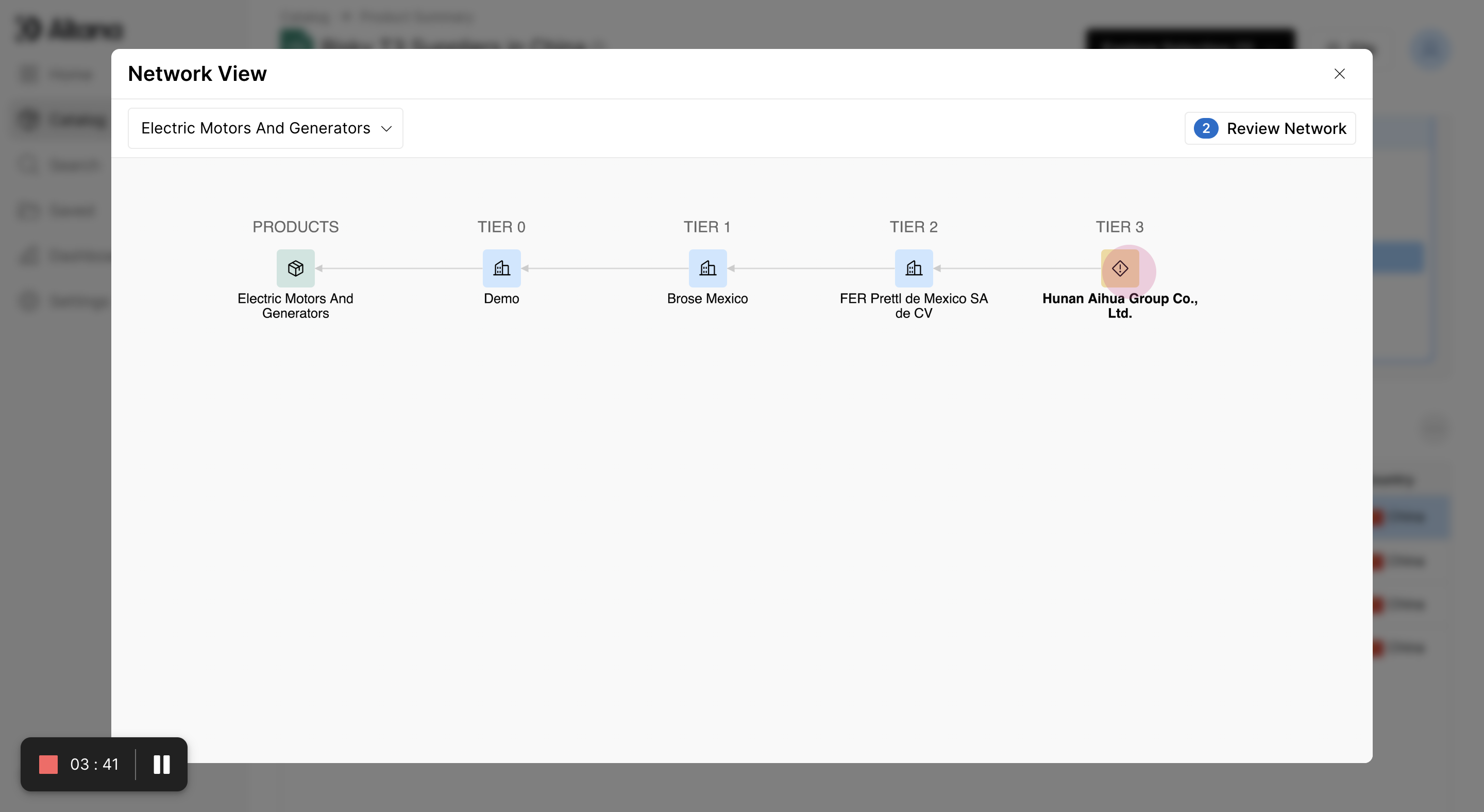
Step 7: Select a company, such as 'Hunan Aihua Group' to explore further.
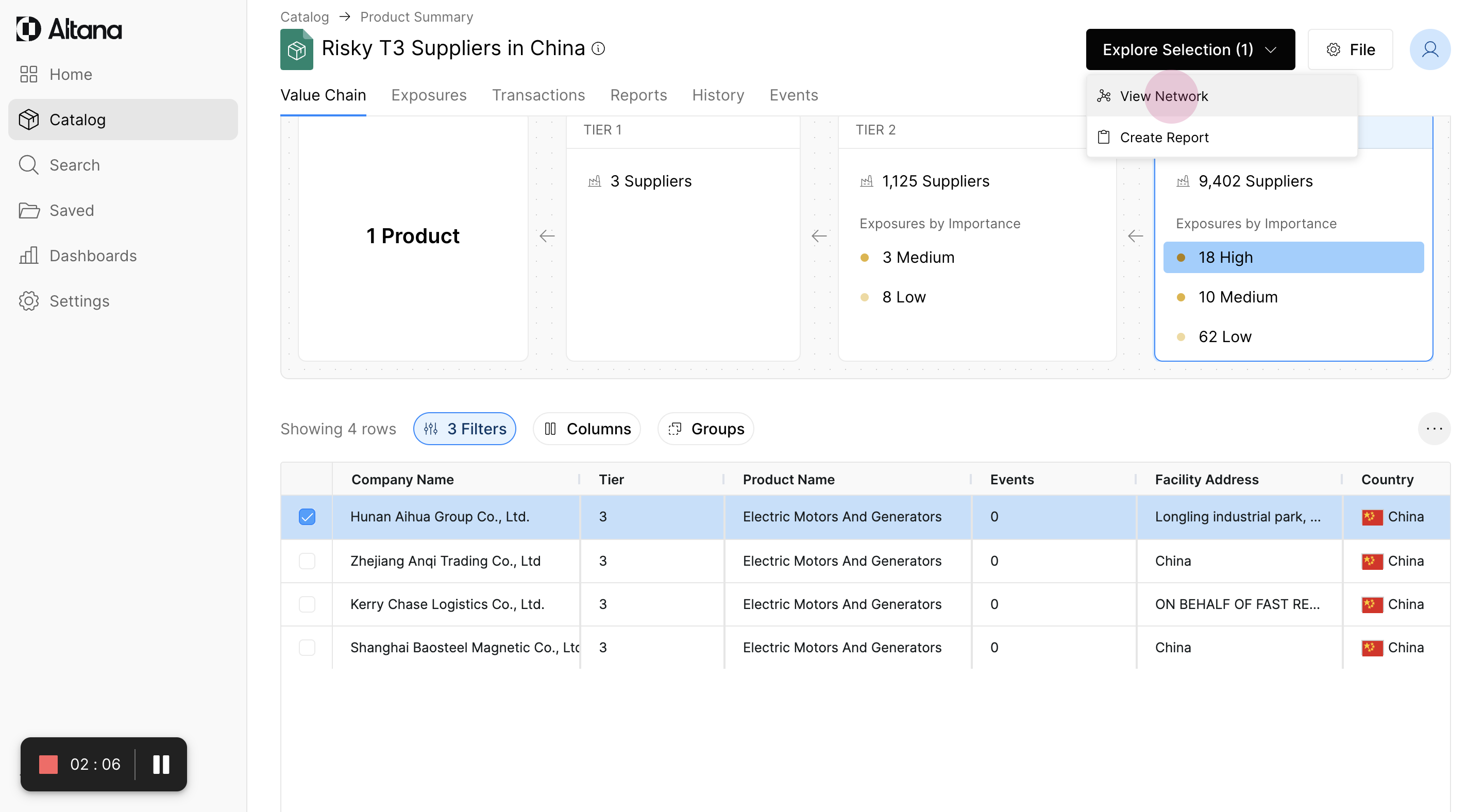
Step 8: Examine the network to understand the value chain and the flow of goods moving downstream to the finished product.
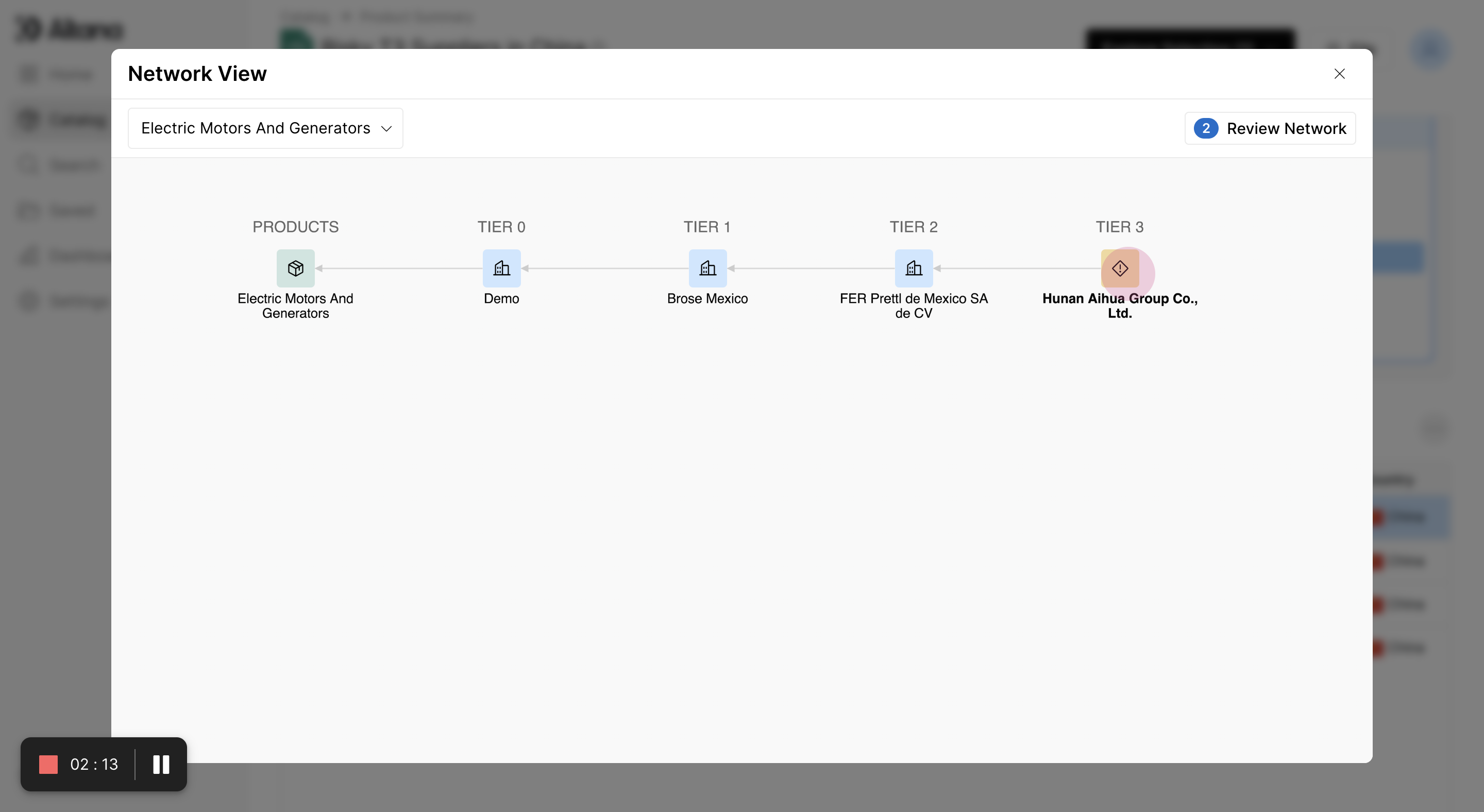
Step 9: If a company, such as 'Hunan Aihua Group', is flagged on the UFLPA geofence risk list, this means the company owns and operates facilities within the Xinjiang region.
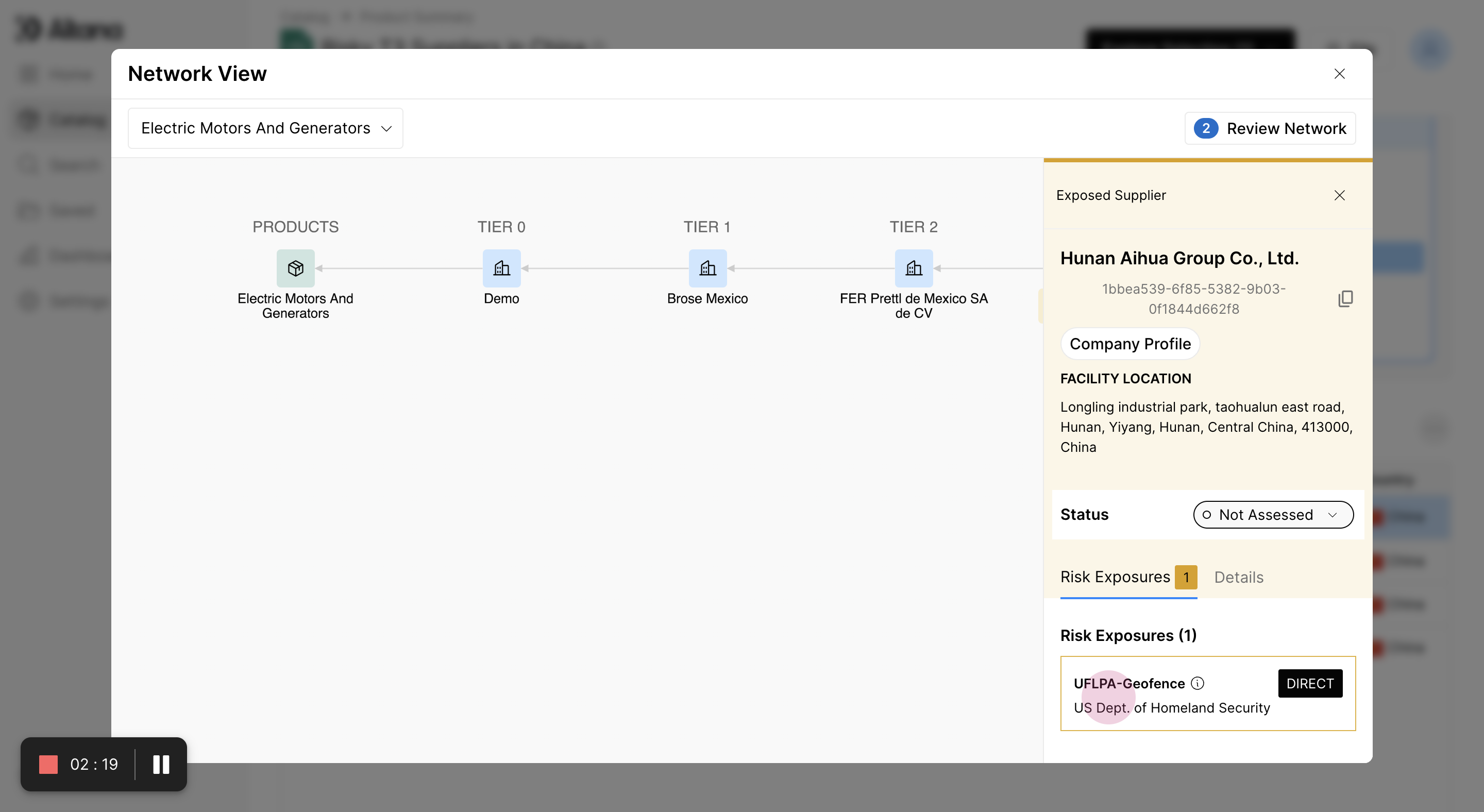
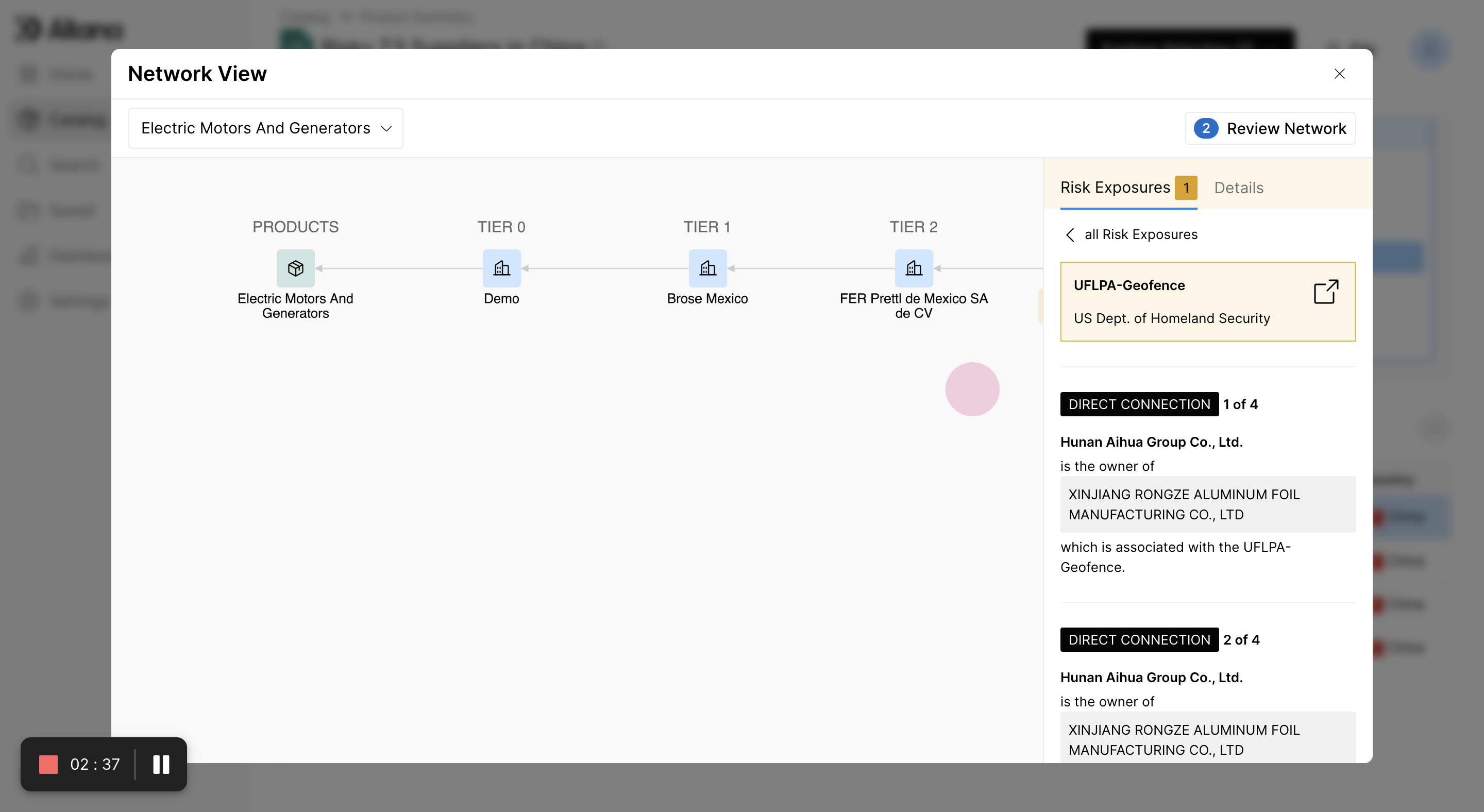
Step 10: Identify if the selected company owns another company associated with forced labor risk. In this example, 'Hunan Aihua Group' owns "Xinjiang Rongze aluminum foil manufacturing", which is located in Xinjiang.
Step 11: View the transactions flowing from the risky company to the finished product. Select the transaction edge to show the link and the material involved.
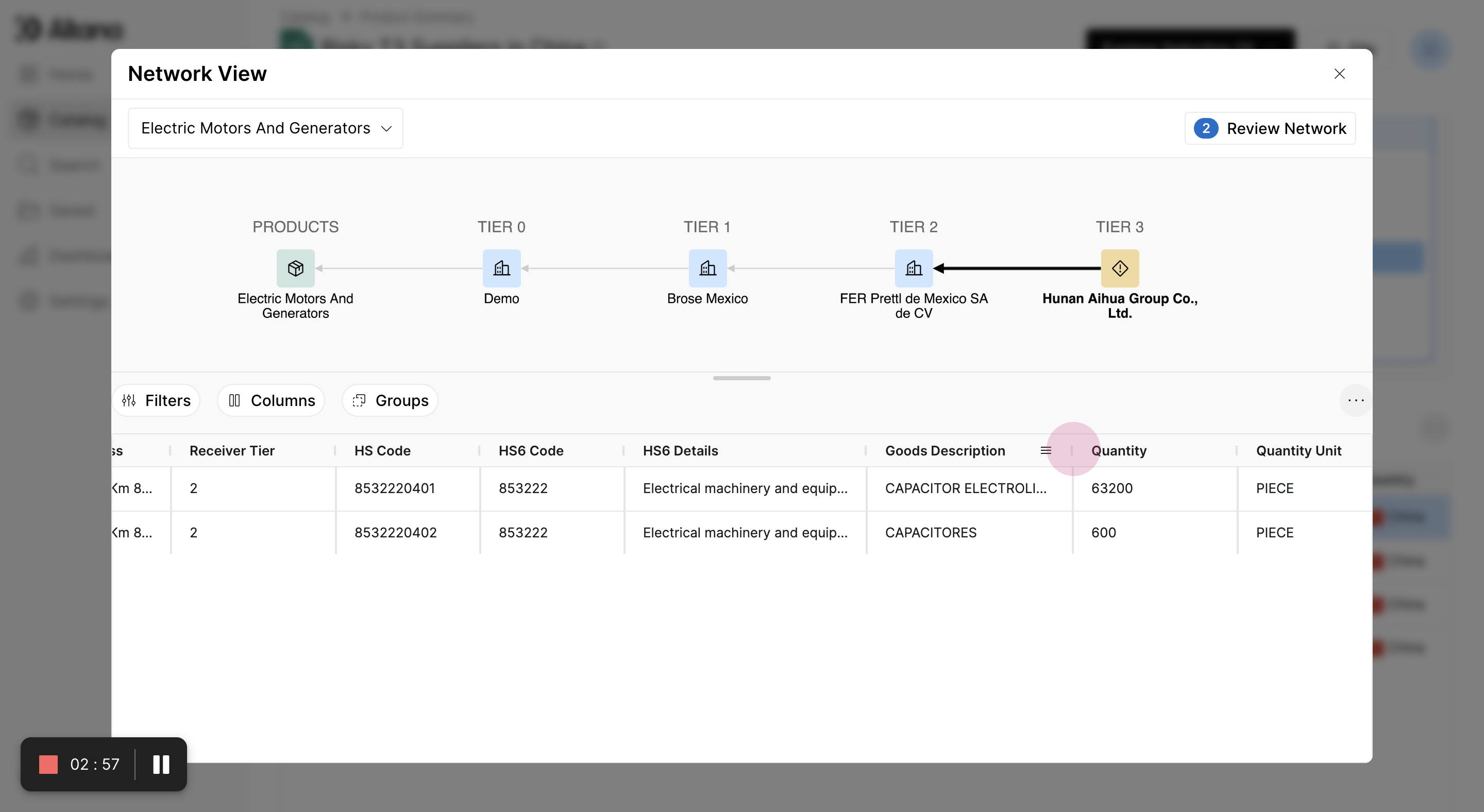
Step 12: Identify the parts involved in the finished good. In this case, the material is "electrical capacitors of aluminum". From tier 2 to tier 1, the parts are for electric motors.
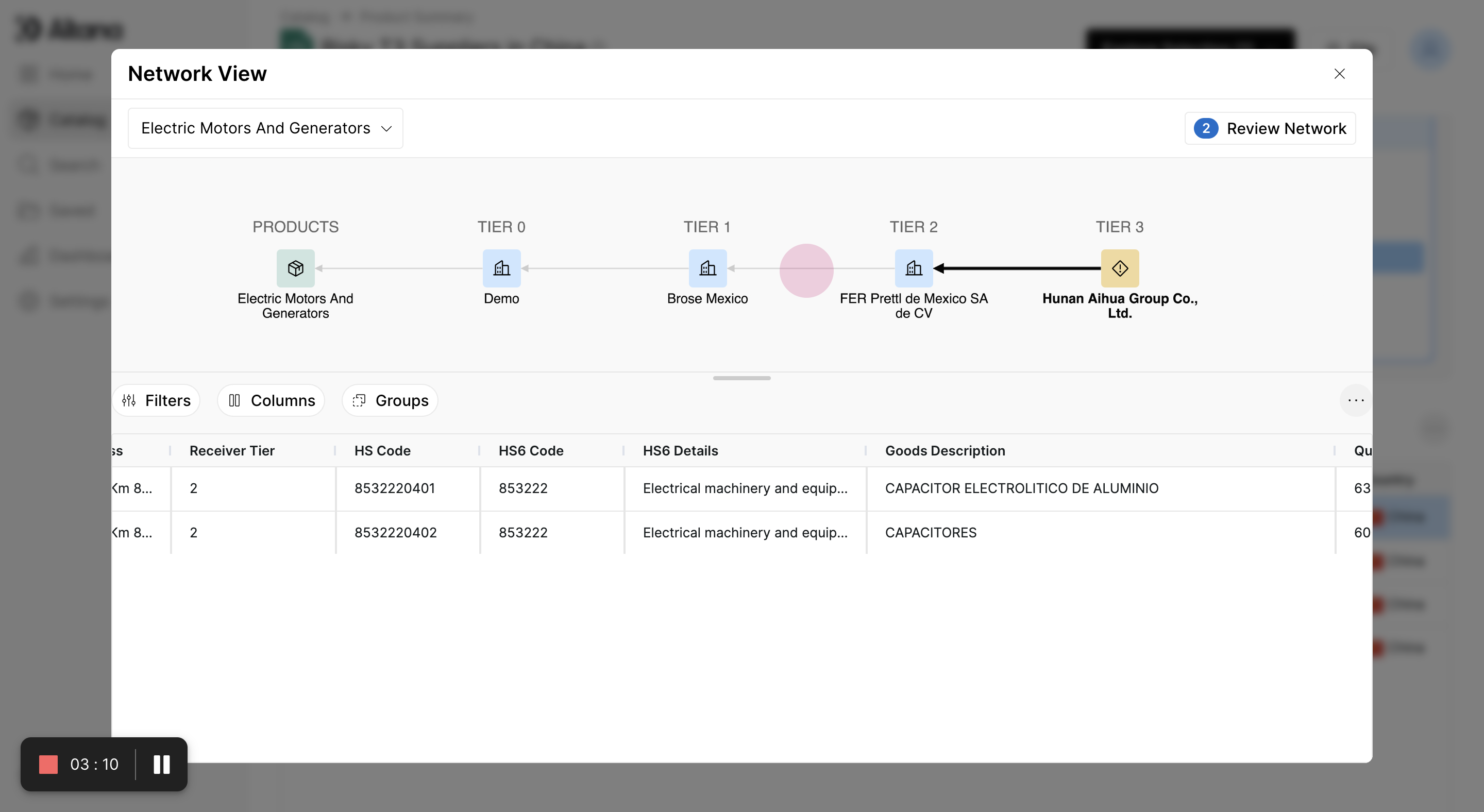
Step 13: Review the network by selecting Review Network. This groups together the transactions and allows you to select whether these transactions are relevant inputs to the finished good. In this case, the electrical capacitors could be potentially related, so the transactions can be marked as relevant.
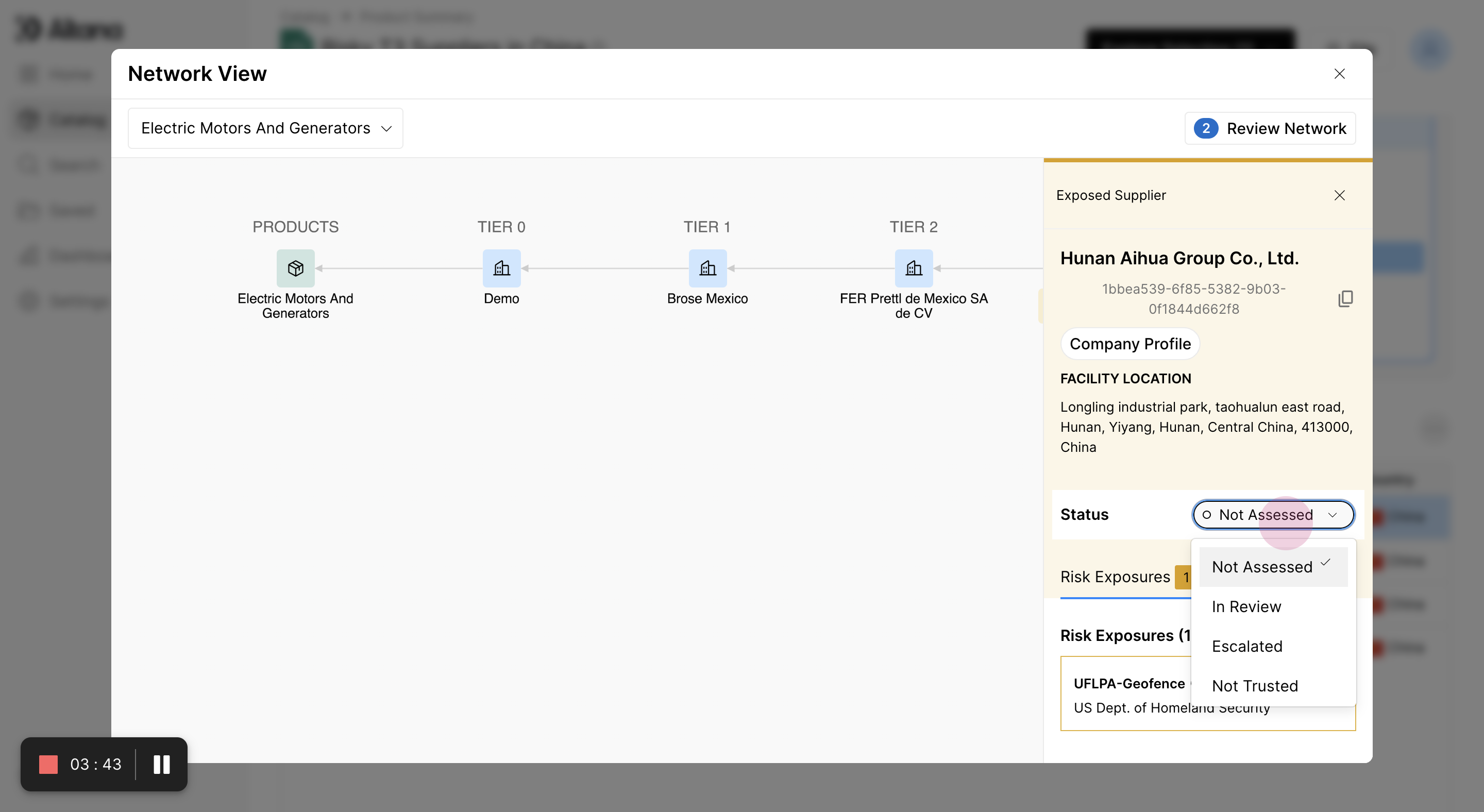
Step 14: Mark the status as In Review. This shows that the potential risk exposure is currently under review.
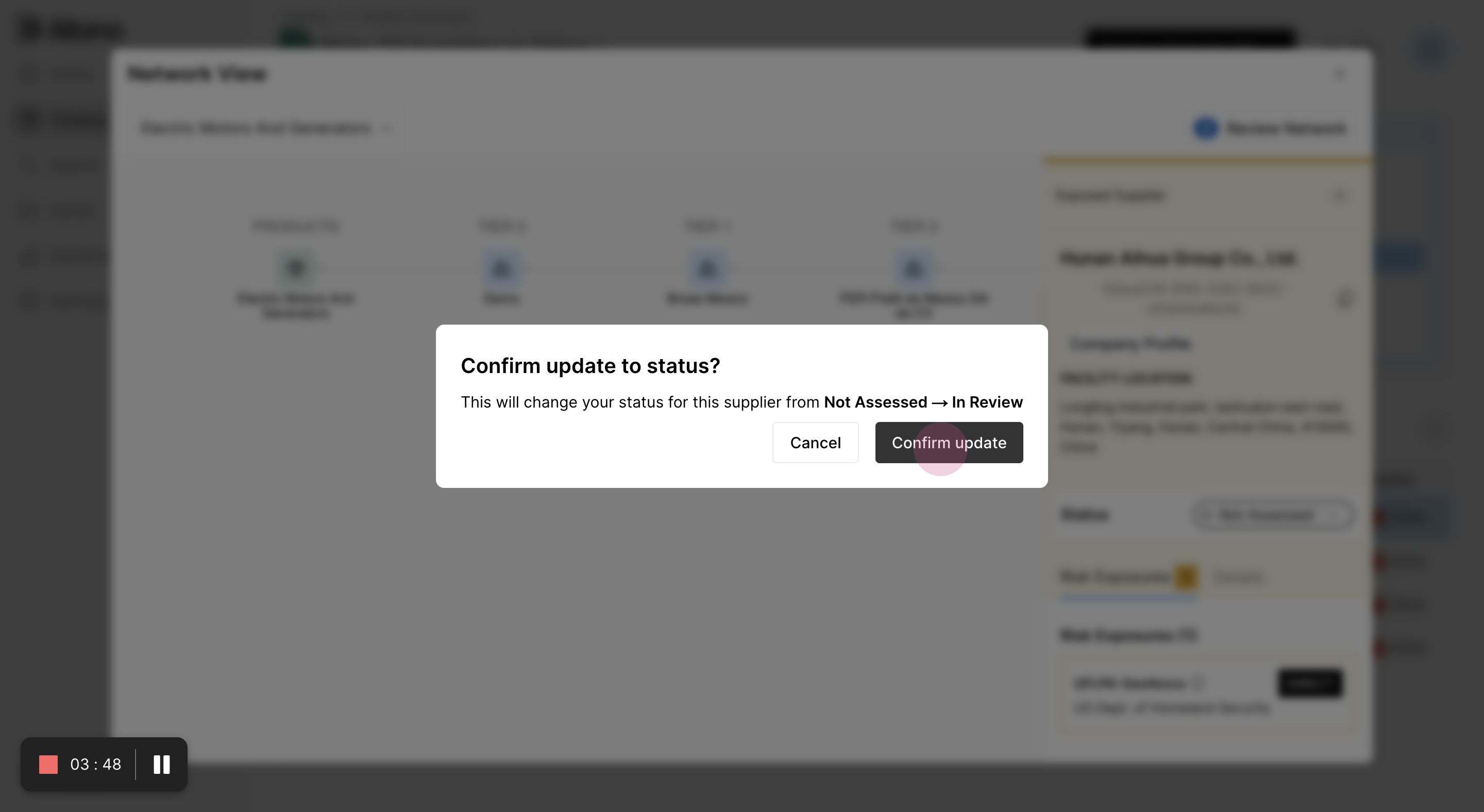
Step 15: Summarize the information by creating an automatically generated report.
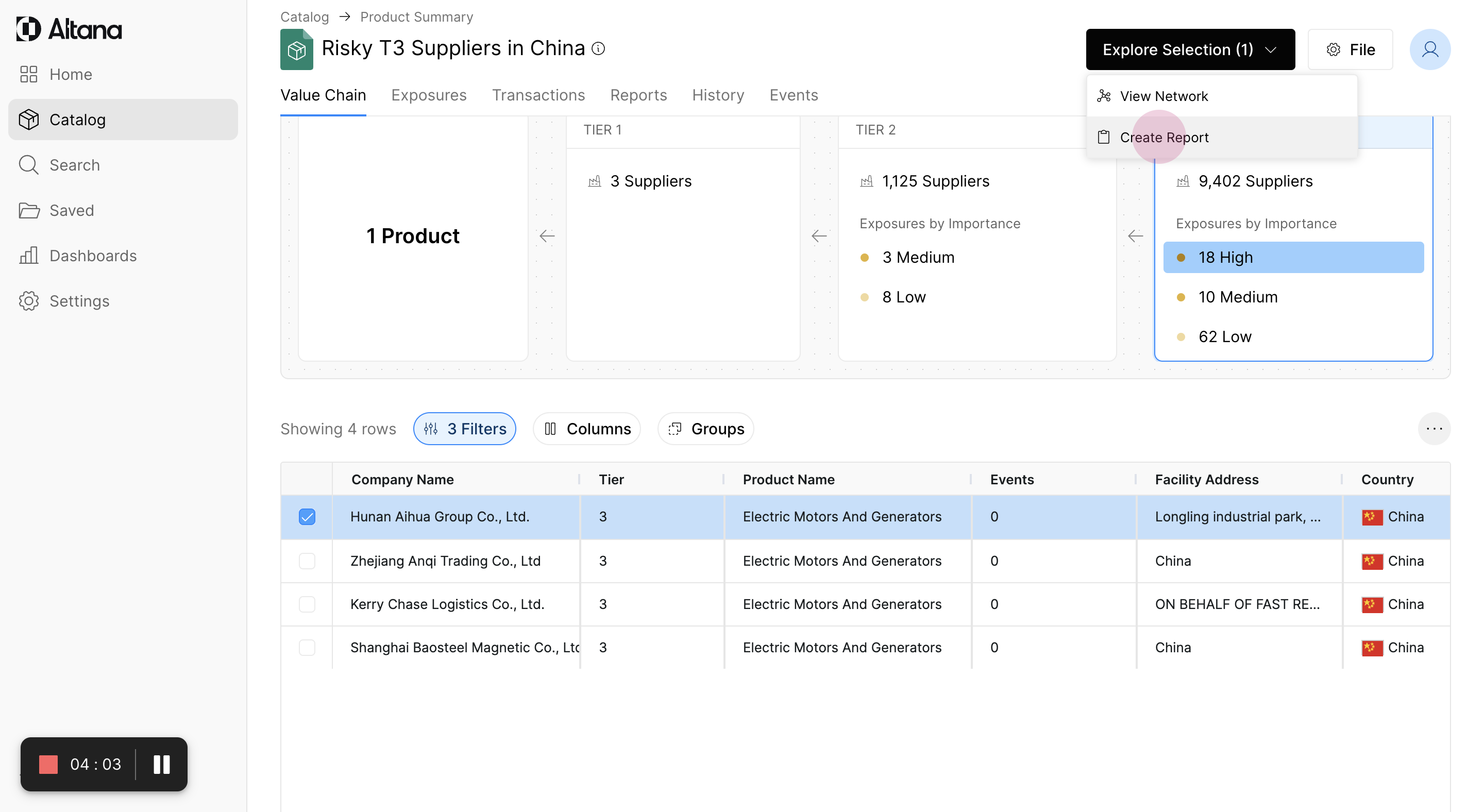
Step 16: Review the report. It summarizes all the information within the value chain network map and explains how the supplier is related to the finished good and why it's potentially risky.
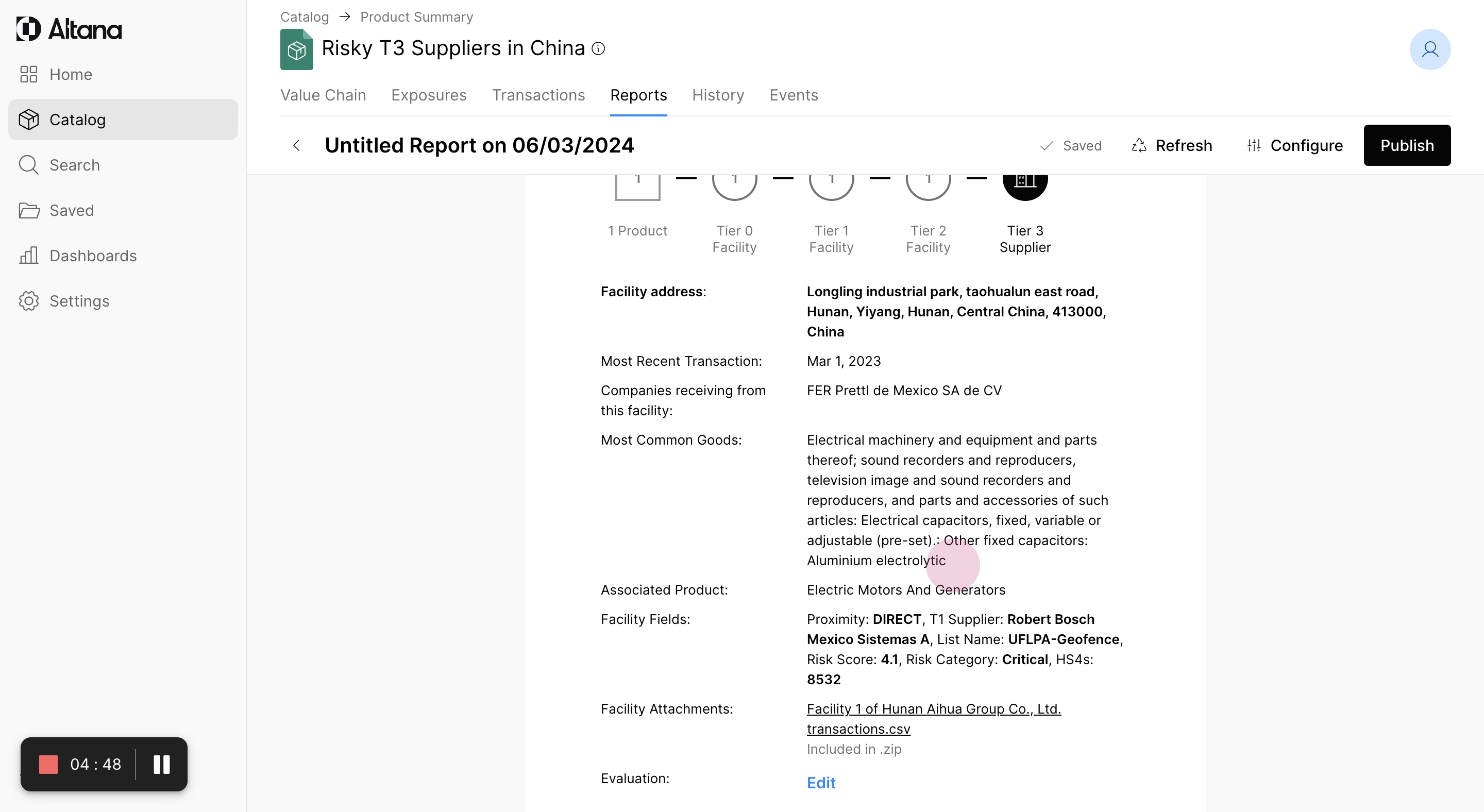
Step 17: The report includes a CSV file with all transactions and a PDF file. Share this report both internally for escalation and externally with the Tier 1 vendor to confirm, in this case, that they are no longer working with the risky supplier and have implemented a corrective action plan.