Uploading Entries
Draft: the upload flow is still being finalized. The CSV template and field requirements may change; use the in-app CSV Template download as the source of truth for the expected format.
You can add entries by uploading a file, as an alternative to submitting them through the API. Uploaded entries run through the same checks as API submissions — there is no difference in screening between the two paths. Uploads are no longer supported in TCG.
Start an upload
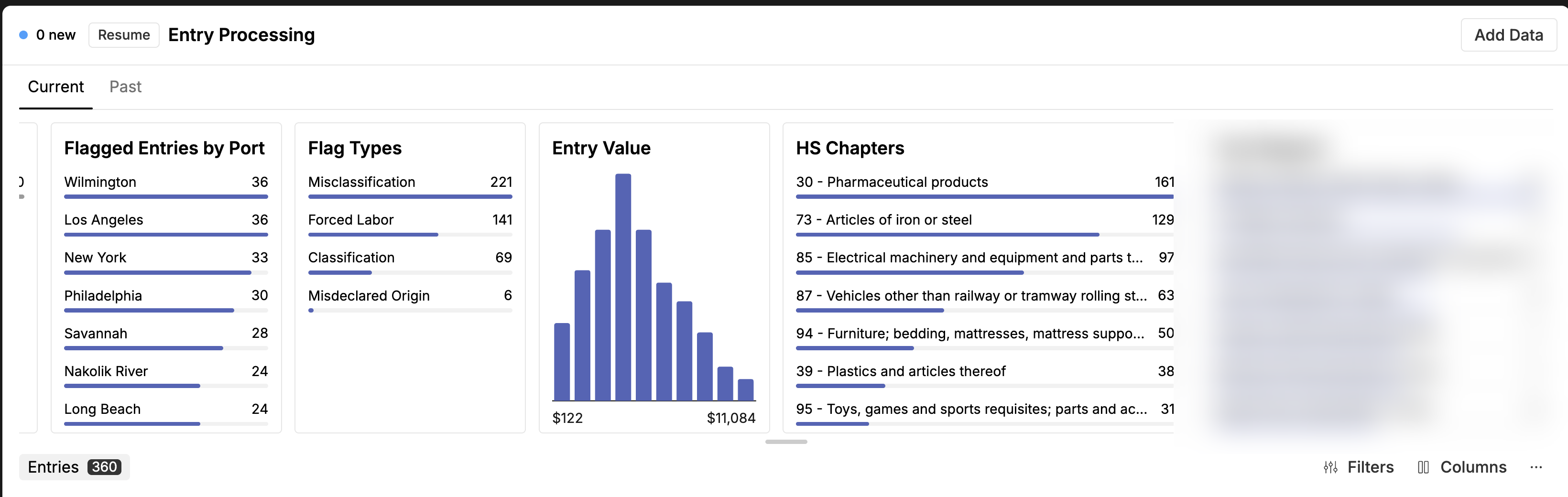
From the Entry Processing home, click Add Data in the top right.
Choose a file and the checks to run
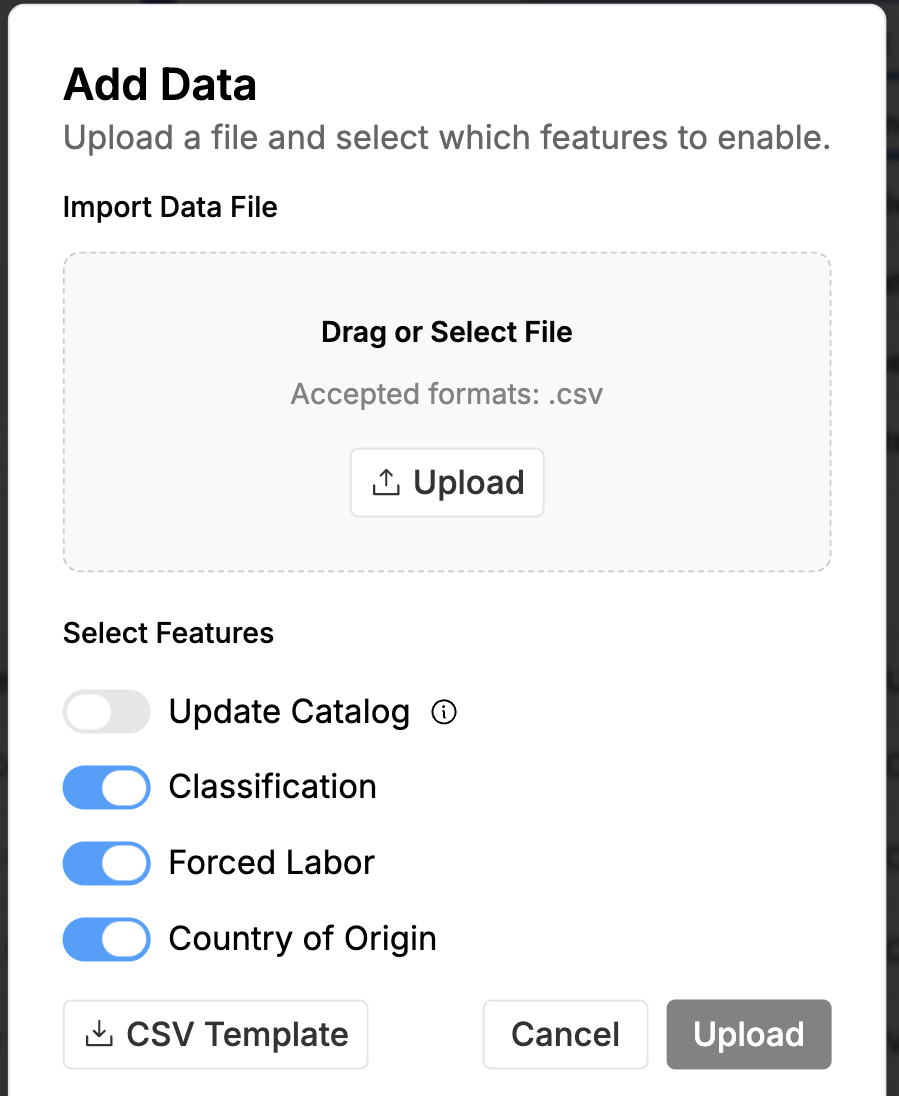
In the Add Data dialog, drag or select a .csv file. Then choose which checks to run on the uploaded entries — the toggles available here match the checks enabled for your account (for example, Classification, Forced Labor, and Country of Origin), with an optional Update Catalog toggle. Download the CSV Template to match the expected format, then select Upload.