
Logging into Altana
You can sign in to Altana using a password or a magic link — a secure, one-click login sent directly to your email.
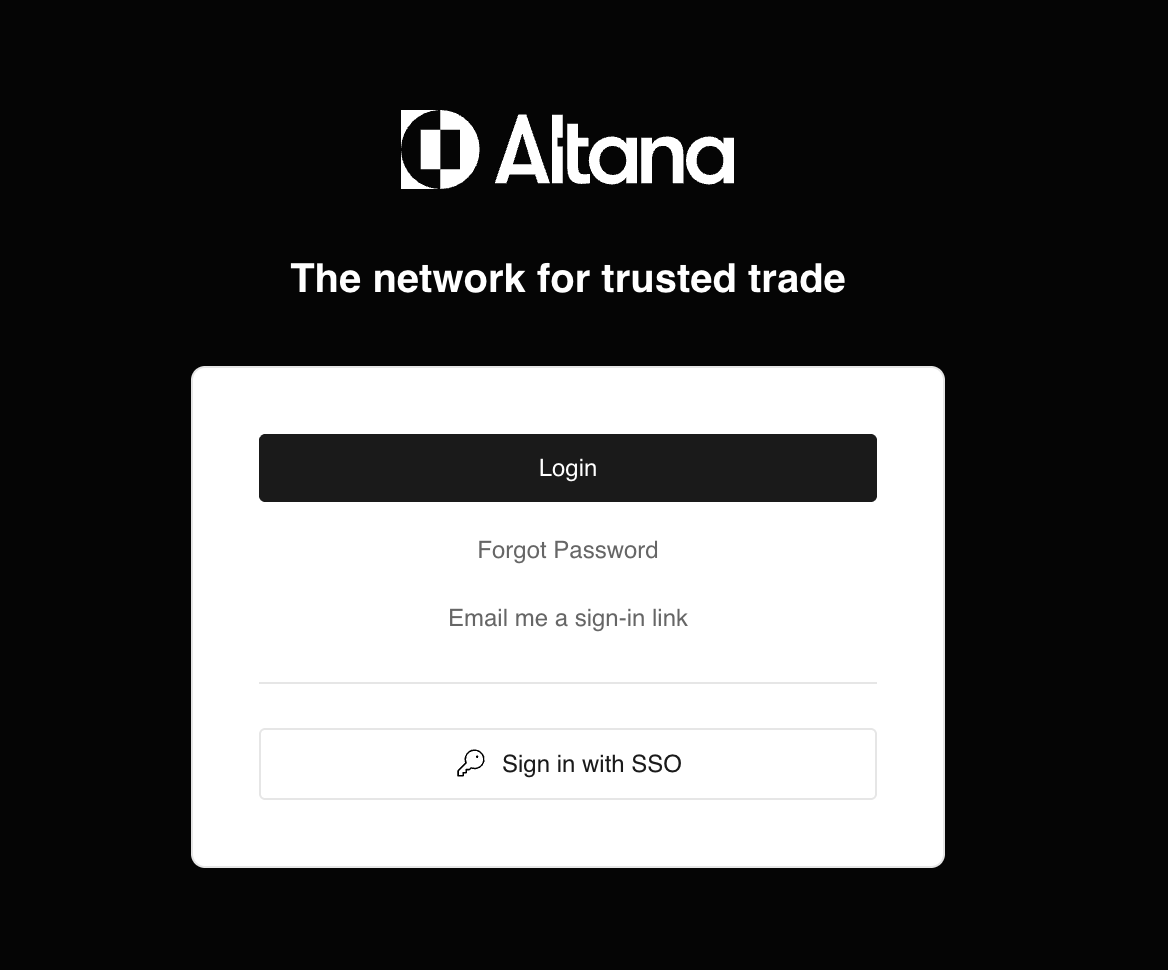
Signing in with a magic link
Magic links let you sign in without a password. To use one:
- Go to network.altana.ai and enter your email address.
- Click Send me a login link.
- Check your inbox for an email from Altana and click the link to sign in.
Magic links expire after 14 days. If your link has expired, click the link in your email again or request a new one from network.altana.ai.
Signing in with a password
If you already have a password set up, you can continue using it. Magic links are an additional option — not a replacement. Both methods work simultaneously.
Key details
- If your organization uses Single Sign-On (SSO), magic link sign-in will be disabled. Use your organization's SSO provider to log in.
- Magic links expire after 14 days.
- If you have a password, both sign-in methods are available to you.