
Exporting Data
Export search results and exploration data in CSV or Excel format, with improved formatting, tab separation, and filter support.
Overview
Exports have been significantly improved to give you cleaner, more usable data. Exploration exports now support Excel with automatic tab separation, and all exports respect your column preferences and active filters.
Export Formats
From the results grid, the export button opens a dialog where you choose the file format before exporting.
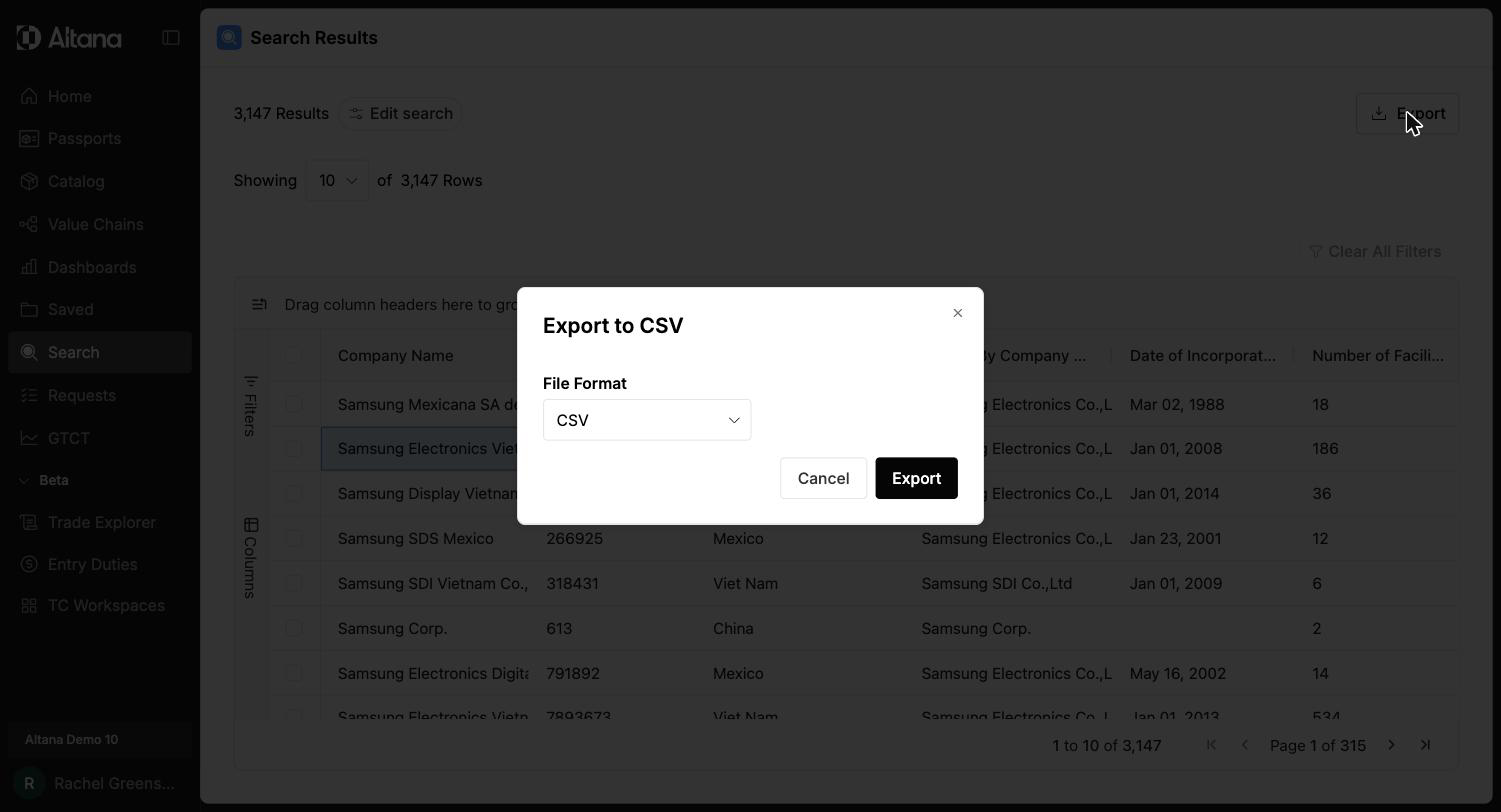
- CSV — UTF-8 encoded, suitable for most data tools.
- Excel (.xlsx) — Includes preserved formatting and, for exploration exports, separate tabs for each edge type (Supply Chain, Ownership, Directors, etc.).
What's Included in Exports
Column and Filter Support
Exports now reflect your current view:
- Column order matches what you see in the interface.
- Column visibility — only the columns you've chosen to display are included.
- Active filters are respected — if you've filtered an exploration (e.g., "only show 2025 transactions"), the export includes only the filtered data.
Choosing What to Export
When exporting from an exploration, you can select:
- Current Selection — Exports only selected nodes and their visible relationships.
- All Visible Data — Exports all nodes and edges currently displayed on the canvas.
You can also choose specific node and relationship types to include.
Data Formatting
Exports preserve proper data types for reliable downstream analysis:
- Numbers export as numbers (not text).
- Dates export in YYYY-MM-DD format.
- Text fields export as text with proper handling of special characters and international text.
Exporting the Canvas Image
In addition to data exports, you can capture the exploration network as an image. From an open exploration, choose Download Screenshot from either:
- The Export button in the top right, or
- File > Download Screenshot in the canvas toolbar.
The screenshot reflects your current canvas view, including zoom level, applied filters, highlight colors, and any hidden nodes. The screenshot is a pixel capture — for large networks, zoom in to the area you want to capture before downloading so company names remain legible.
Tip: If you're preparing a report or briefing, export both the CSV/XLSX and a screenshot. The screenshot preserves the visual context (which nodes are highlighted, which expansions are active) that a flat table can't convey.
To turn an exploration into a formatted PDF report instead, with an executive summary, exposure headlines, and the canvas image, choose Export Summary PDF from the same Export menu. See Exploration Summary Report.
Export Limits
- Exploration exports: Up to 10,000 entities per type, with up to 20,000 edges/relationships.
- Edge table exports: Up to 10,000 transactions and/or relationships.
- Search results exports: Up to 10,000 results.
Clear notifications inform you when export limits are reached.
Key Details
- Exploration exports in Excel automatically separate each edge type into its own tab.
- Exports respect all canvas filters, column order, and visibility settings.
- Pagination no longer limits export size — exports include all data up to the system maximums listed above.