
Focus Explorations with Network Summaries
Focus with Network Summaries
Explorations contain overwhelming amounts of information, often making it difficult to know where to begin your investigation or understand what’s most important. With Network Summaries, you can now generate a short, easy-to-read summary of your exploration with just one click.
Step 1: Navigate to Search & Explore.

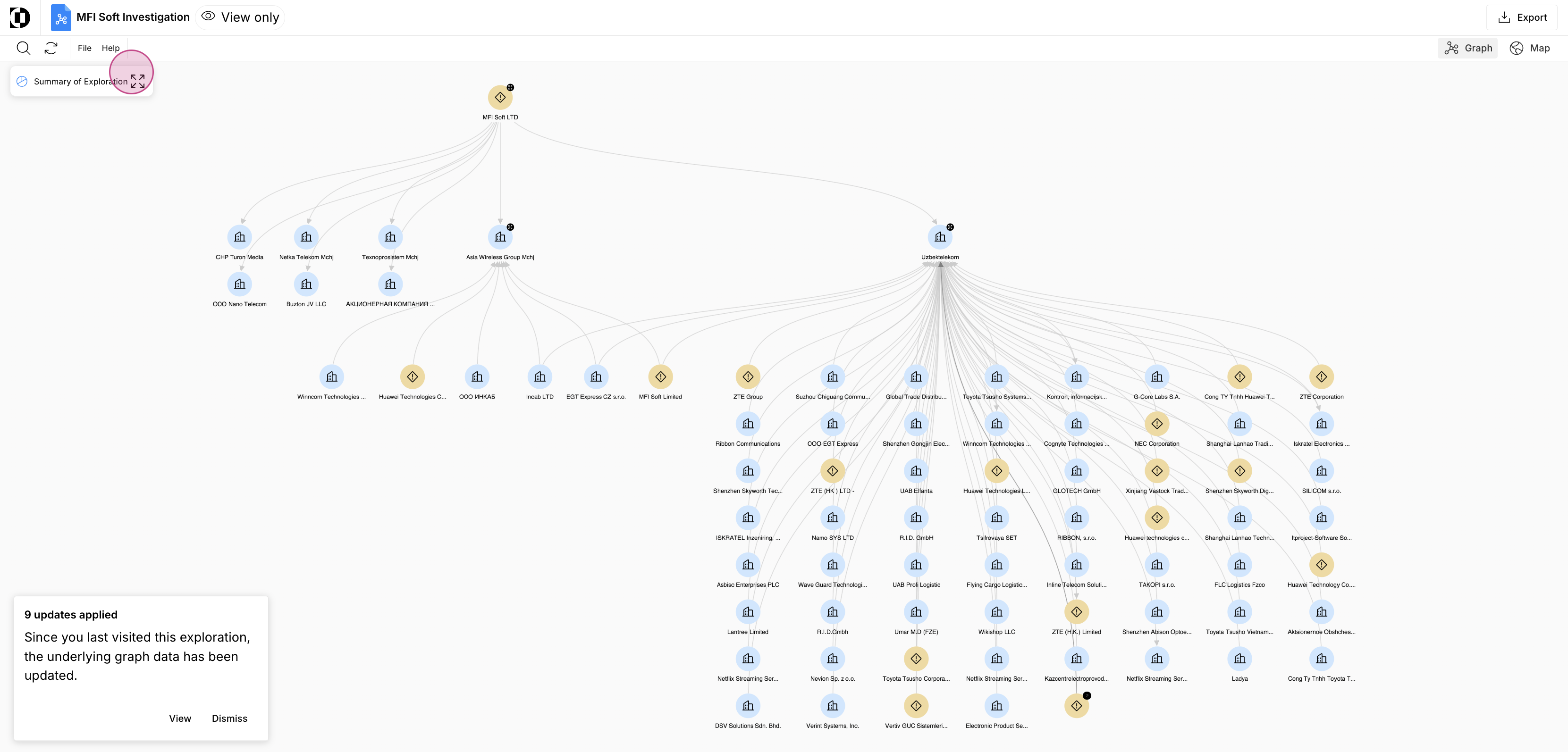
Step 2: Click Summary of Exploration in the top left.
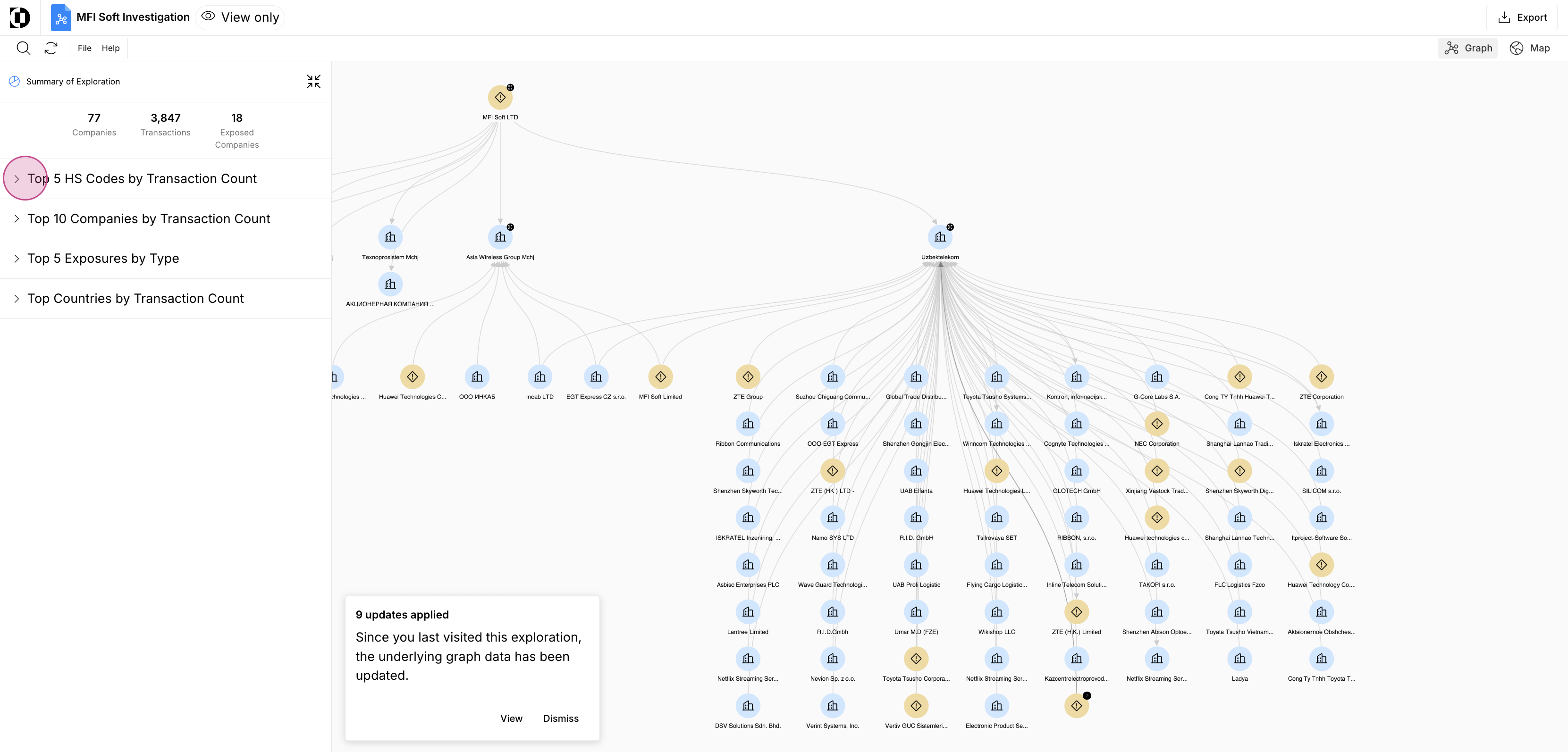
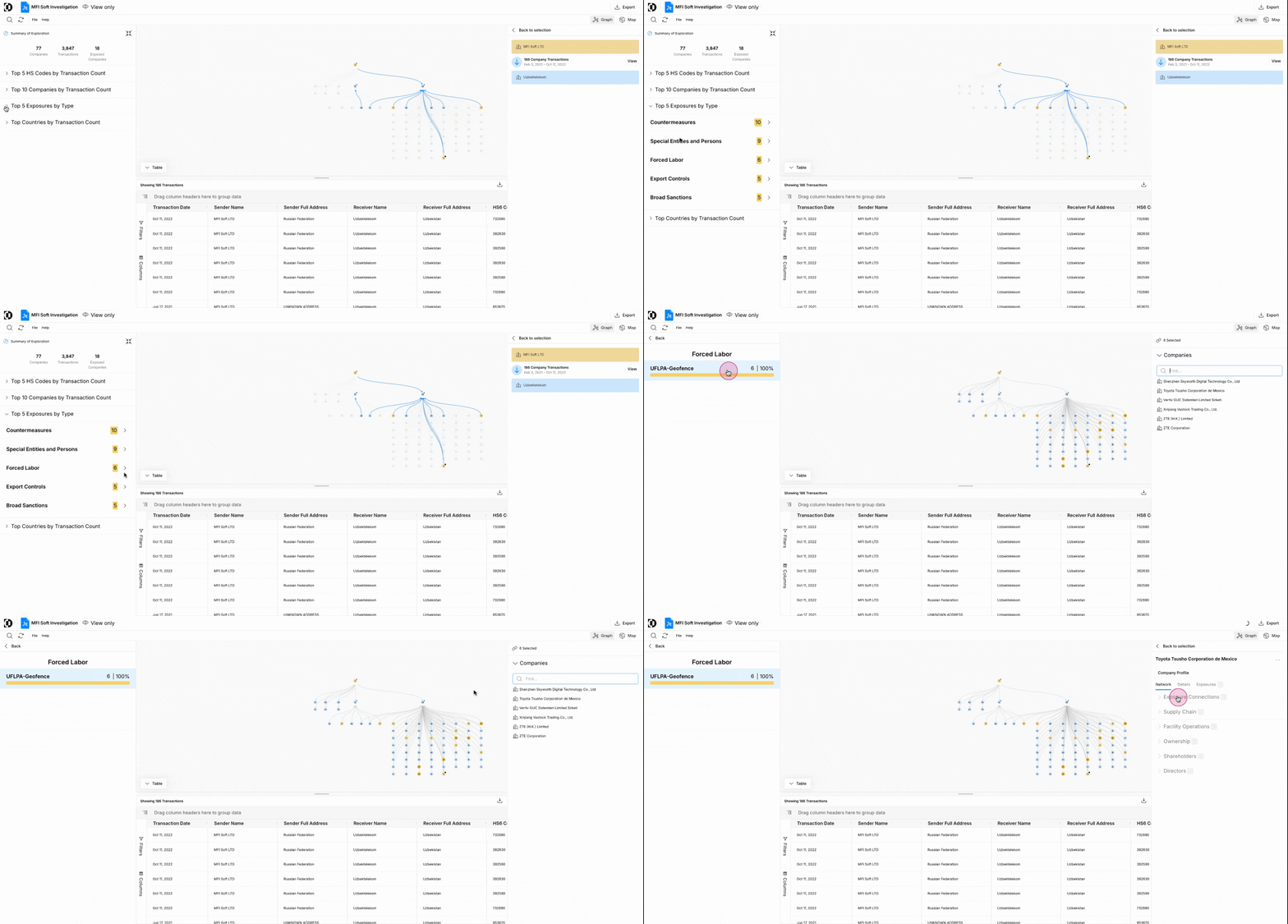
Step 3: See a high-level overview of your exploration, including counts of Companies, Transactions, and Exposed Companies at the top, followed by five collapsible sections:
- Top 5 HS Codes by Transaction Count — Most frequently appearing product classifications across all transactions in the exploration.
- Top 10 Senders by Transaction Count — Companies acting as senders, ranked by total transactions. Stacked bar segments show the HS code mix per sender.
- Top 10 Recipients by Transaction Count — Same ranking, recipient-side.
- Top 5 Exposures by Type — Risk categories present in the exploration.
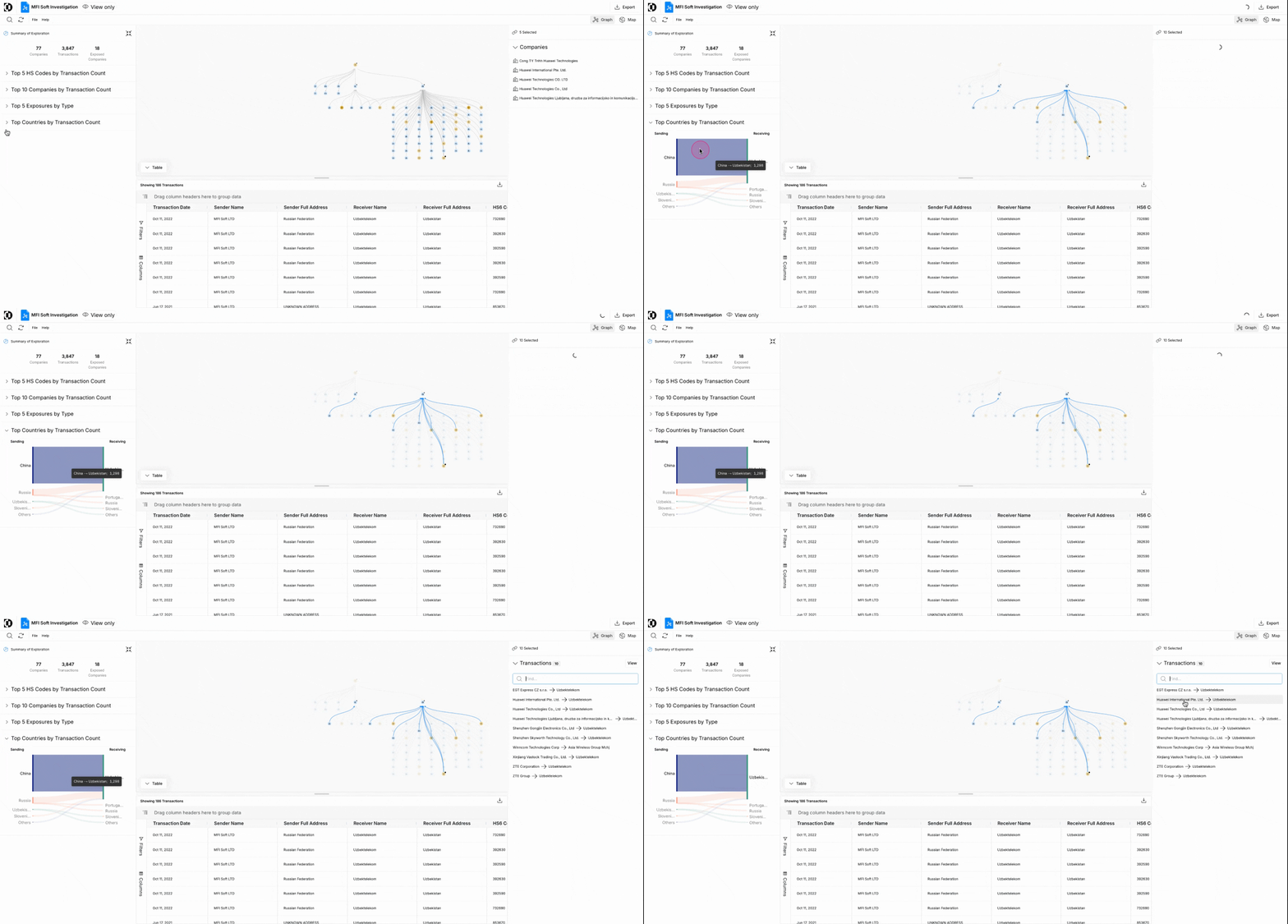
- Top Countries by Transaction Count — Sankey diagram of sender country to recipient country flows.
Click the dropdown arrows to expand each section.
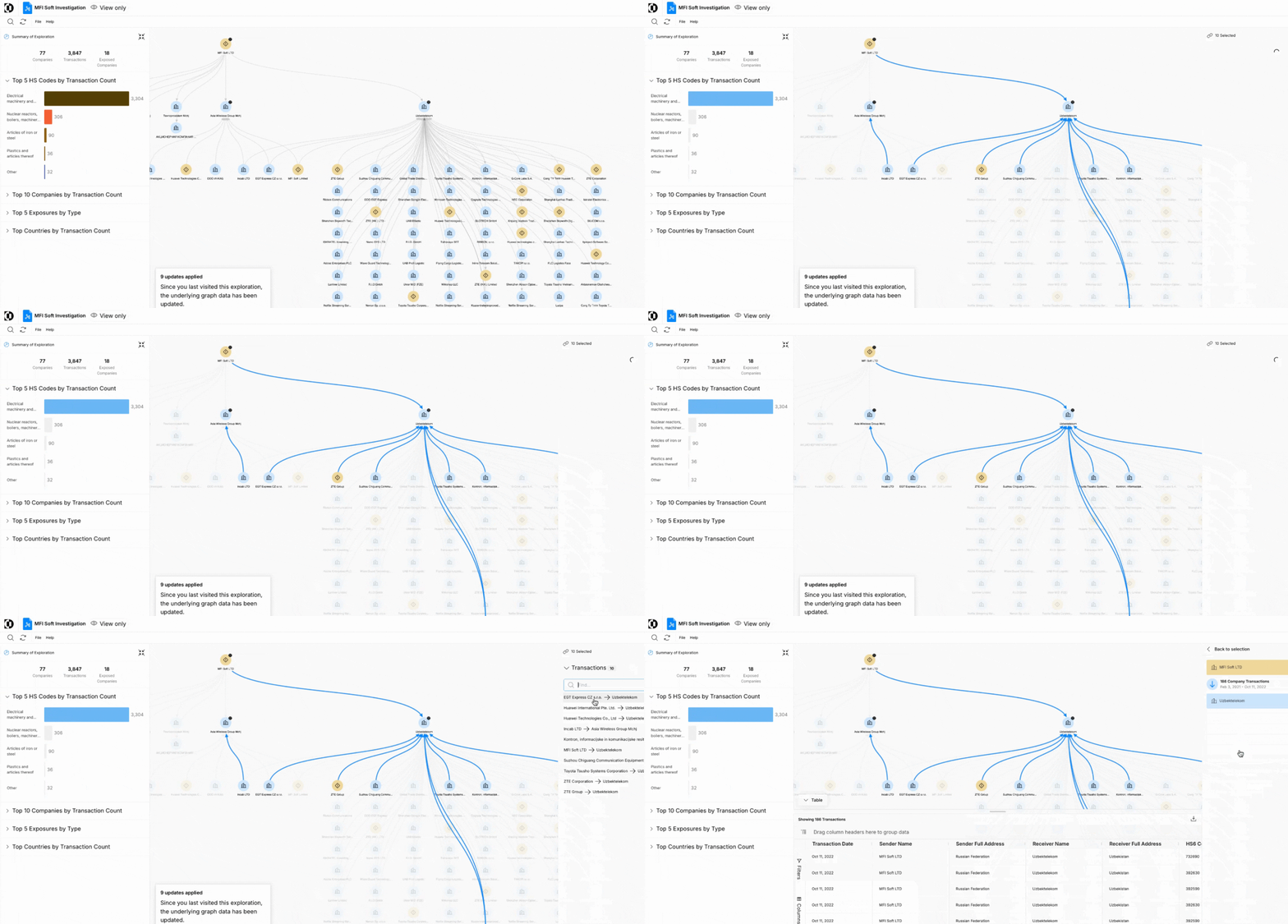
Step 4: Click any row in HS Codes, Senders, Recipients, or Exposures to highlight the matching items on the canvas in blue. A Selection panel opens on the right showing the underlying nodes and edges. For example, click into the 3,304 Electrical Machinery and Equipment HS Codes to see them highlighted in blue, then click each transaction on the right to learn more — or click View in the Selection panel to open the full table.
Note: At any point you can also view your network in a Map view instead by clicking Map in the top right.

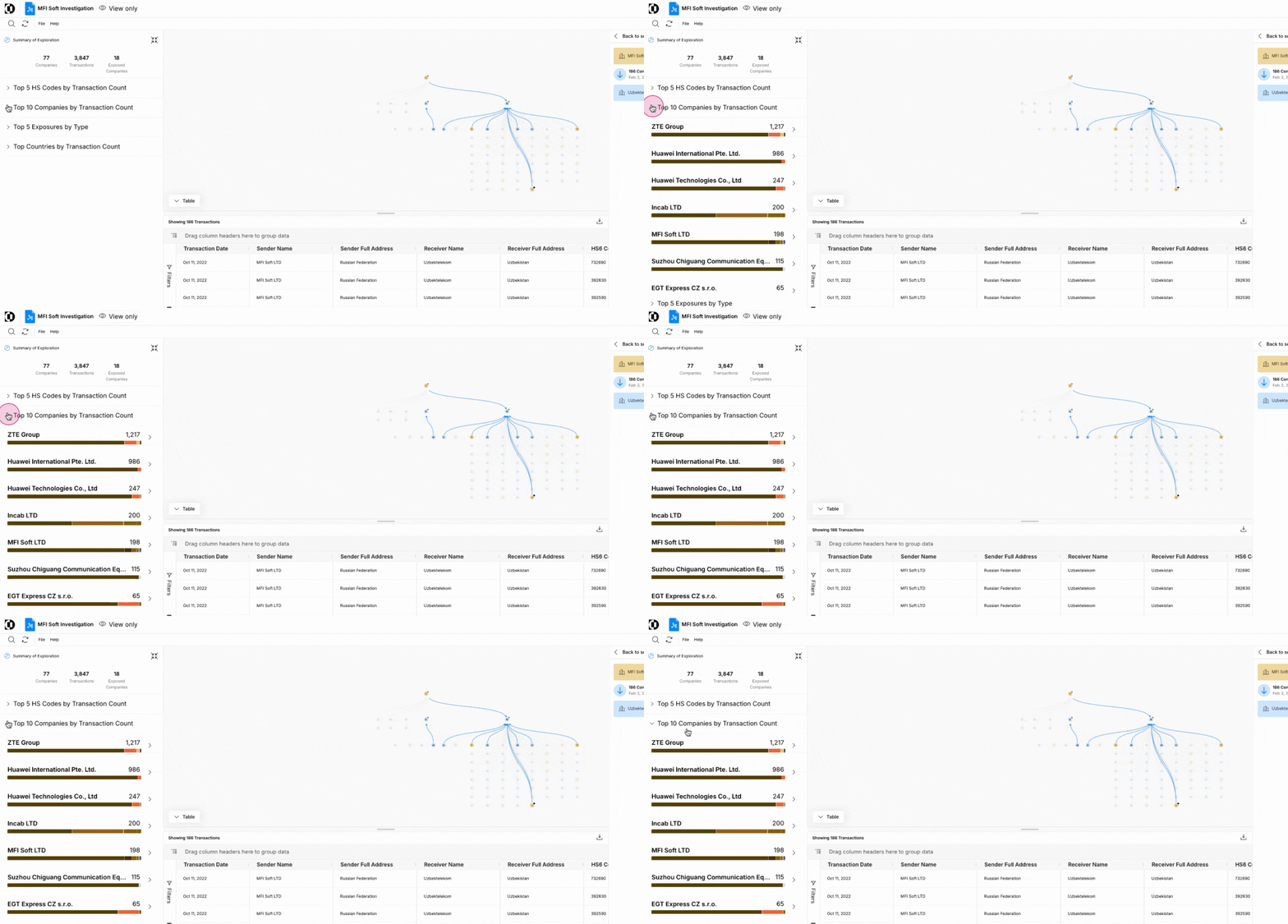
Step 5: Continue exploring your Network Summary.
Thank you!