
Integrations
Availability: these features depend on your plan and user role. Contact your Altana account team if they're not visible in your platform.
Integrations connect Altana to the systems you run outside it, so data moves between them automatically instead of by hand. You can receive changes and results as they happen, push data out to endpoints you control, and feed data in for Altana to process.
Ways to integrate
- Catalog Subscriptions — subscribe an endpoint to a catalog and receive its product changes (created, updated, archived) as they happen, so your systems stay current without polling.
- Webhooks and Event Mapping — register an endpoint and map an event to it; today that delivers transaction screening results to your endpoint as each run completes.
- SFTP File Ingestion — drop transaction files on an SFTP server for Altana to pick up, screen, and write results back to.
The first two push data out to endpoints you control; SFTP brings data in for screening. Each page covers how to set it up and what the data looks like.
Where to configure
In the platform, navigate to Settings → Integrations. The page is organized into tabs — Mapping, Webhooks, Catalog Subscriptions, and SFTP — one for each mechanism above.
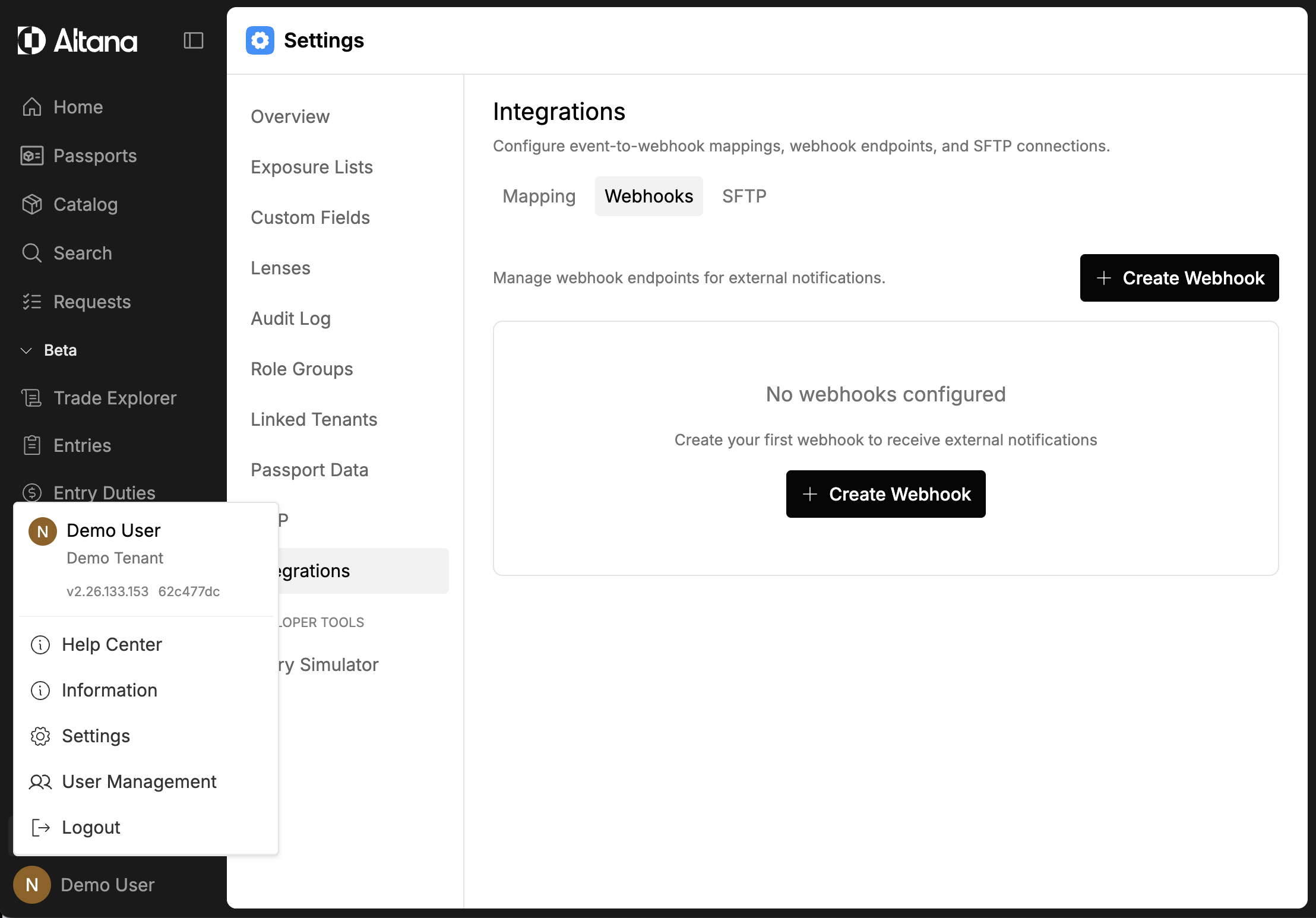
Or open it directly at https://network.altana.ai/admin/integrations (or your environment's equivalent domain). For step-by-step admin instructions for each tab, see the Integrations administration guide.
Credentials
Programmatic access and the live API reference are served from your environment. Create API keys and service accounts, and read the current endpoint reference, from the /api/nexus/api-docs/ route — see API Documentation.