
Recording a Verdict
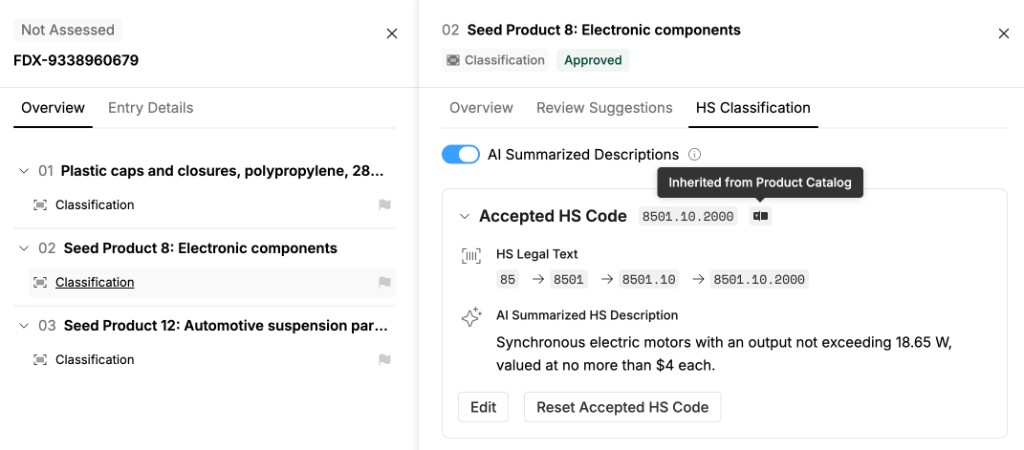
Open an entry from the Audit tab. Lines appear as an accordion on the left. Expand a line and select Classification to review the accepted HS code and the evidence behind it.
What you can audit
Auditable — entries where Altana predicted an HS code with high confidence and forwarded it to CBP. That prediction is what you grade.
Not auditable — entries where Altana made no confident prediction. Audit controls do not appear. You can still provide the correct HS code as feedback; there is simply nothing to grade.
Review the classification
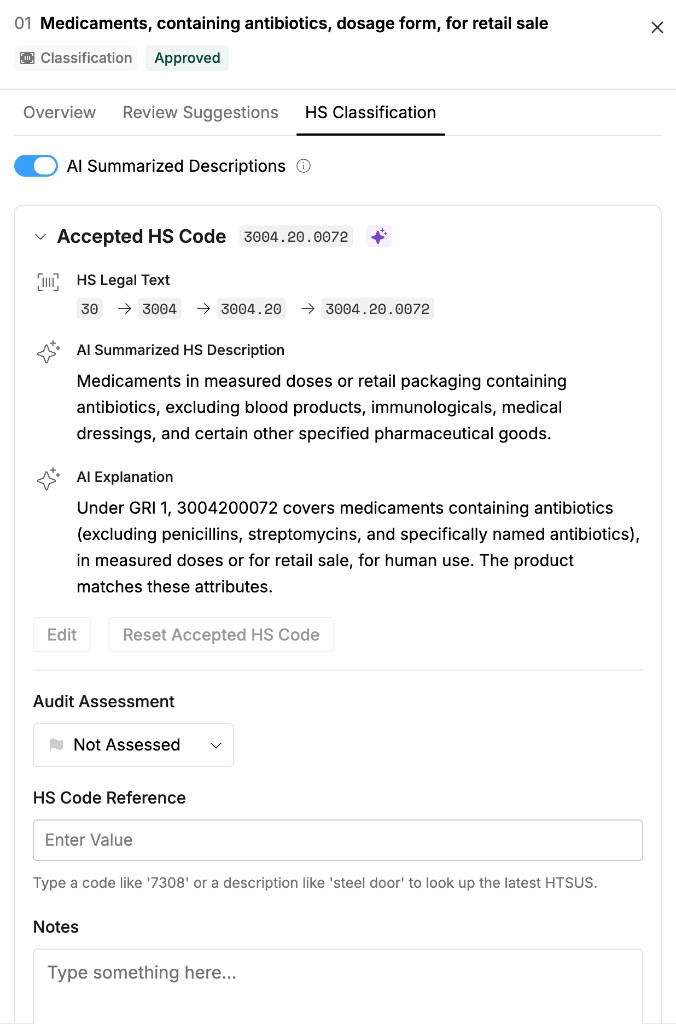
On the HS Classification tab you see the accepted code, the HS legal text path, an AI summarized description, and an AI explanation. Turn AI Summarized Descriptions on to read the short form. Some codes are labeled Inherited from Product Catalog rather than classified in real time — see How Corrections Take Effect.
Verdict first, then edit
Editing is gated on a recorded verdict — no edit without an audit. That captures what was wrong before the correction overwrites it.
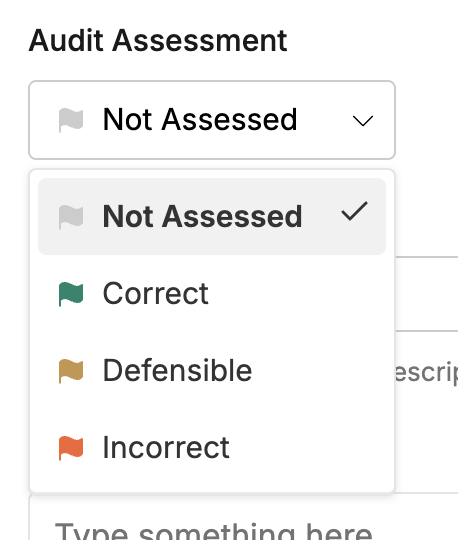
| Assessment | Meaning |
|---|---|
| Not Assessed | No verdict yet |
| Correct | The forwarded classification is right |
| Defensible | The forwarded classification can stand |
| Incorrect | The forwarded classification is wrong — Edit unlocks |
Open the entry and review the classification and supporting evidence.
Record a verdict in Audit Assessment.
If you choose Incorrect, the edit field unlocks.
Enter the correct HS code / tariff number and submit.
The value overrides in the UI and updates the product catalog within seconds.
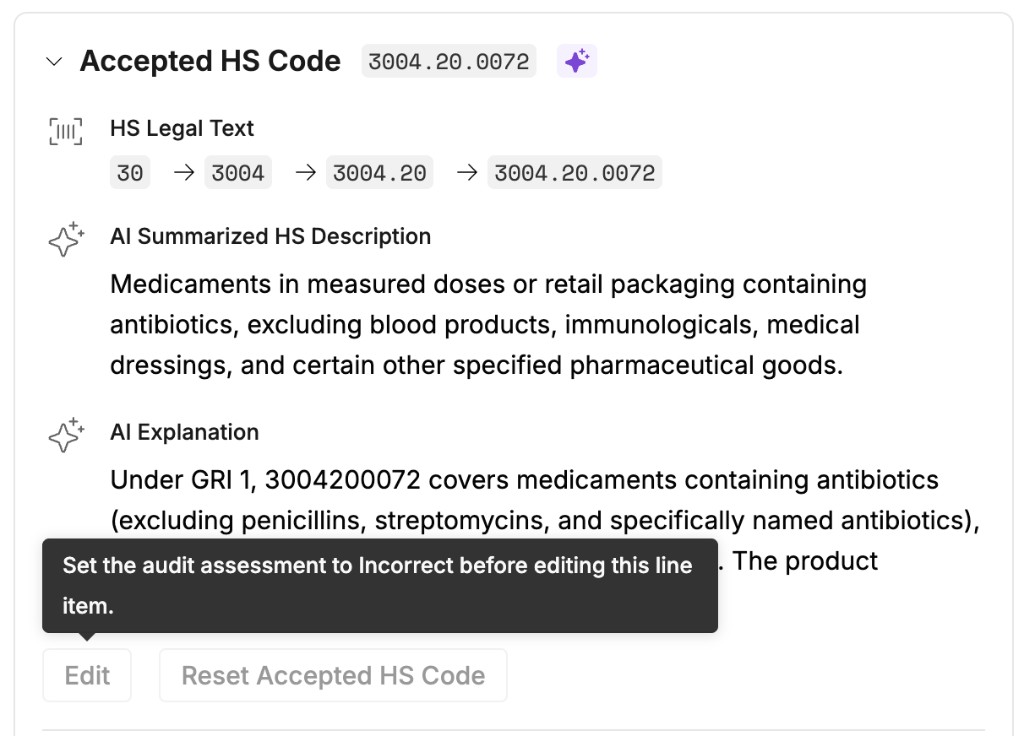
If you try to edit before recording Incorrect, the UI tells you to set the audit assessment first. Use Notes on the same tab to capture anything a later reviewer should see. For where the new code lands, see How Corrections Take Effect.