
How Corrections Take Effect
Work in the Audit Lens is forward-looking. It does not change the entry you are auditing — that entry has already been transmitted. Your correction becomes the catalog value, and future shipments for that product inherit it.
Does not change this entry
The entry you are grading has already been transmitted.
Nothing is held or paused pending your determination.
Does change future entries
When you submit a corrected HS code, Altana replaces the tariff number on the matched product in your catalog. Later entry line items for that product pick up the new code. The line you just audited keeps the code that was transmitted.
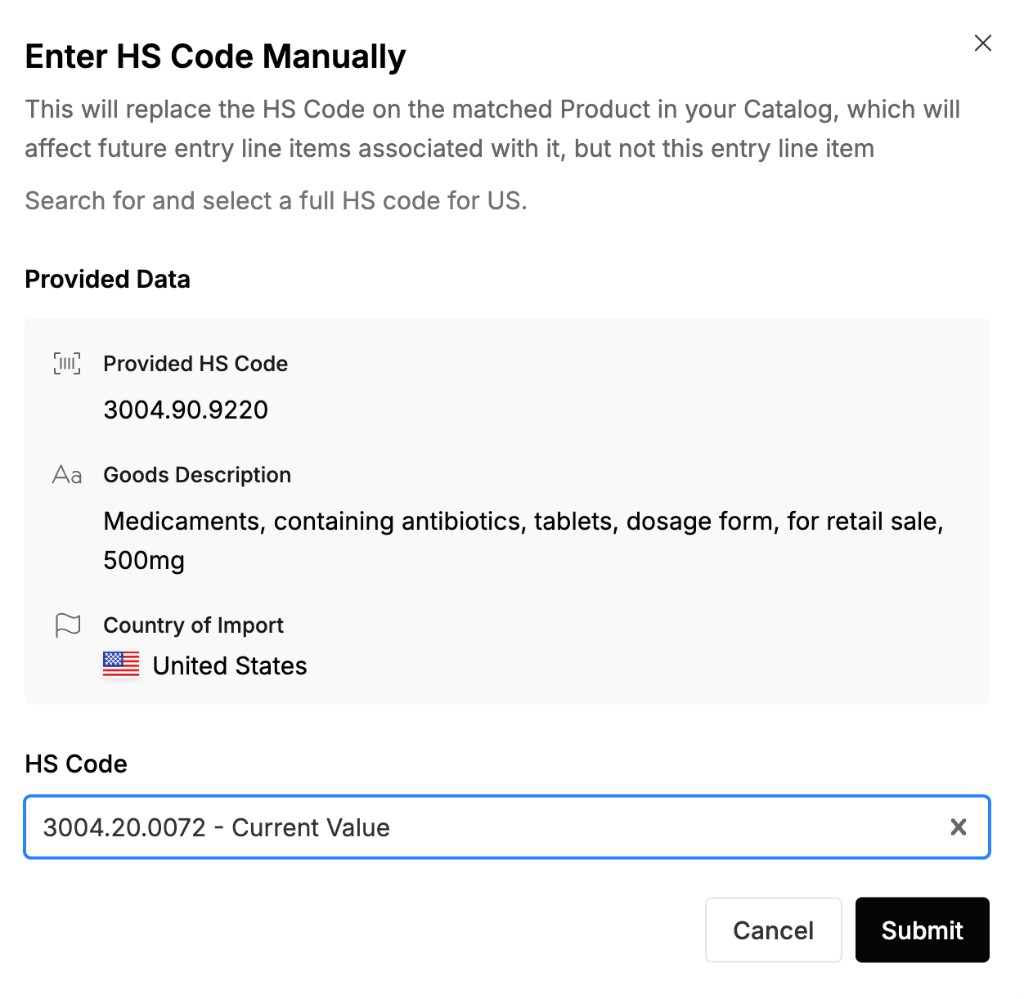
Where corrections land
The product catalog is ground truth for product name, tariff number, and other trade attributes. It is populated from historical entry data and powers classification going forward. An accepted edit updates the catalog immediately.
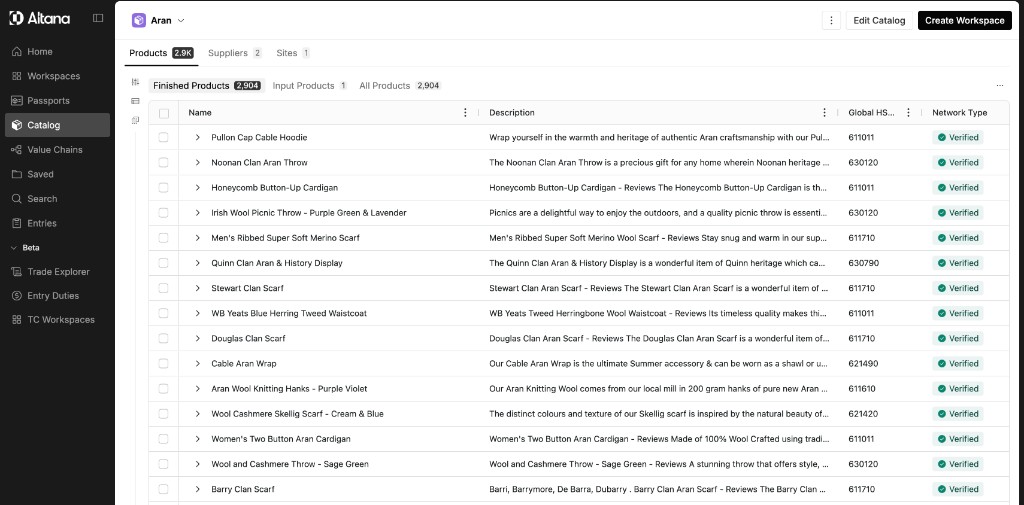
For more on how the catalog stores classification, see What is the Catalog.
Live model vs. from catalog
Some entries show an HS code inherited from the product catalog rather than classified in real time. The UI labels this Inherited from Product Catalog, distinct from the live-model indicator. That signal means the code came from a previously validated product record, not a fresh prediction.
Inherited codes remain editable. An edit overrides the catalog value the same way a live-model correction does.
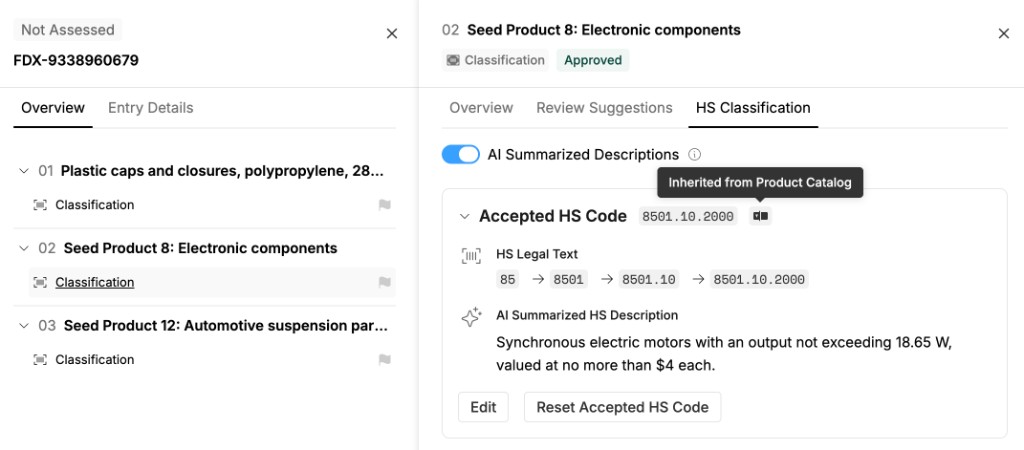
To record the verdict that unlocks an edit, see Recording a Verdict.