Searching for Companies
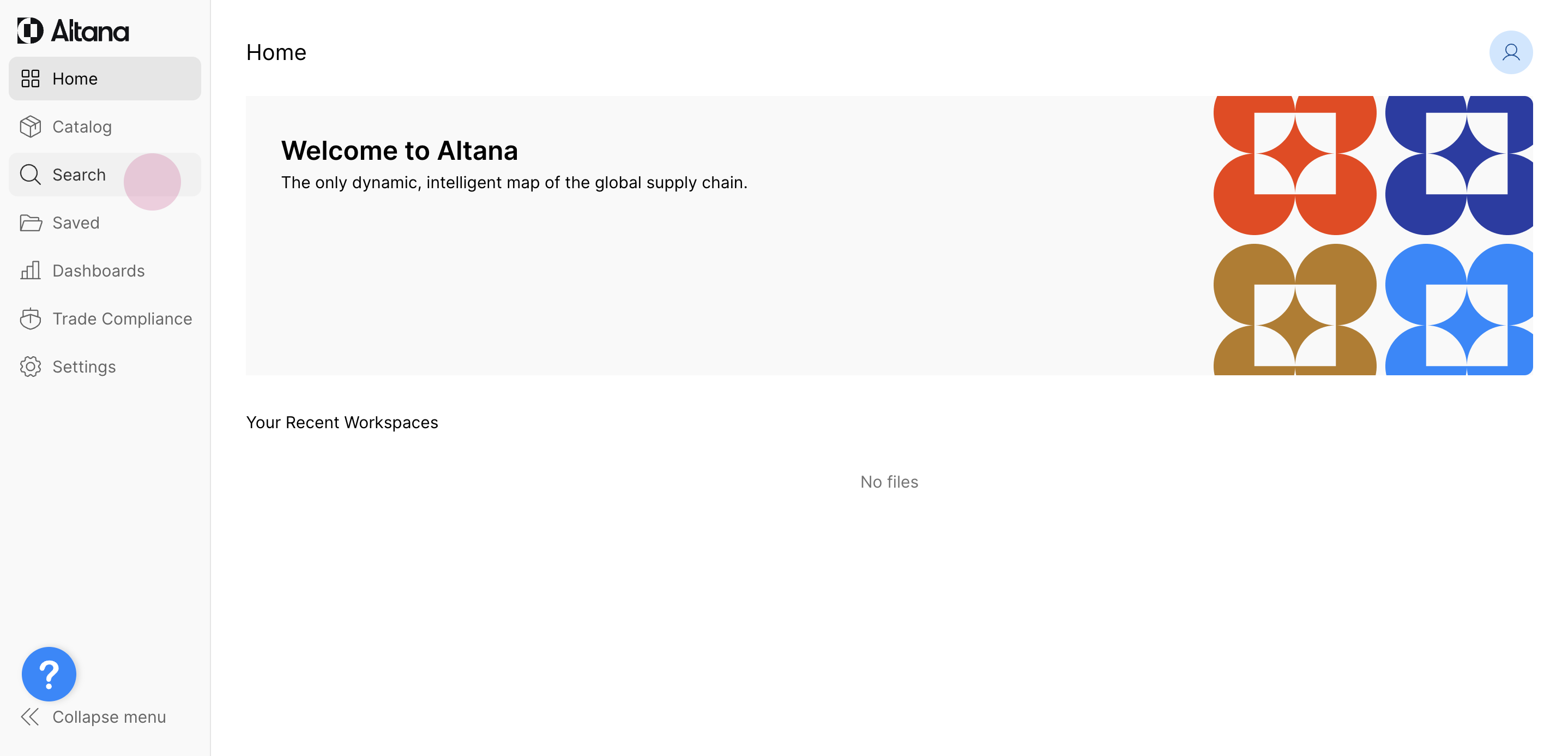
To begin your company search and exploration, choose Search from the left hand navigation panel.
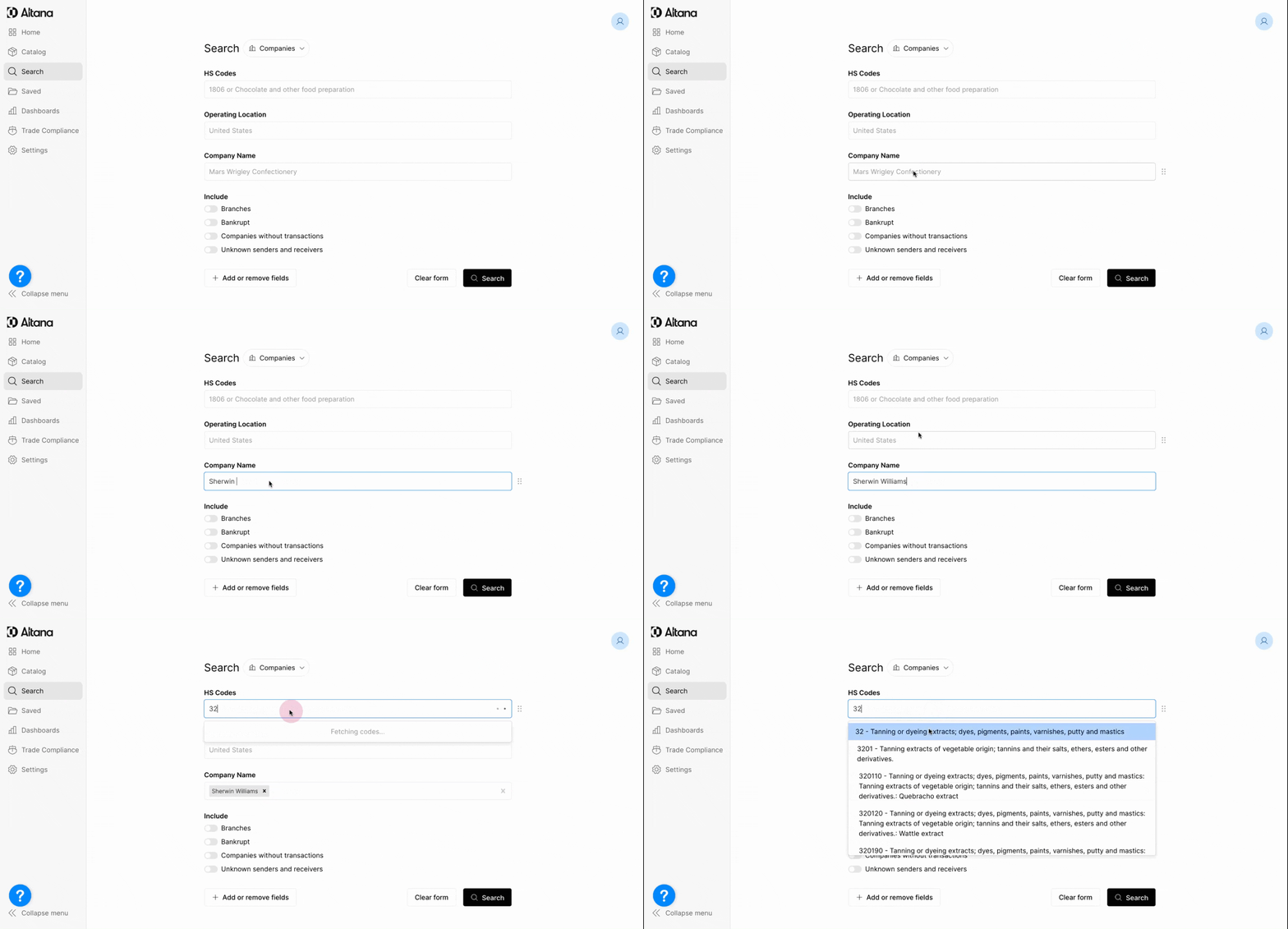
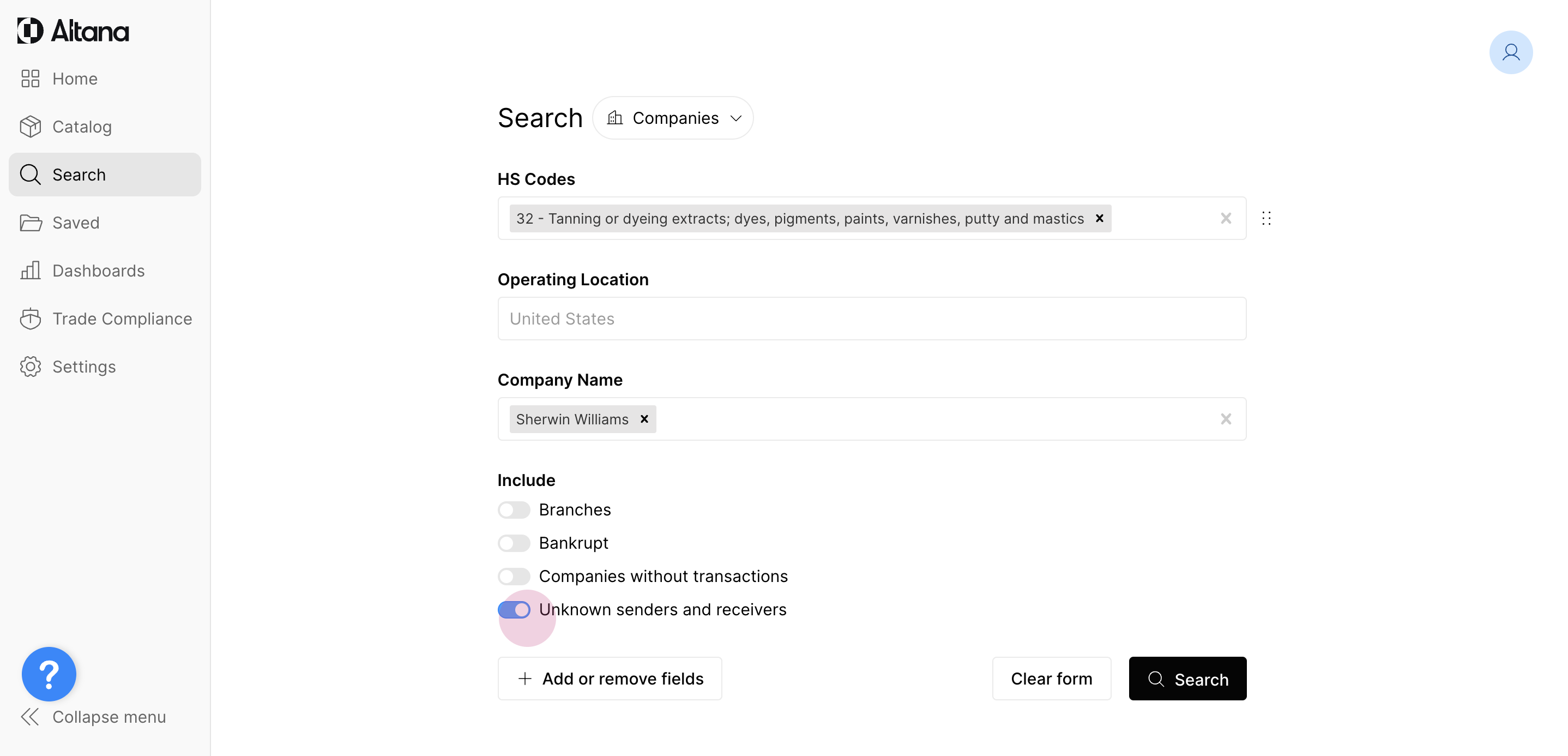
This page shows default search parameters, such as HS Codes, Operating Location, and Company Name. Only one field is required to execute a search. In this example, let's search the company Sherwin Williams and the HS Code 32.
Search fields are additive - meaning Search Results will show only the companies that meet all the defined criteria.
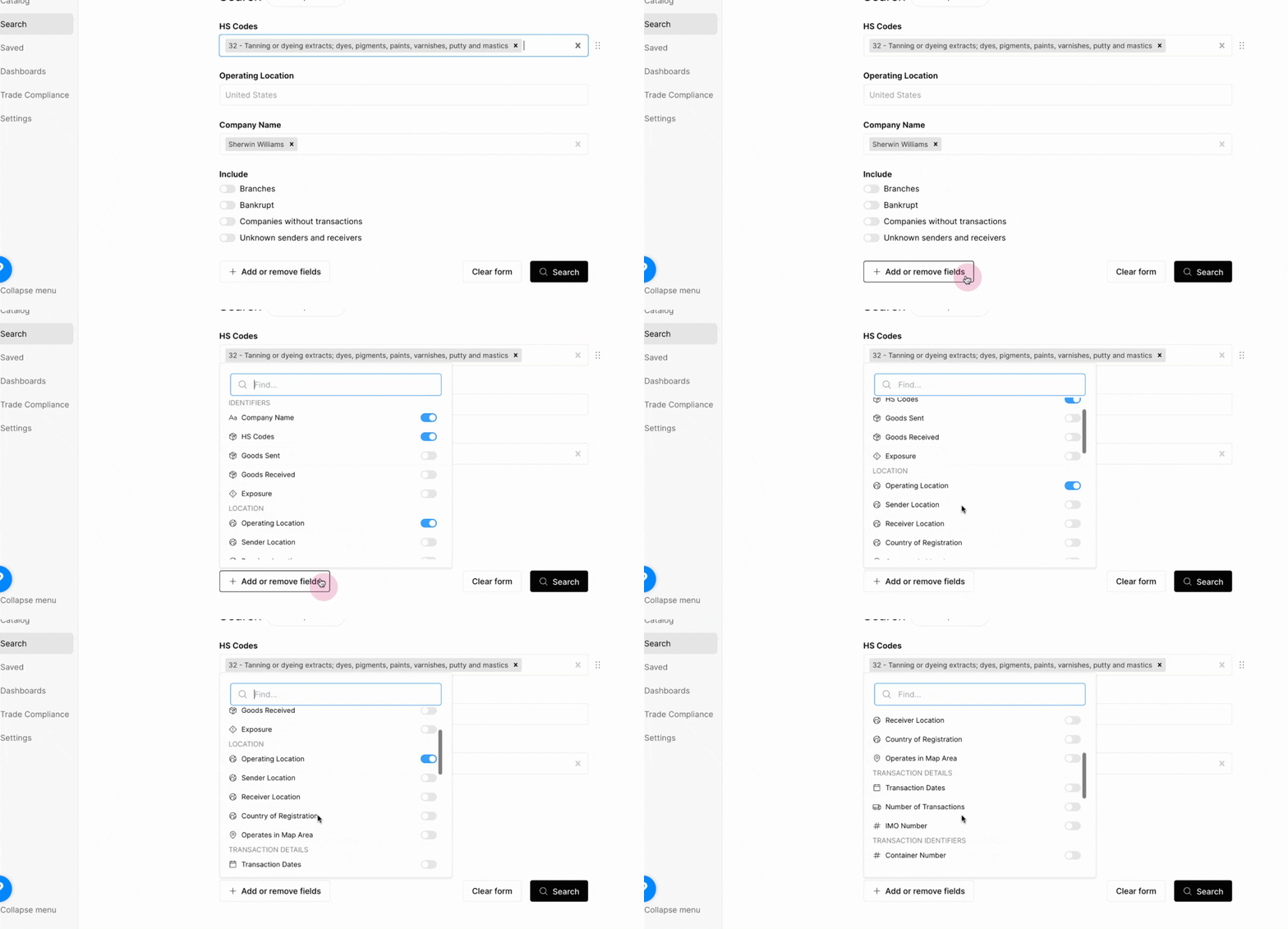
You can also further refine your search via the Add or remove fields option, which shows additional parameters such as location, transaction details, transaction identifiers, or other business identifiers.
By default, all search results exclude branches of companies with multiple incorporations, bankrupt companies, companies without transactions, and unknown senders and receivers. If you would like to include any of these options, click the relevant toggle.
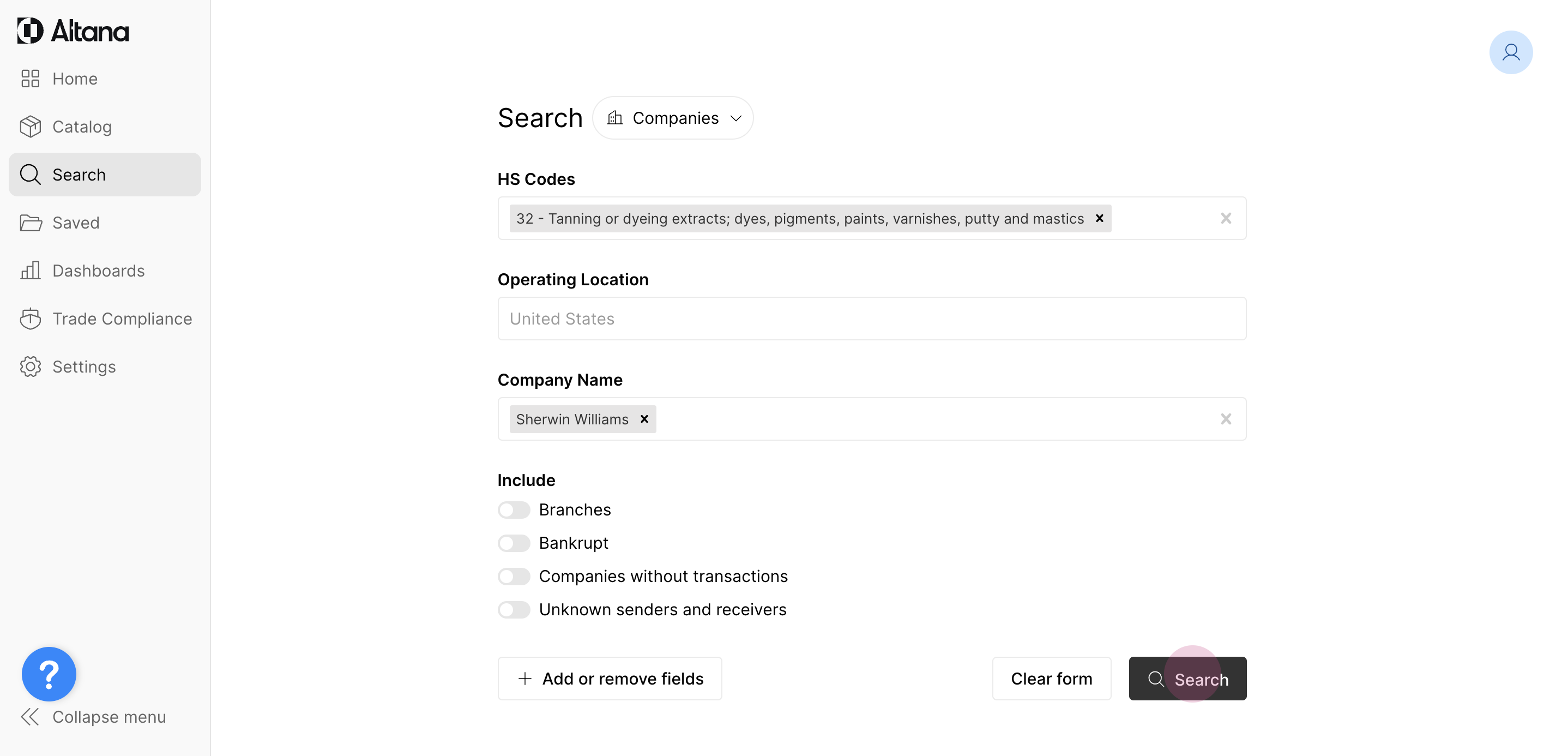
When you're happy with your defined parameters, click Search.
Seeing Available Data Layers in Results
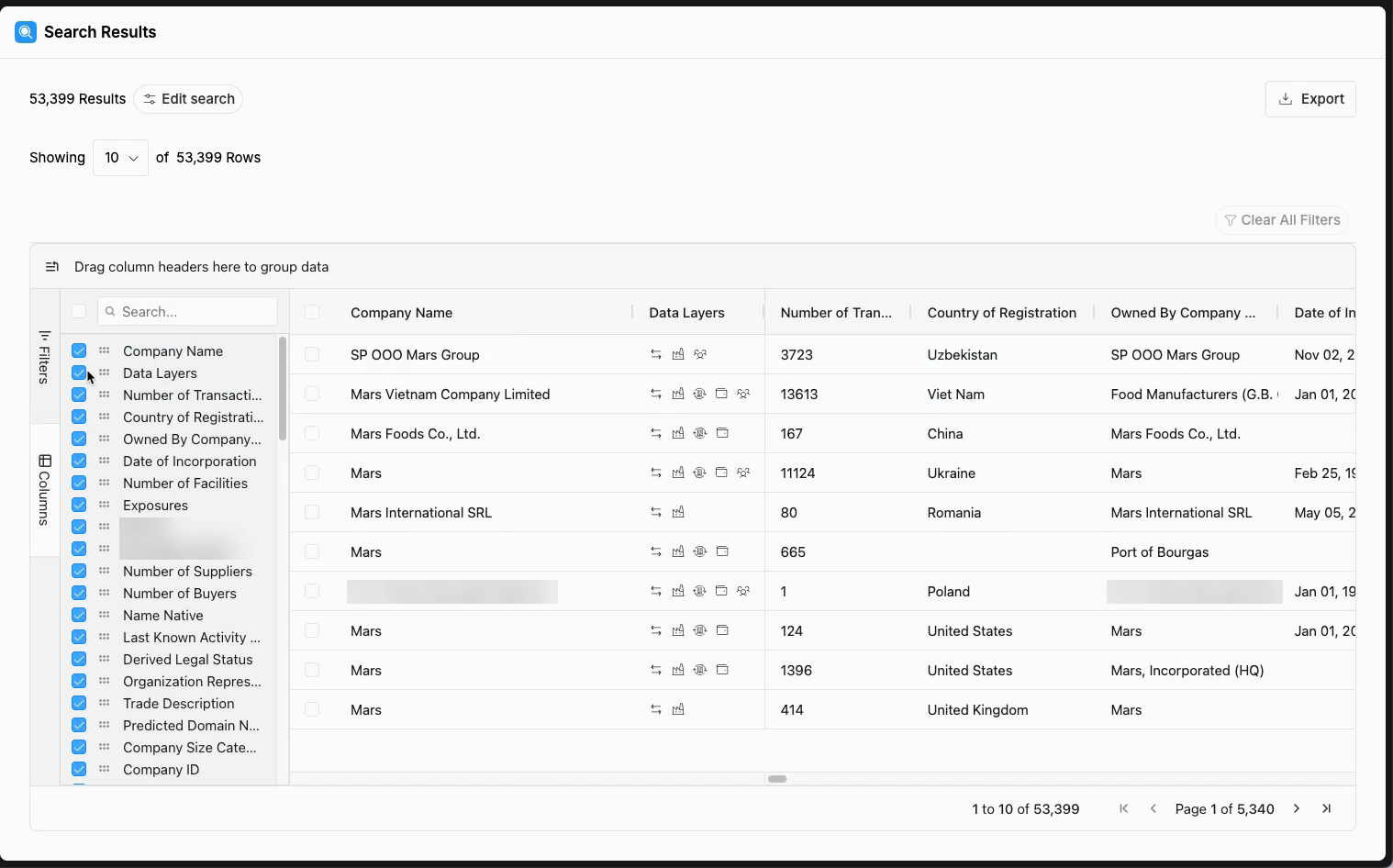
Company search results include a Data Layers column, pinned next to Company Name. Its icons show which data layers are available for each company, such as transactions, facilities, owners and subsidiaries, directors, and shareholders, so you can tell what is behind a result before you open the Company Profile or start an exploration. The layers you see depend on the data your organization is licensed for.
Hover over an icon to see the counts for that layer. For example, the transactions icon shows the number of transactions, suppliers, and buyers.
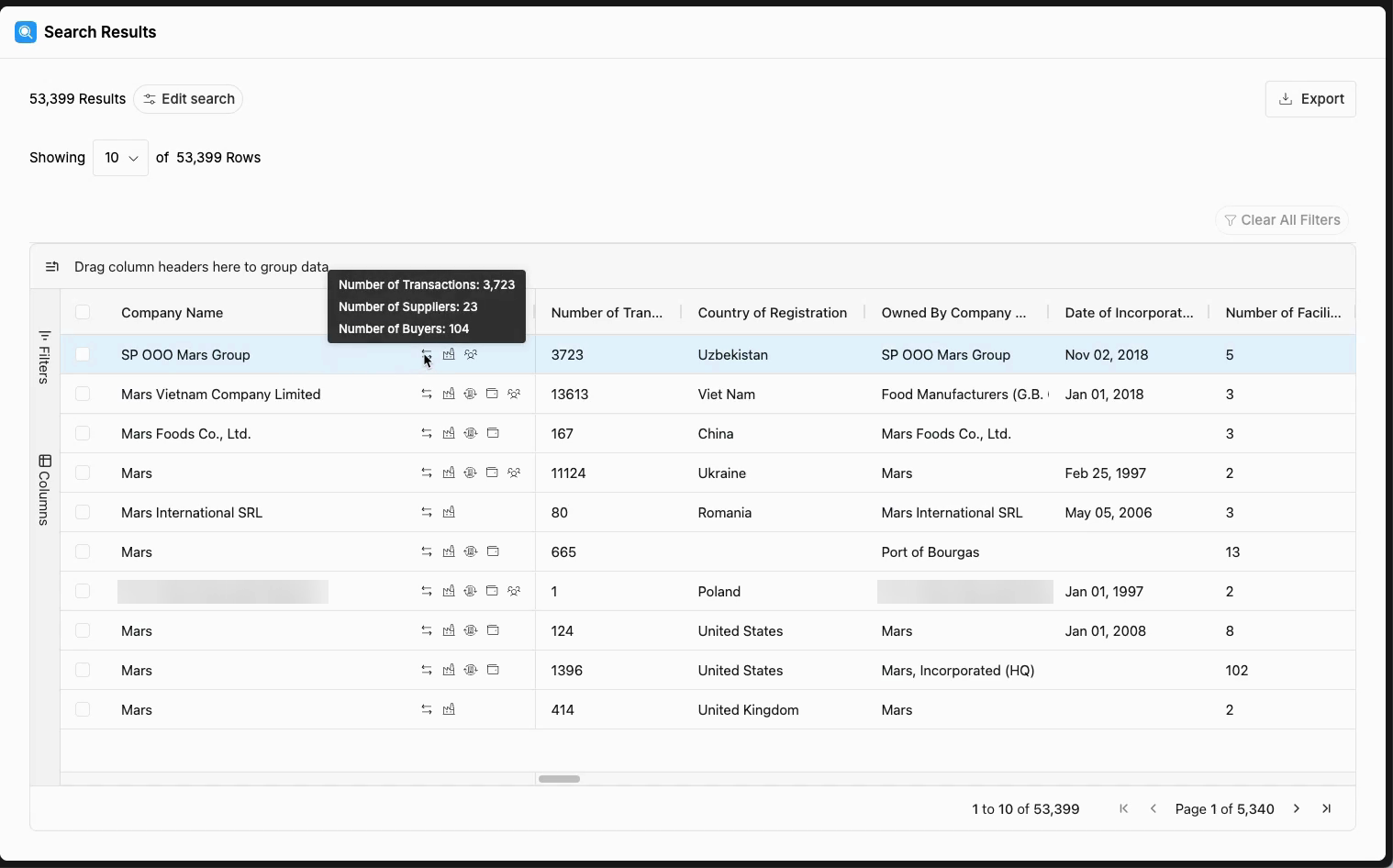
The Data Layers column works like any other column. Open Columns on the side of the results grid to turn it on or off or to move it. To sort or filter by a layer, add the matching count column, such as Number of Transactions, Number of Suppliers, or Number of Facilities. See Saving Column Preferences to keep your column setup.