
Altana Risk Exposure Assessments
This guide explains how to perform a detailed risk exposure assessment with Altana. It includes instructions on conducting risk screenings, creating due diligence reports, and sharing these reports with both internal teams and external suppliers.
Conducting Risk Screenings
Step 1: Navigate to the all suppliers page, which lists all suppliers in the value chain.
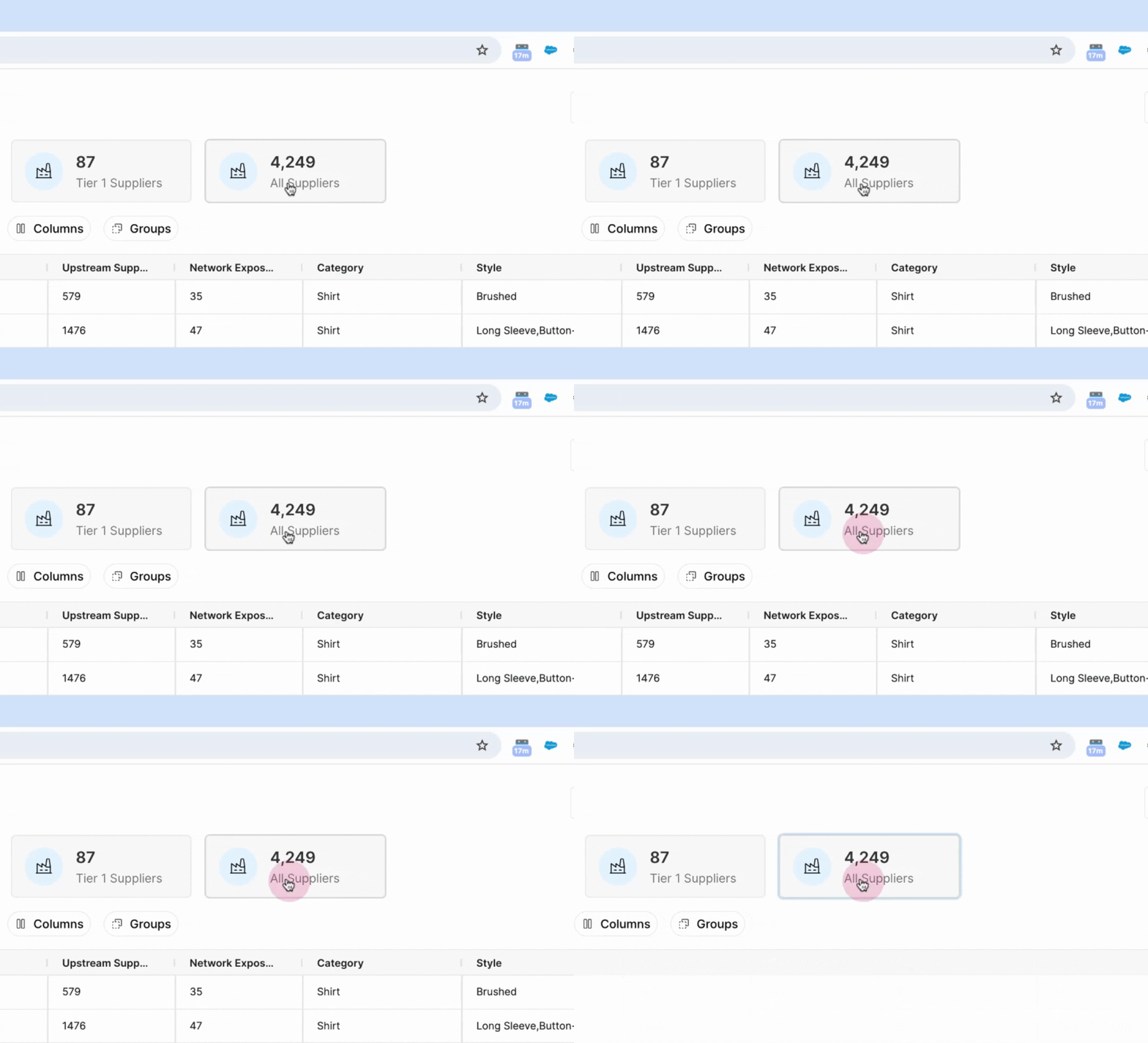
Step 2: Apply a filter to see the total exposure count. This filter automatically includes any supplier from the product catalog with an exposure.
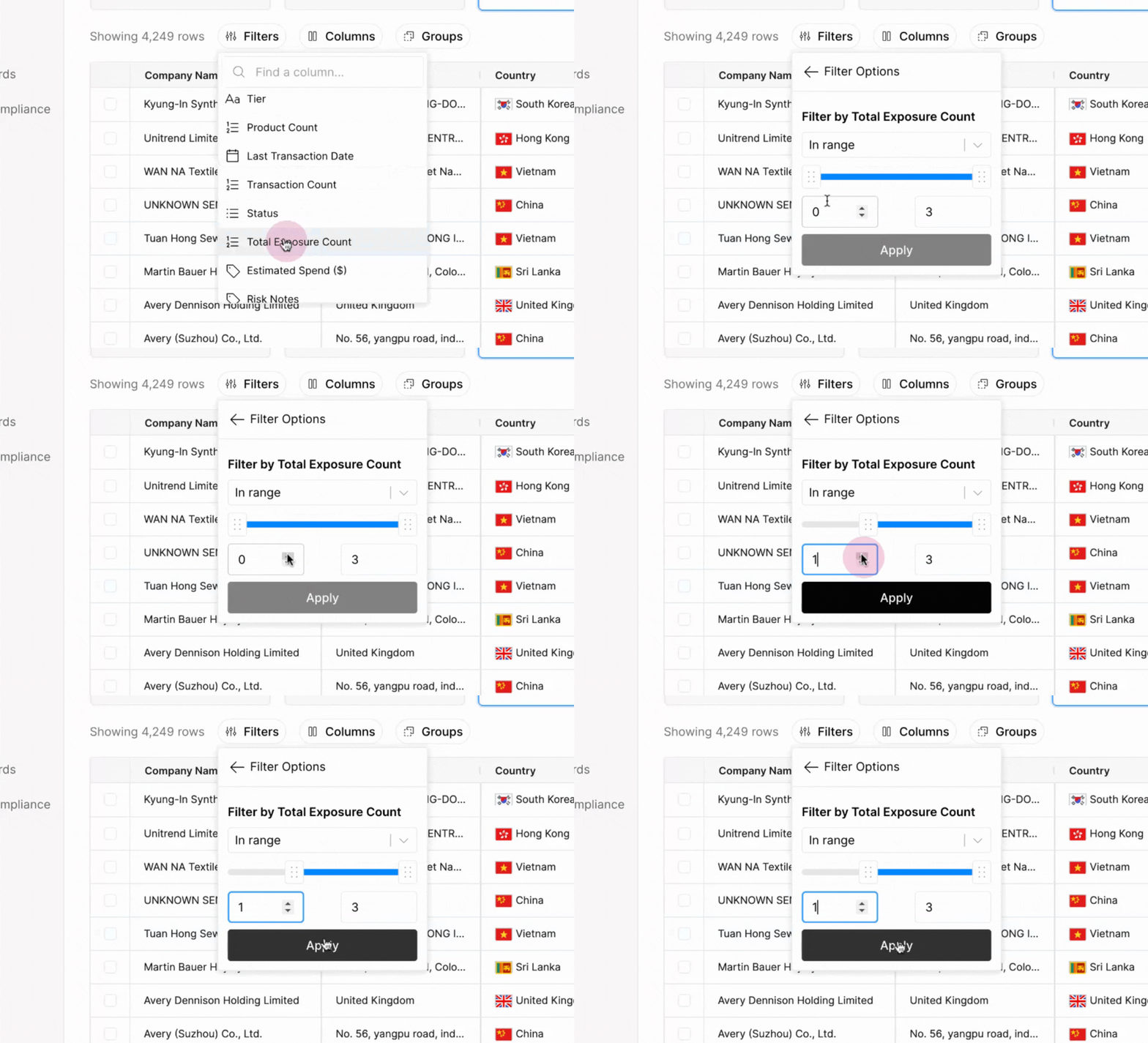
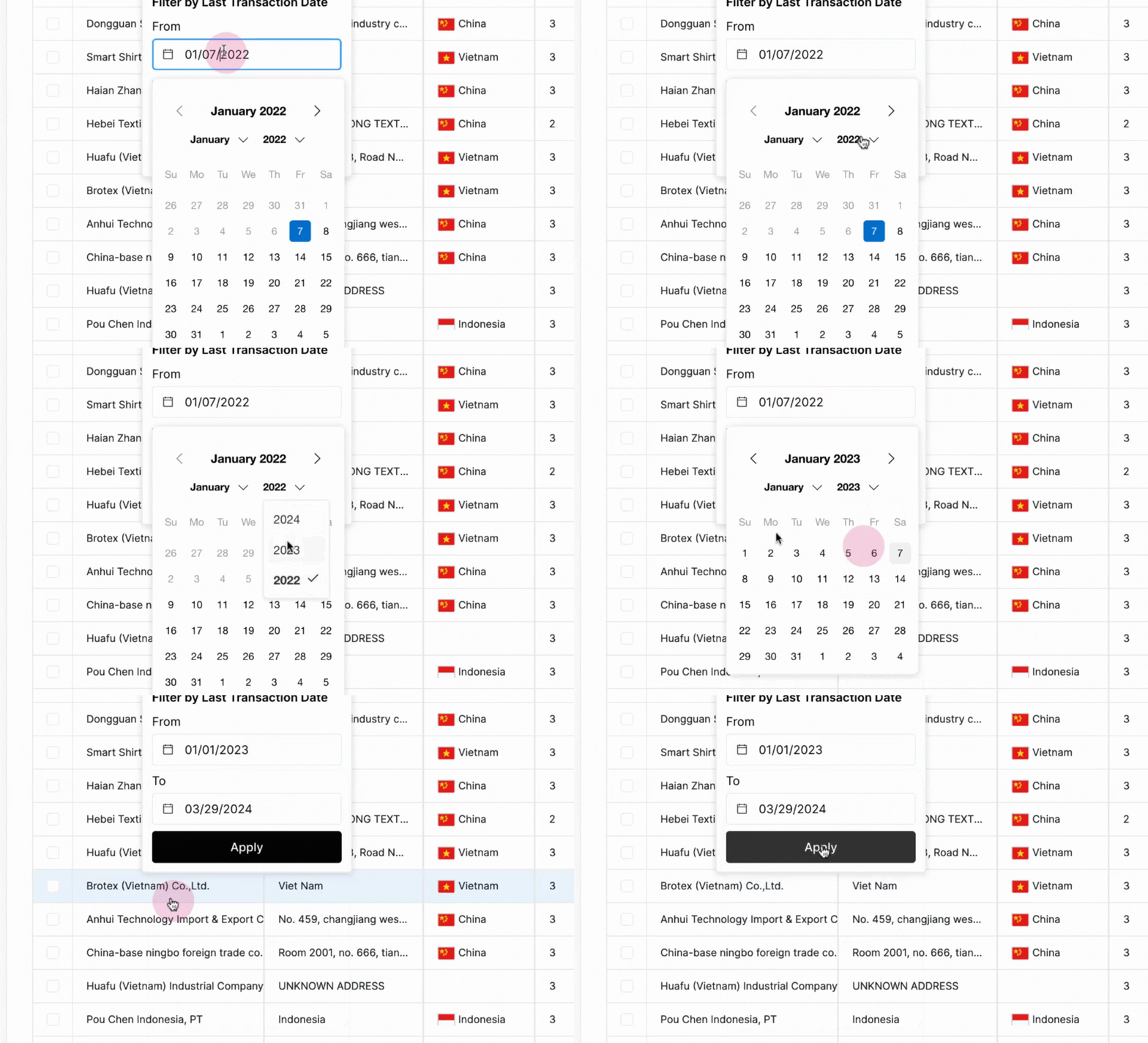
Step 3: Apply a second filter to focus on exposures with a last transaction date after January 1, 2023. Adjust the date range as needed.
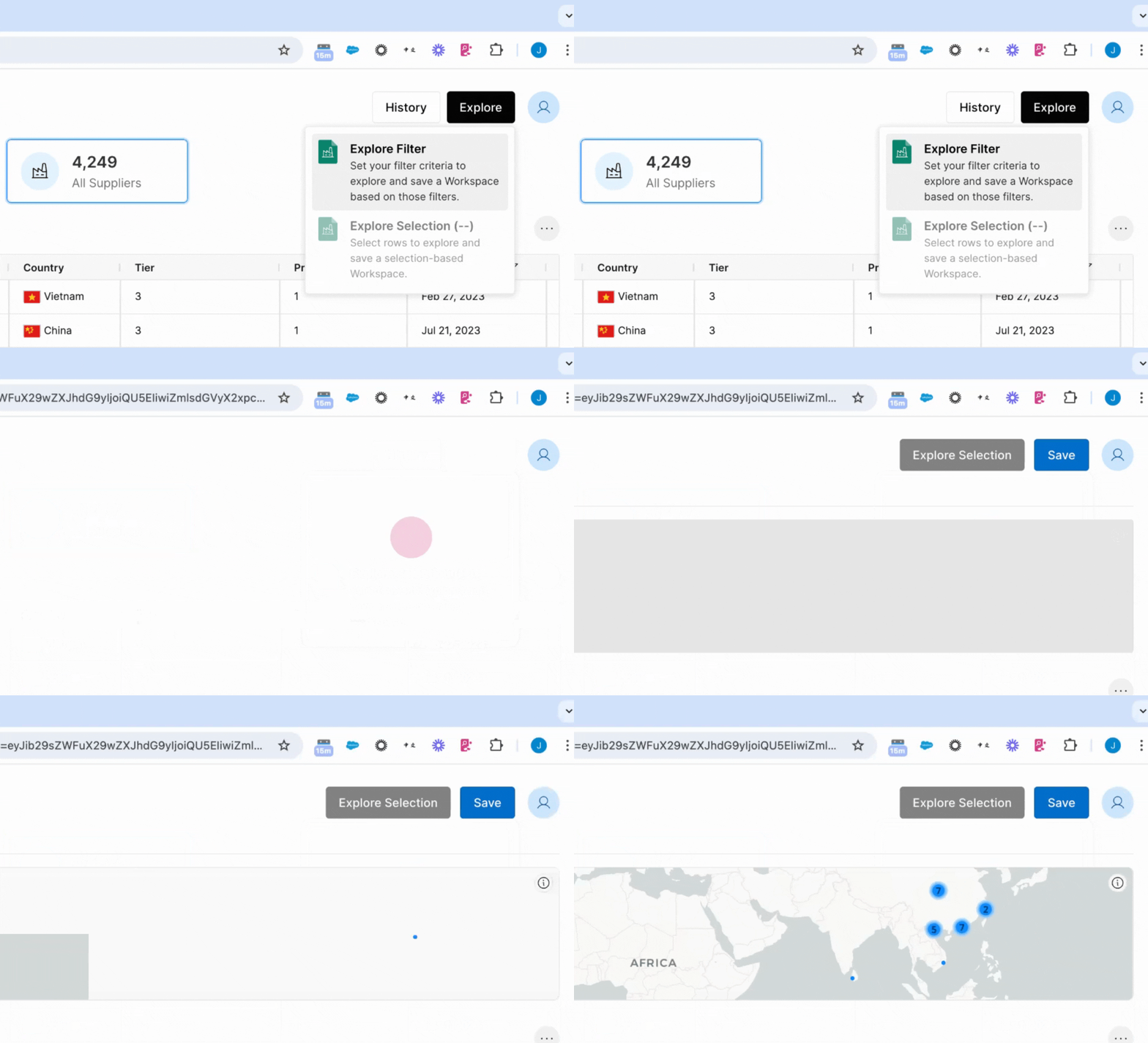
Step 4: Explore the filtered selection. This step breaks down all potentially exposed suppliers by their tier and the finished product they're involved in as a shipper of material goods.
Generating Due Diligence Reports
Step 1: Select a supplier from the filtered list. Group the selection by company name and triage if a risk score is applied.
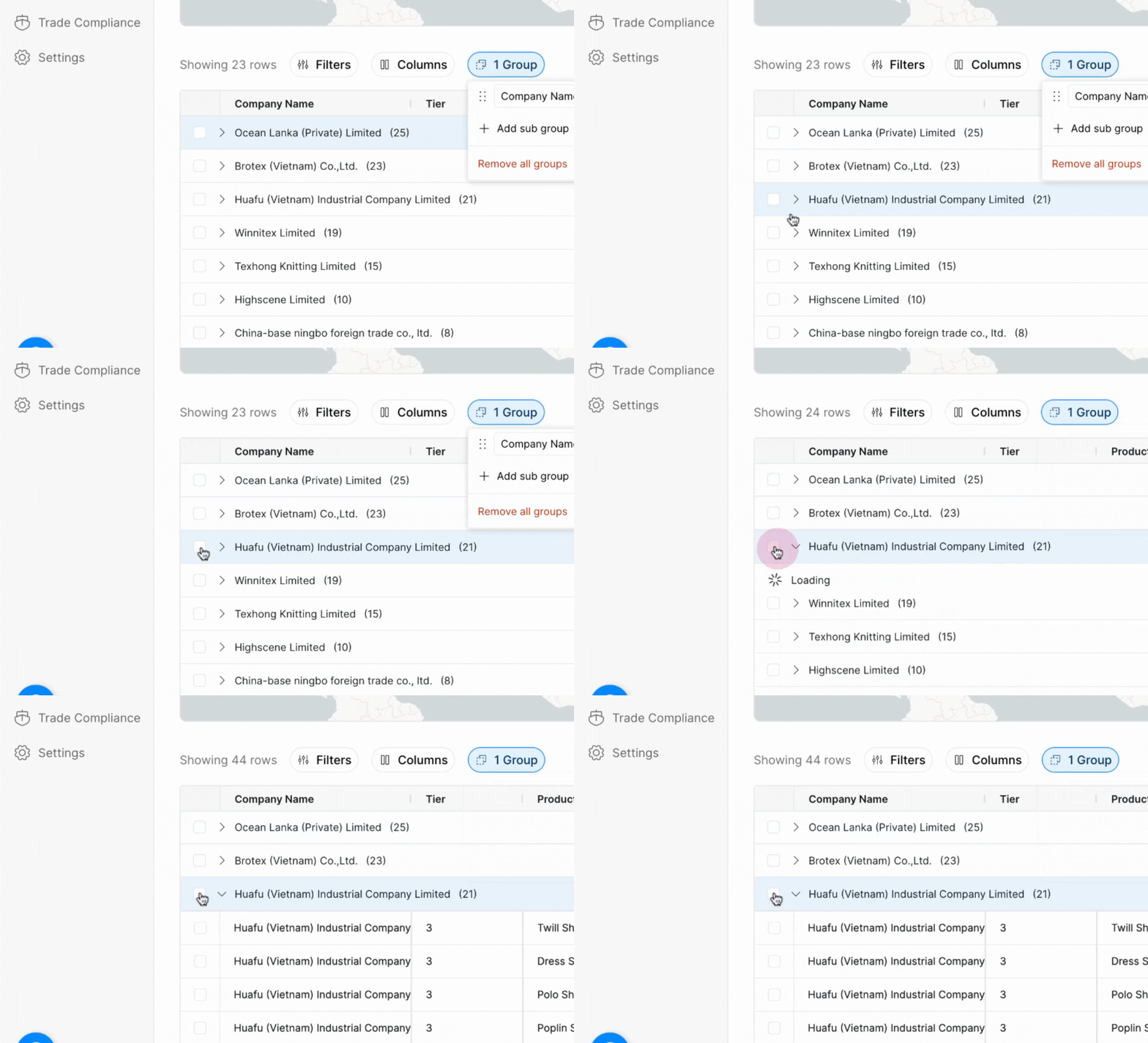
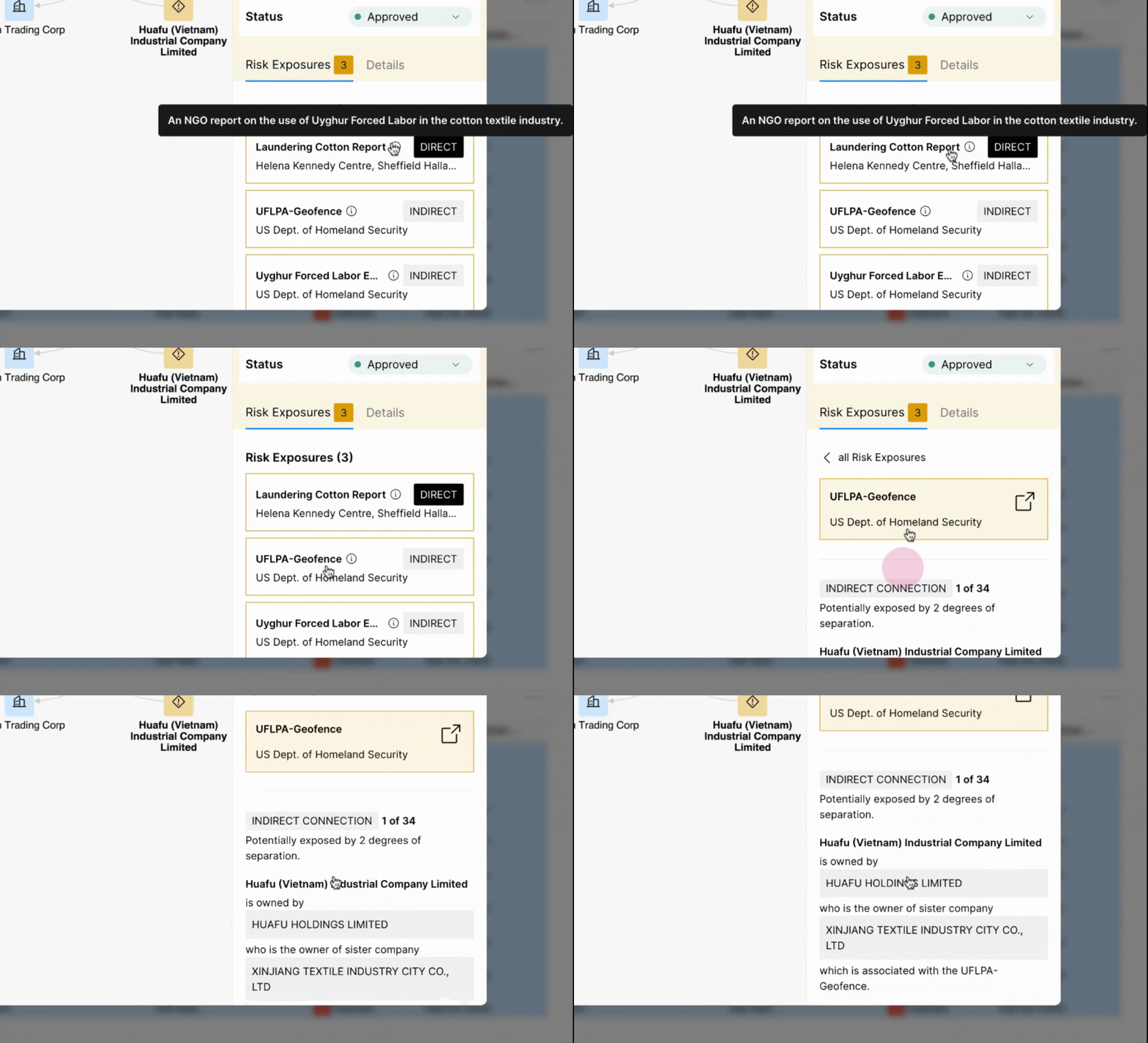
Step 2: Review the supplier's exposures for different products. Expand the selection to understand more about how the risk relates to the finished good.
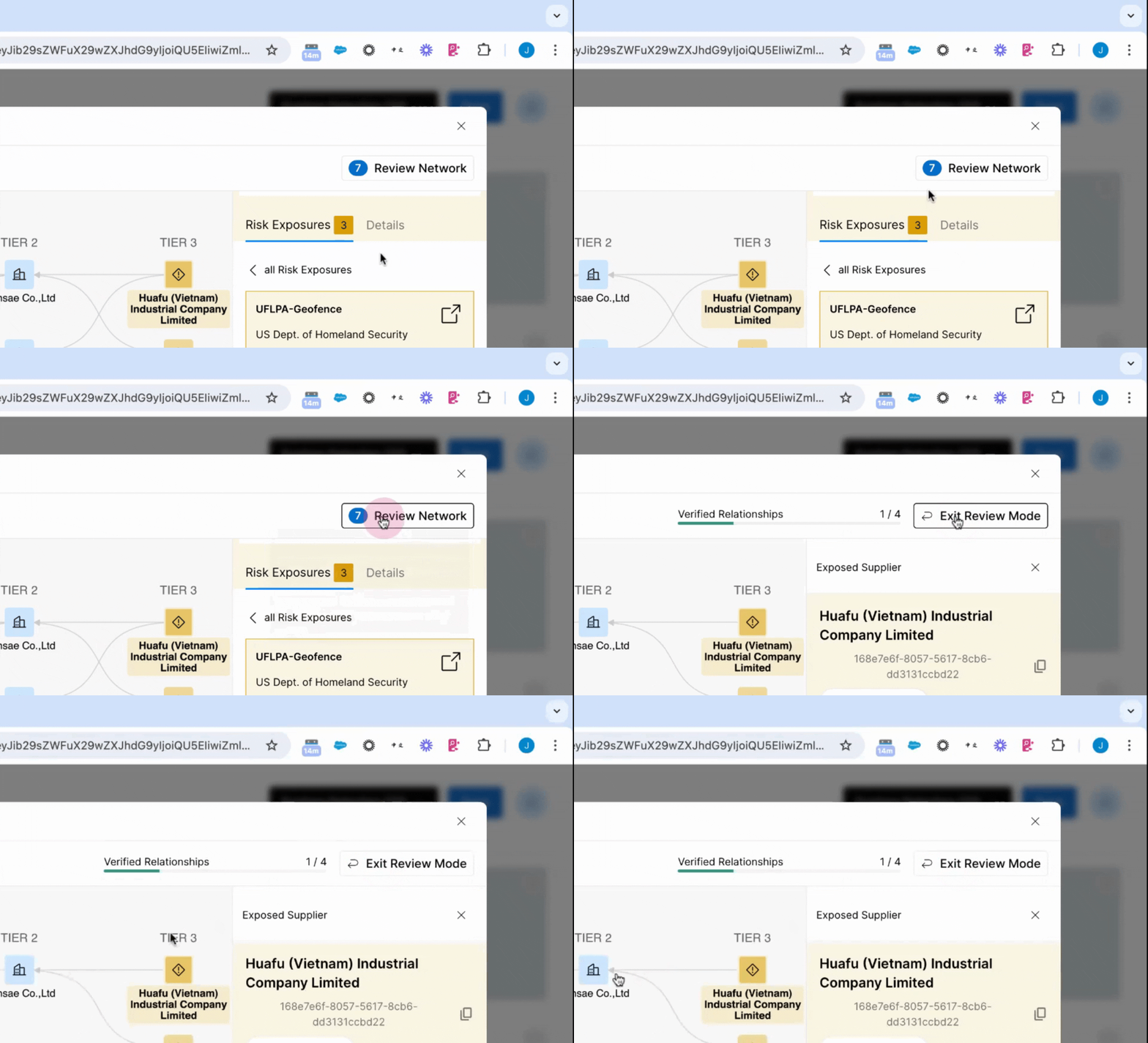
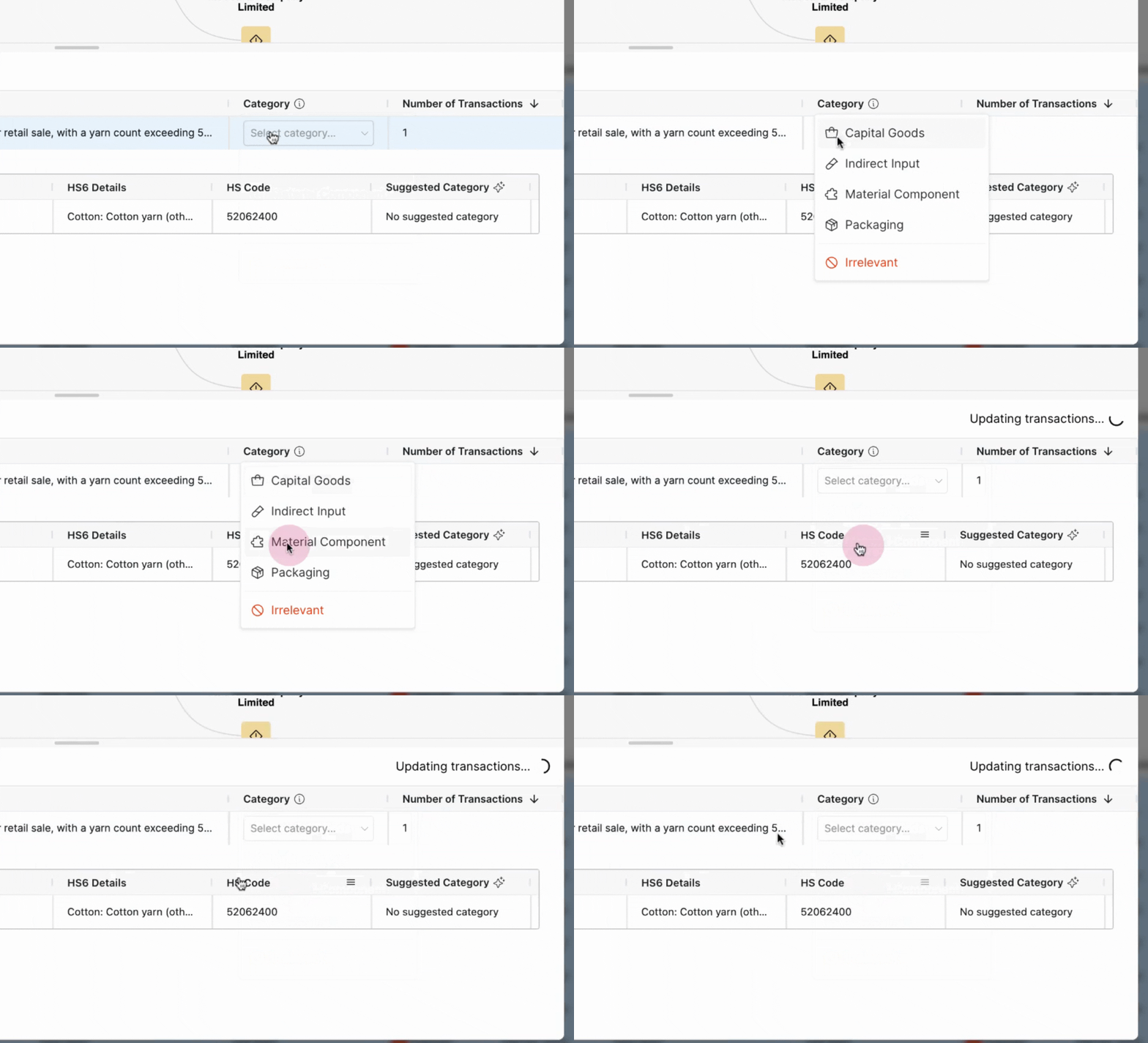
Step 3: Review the network and group these transactions together. Update the material component and verify the transactions.
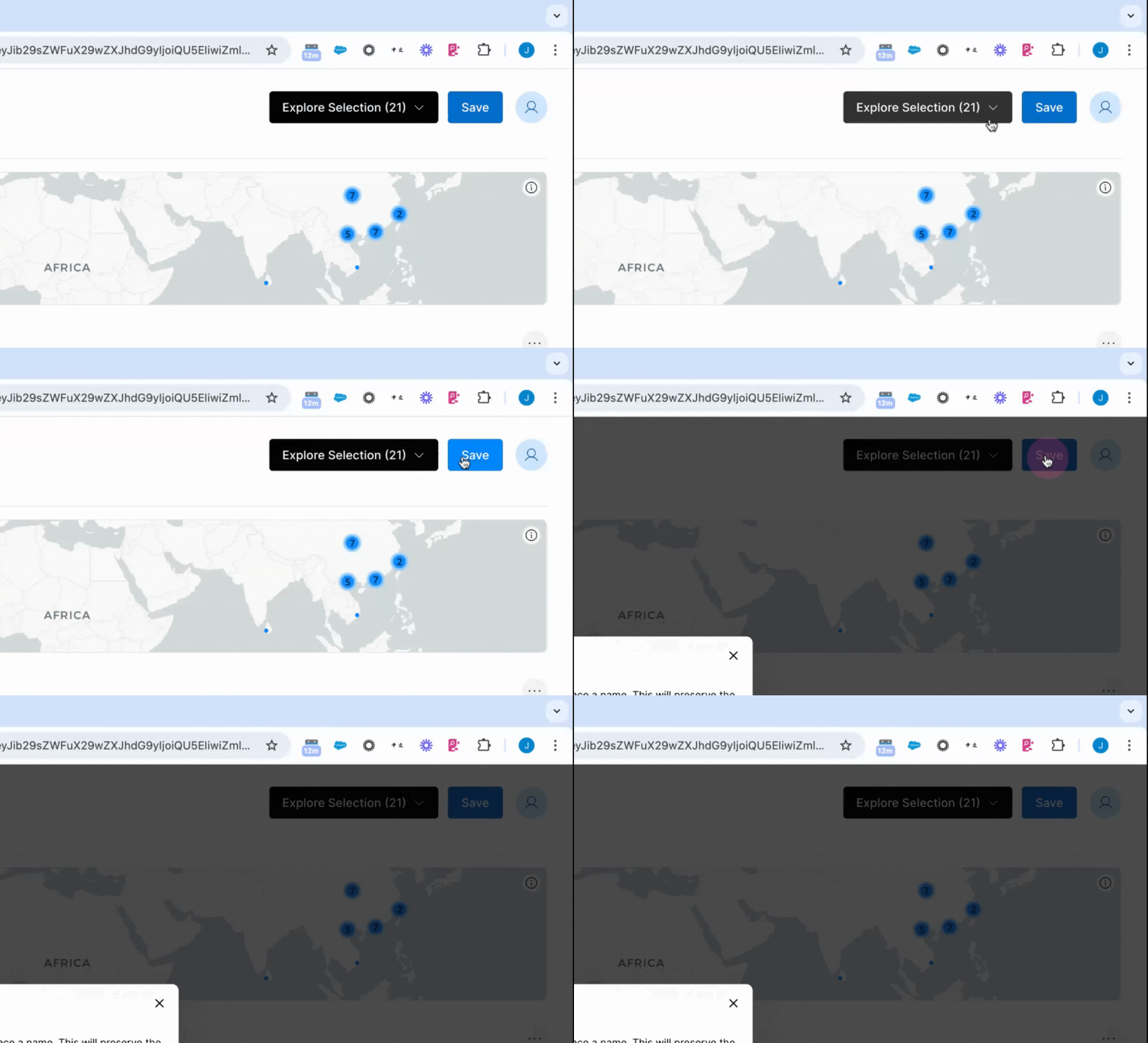
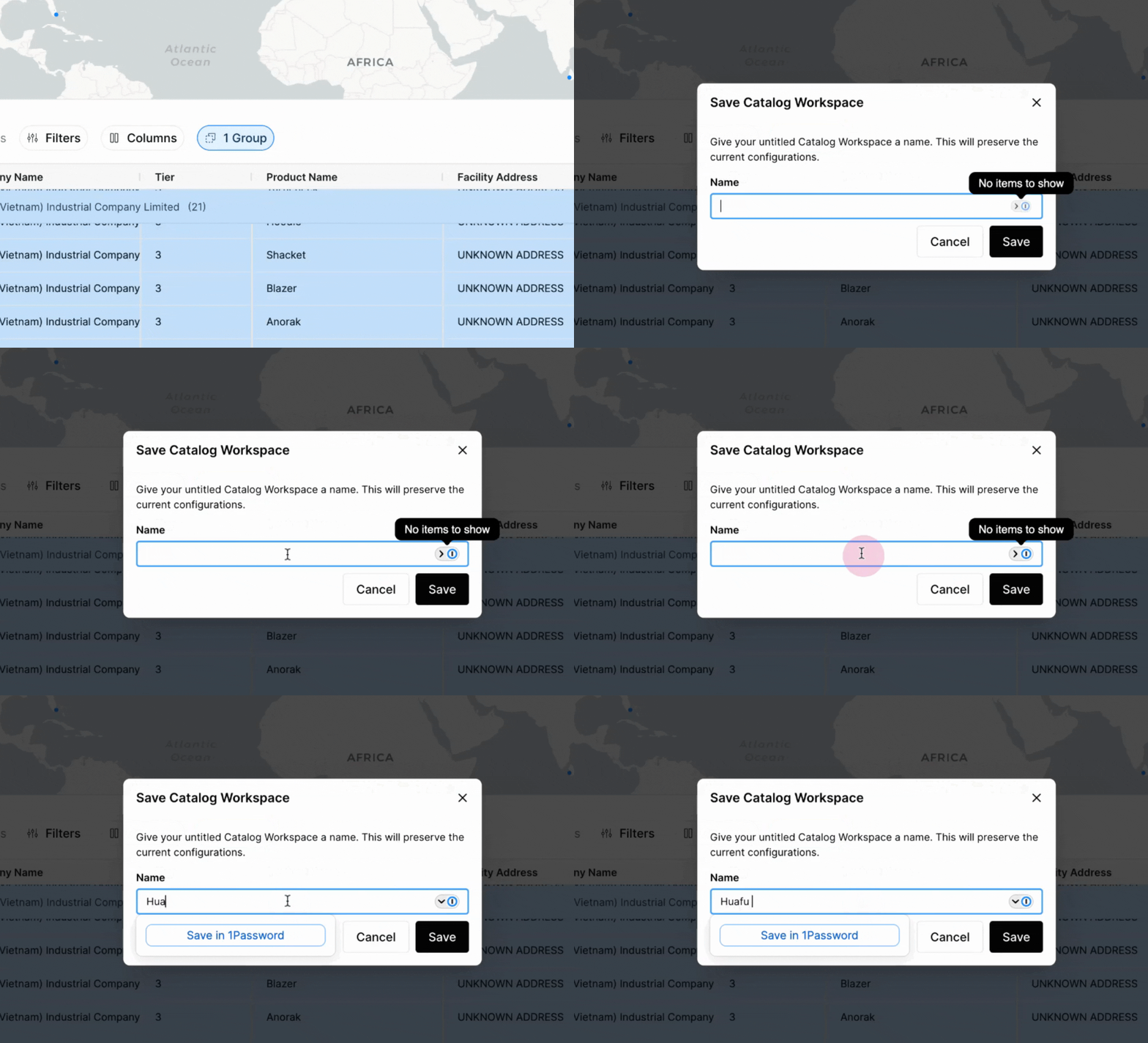
Step 4: Save the report. The report can be accessed later in the catalog workspaces.
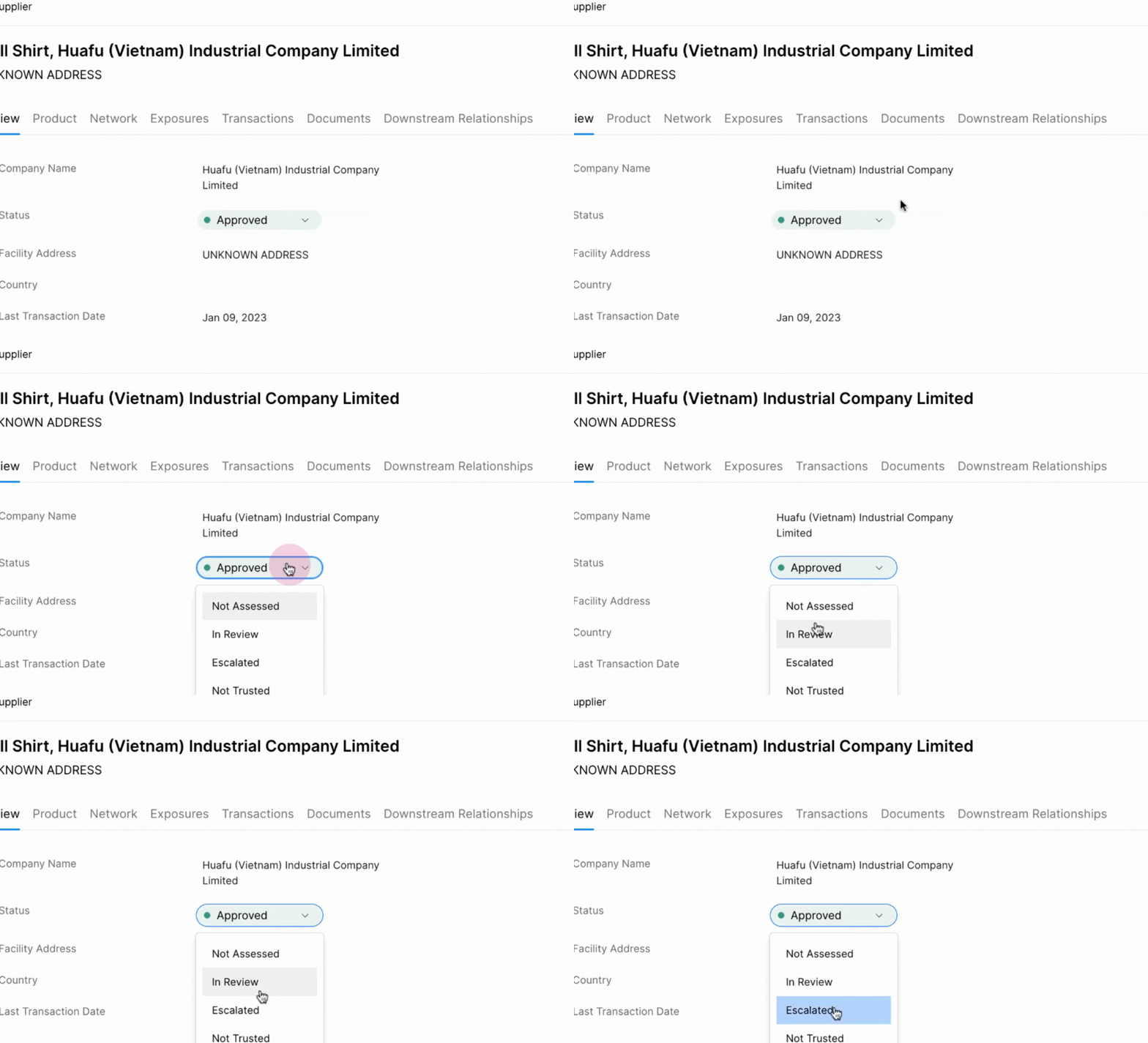
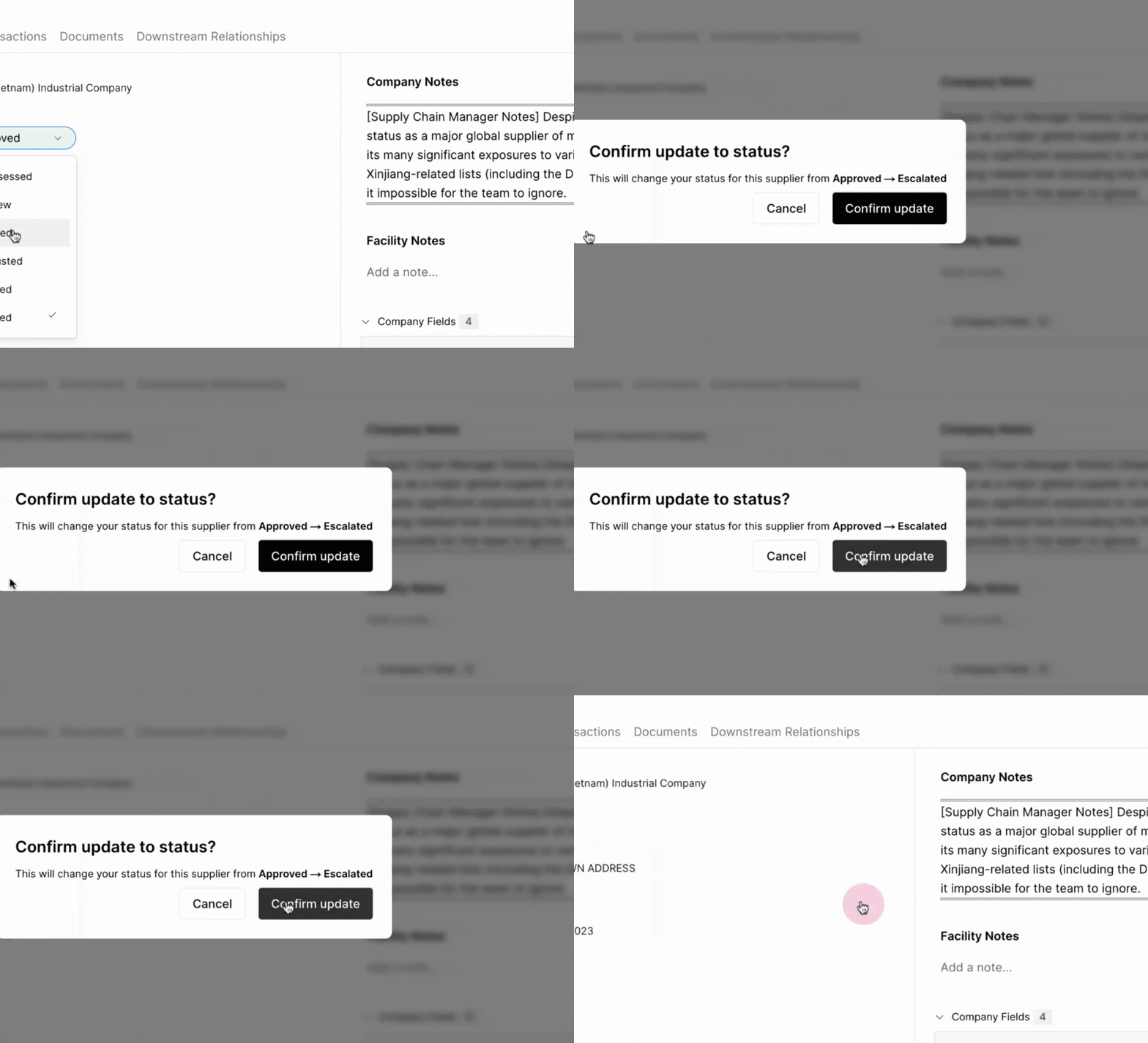
Step 5: Mark the supplier as escalated if it's determined to be potentially risky based on the review.
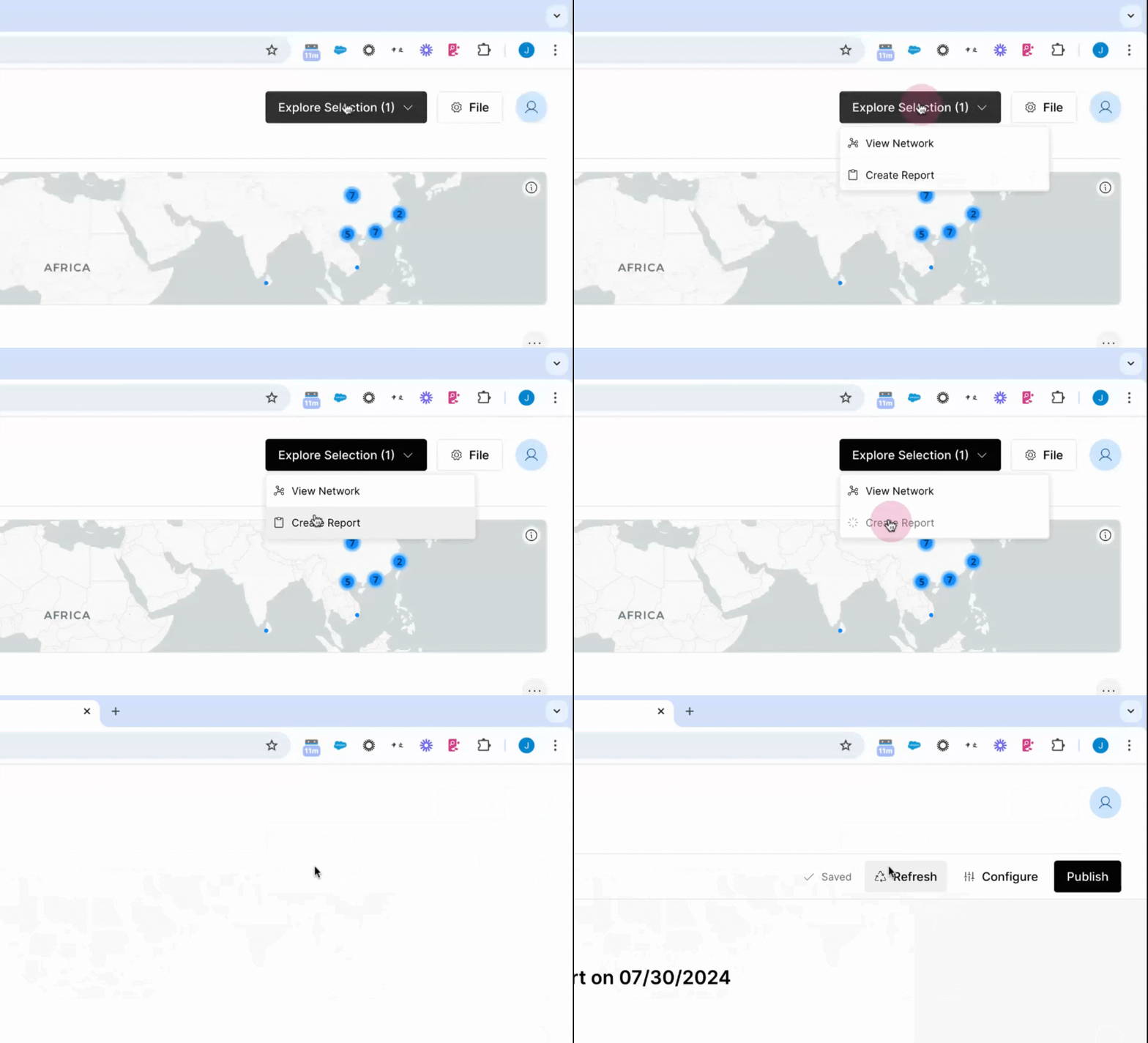
Step 6: Generate an automatic due diligence report. This report outlines the relationship to risk for the selected supplier. The report can be saved in the files, generated as a PDF, and stored in the supplier profile within your dedicated Altana spoke.
Exposure Dashboards
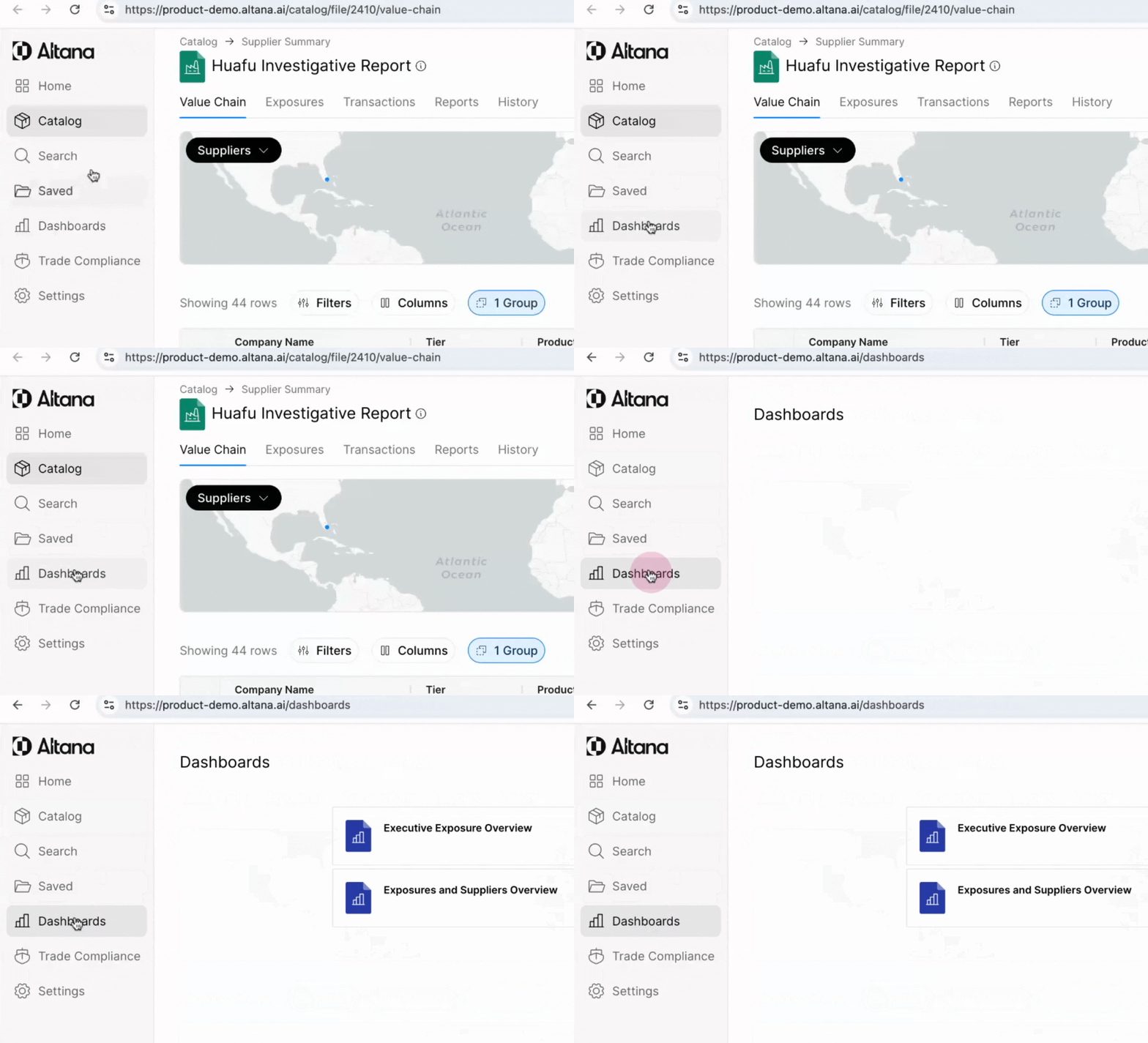
Step 1: Navigate to the Executive Exposure Overview dashboard for a high-level overview of where the risk exposures are concentrated within the supply chain and what actions have been taken.
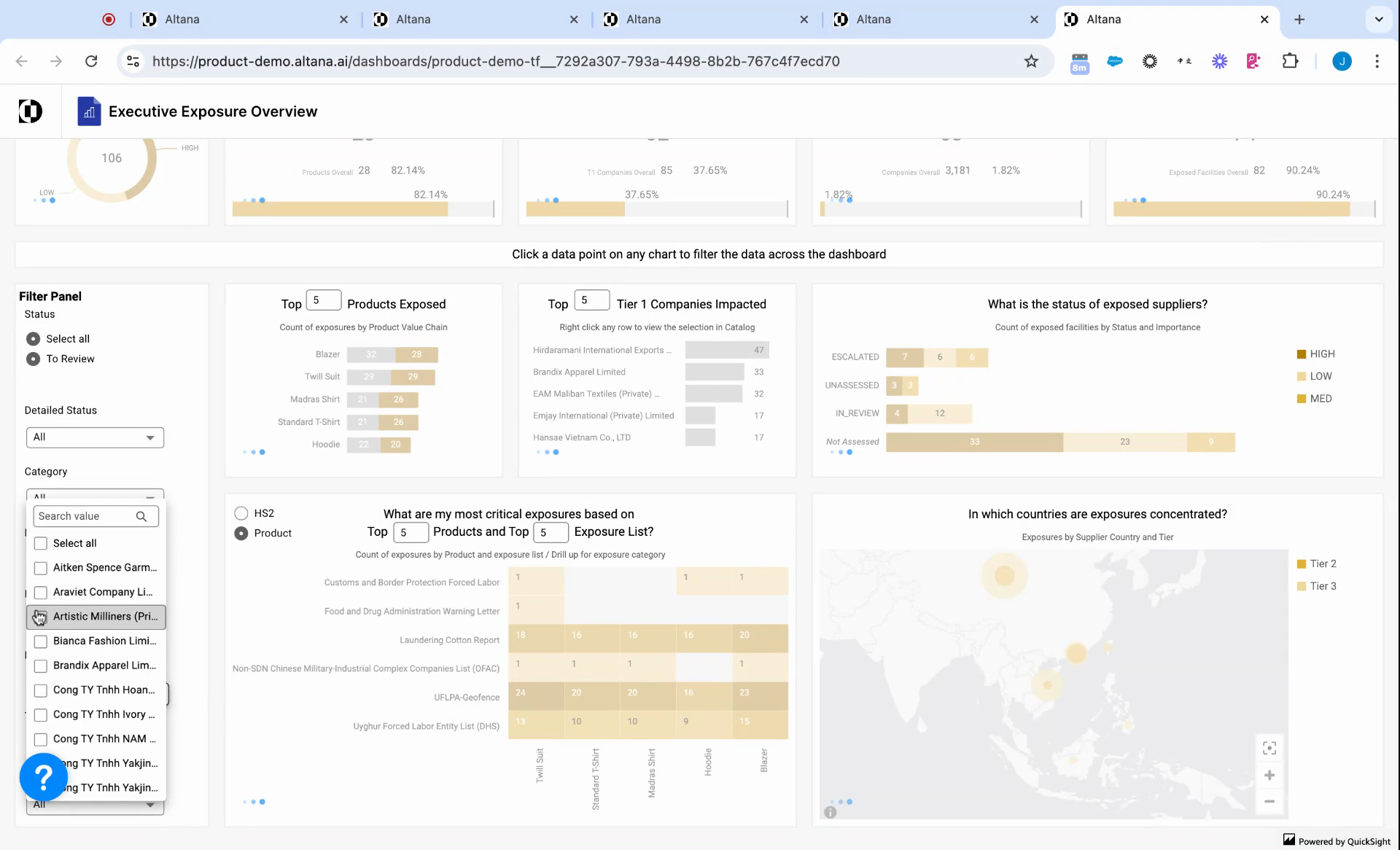
Step 2: Filter the table by tier one supplier and by finished product to customize the risk profile for specific vendors and products.
This guide offers a comprehensive walkthrough on how to conduct risk screenings, generate due diligence reports, and share these reports using Altana.