The Audit Lens
Grade Altana's classification, then correct the catalog — in the same surface.
The Audit Lens is a surface inside the Entry Processing System where you review how Altana classified processed airway bills. Two jobs live in one place: grade the classification (audit), and correct it (feedback). Corrections write back to the product catalog and govern future entries for that product — no Excel round-trip.
What appears in the Audit tab
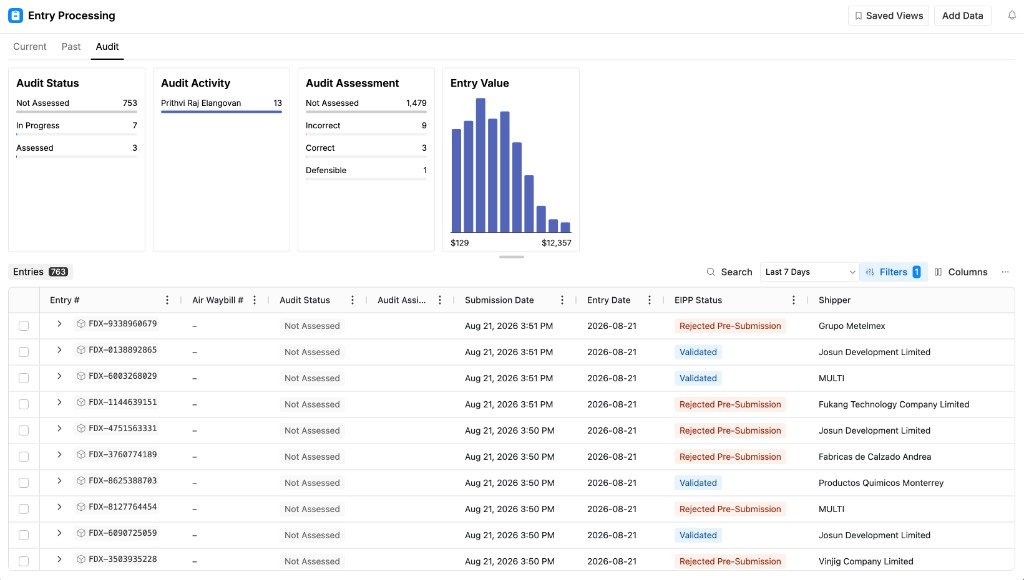
Open Audit on Entry Processing. Every airway bill that ran through EPS appears here — there is no fall-off. Search by entry number or airway bill number.
The cards at the top summarize the queue before you open a row: how many entries are not assessed, in progress, or assessed; who has been working; how verdicts break down; and the spread of entry values.
Coverage
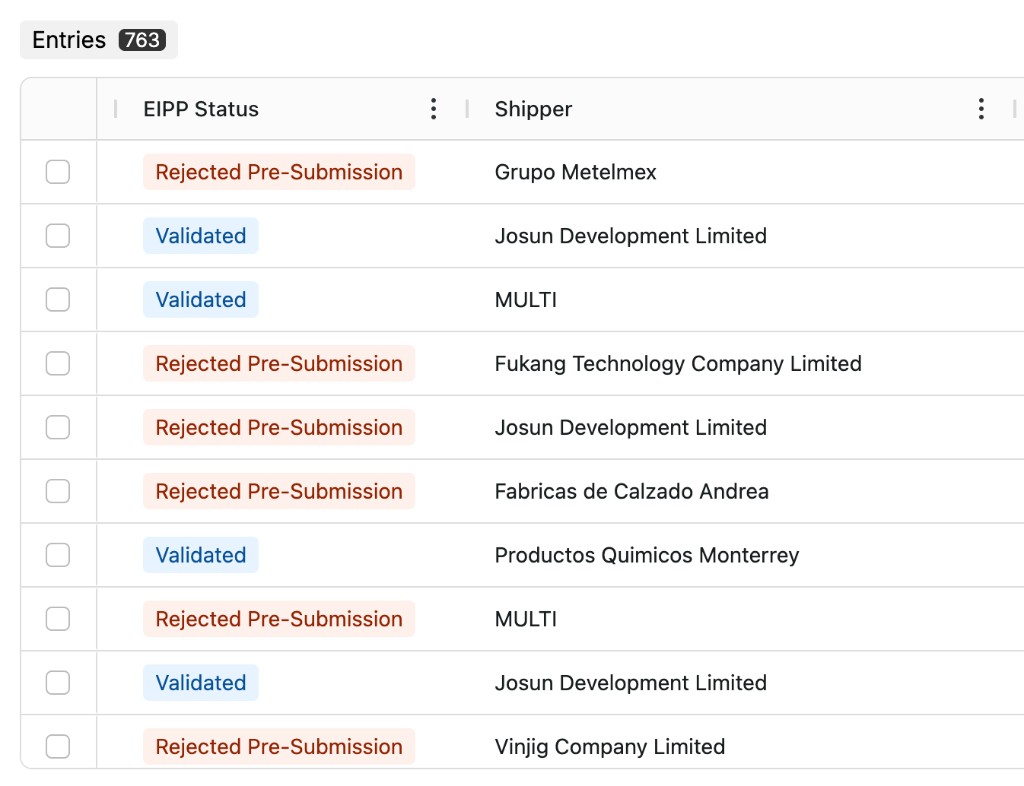
The EIPP Status column shows what happened at submission:
| Status | Meaning |
|---|---|
| Validated | The shipment was forwarded to CBP. Either the shipper's HS code was accepted as provided (the model agreed), or Altana overrode it with a high-confidence code. |
| Rejected Pre-Submission | The shipper's code was believed incorrect, there was no high-confidence alternative, and nothing was forwarded. |
Building your queue
Filtering and assignment are both available inside the audit workflow.
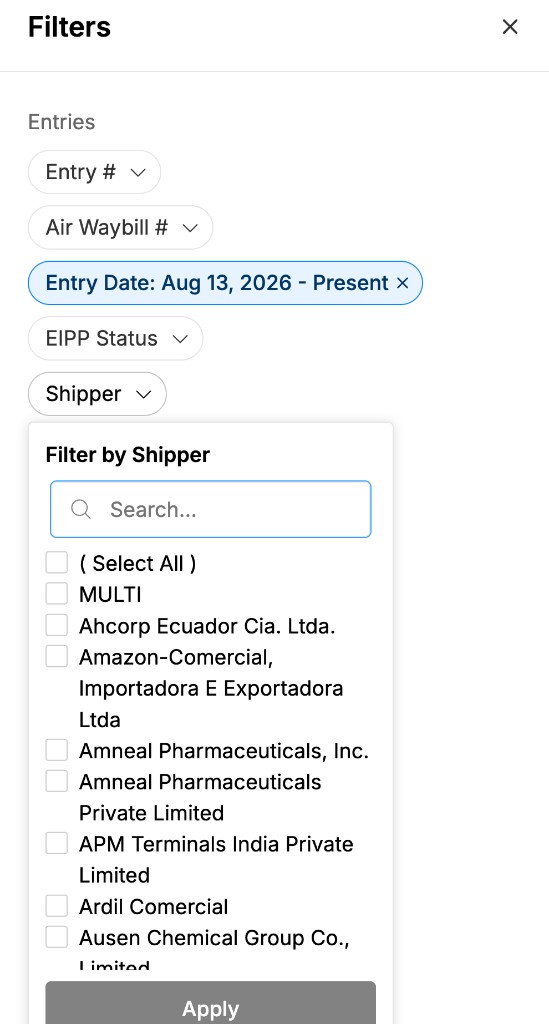
Use the date range and Filters to narrow the population — filter by shipper to review performance for a specific account.
Review the population, then assign entries to yourself to create your working set.