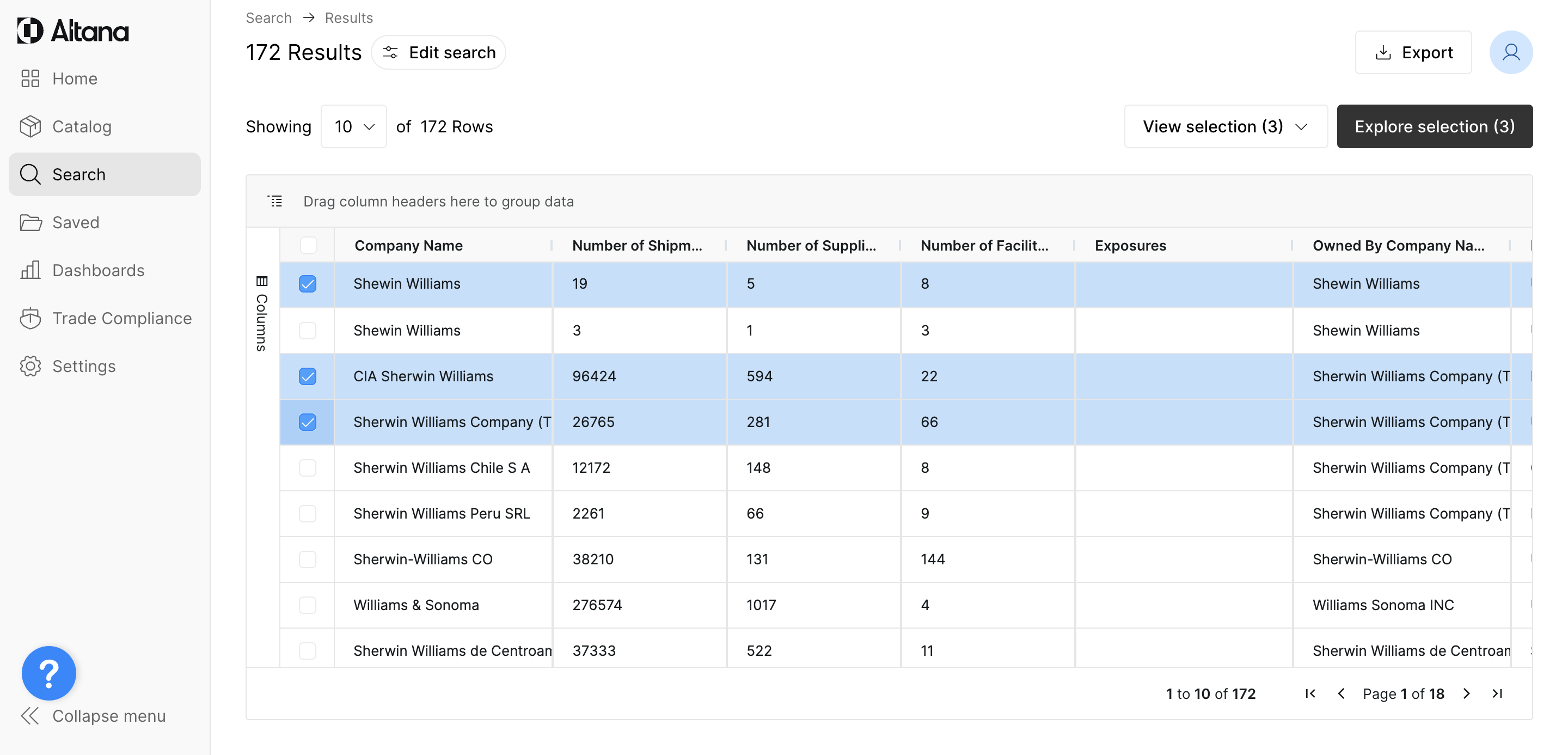
Refining Search Results
Once you set the initial parameters and click Search, you'll be redirected to the Search Results page.
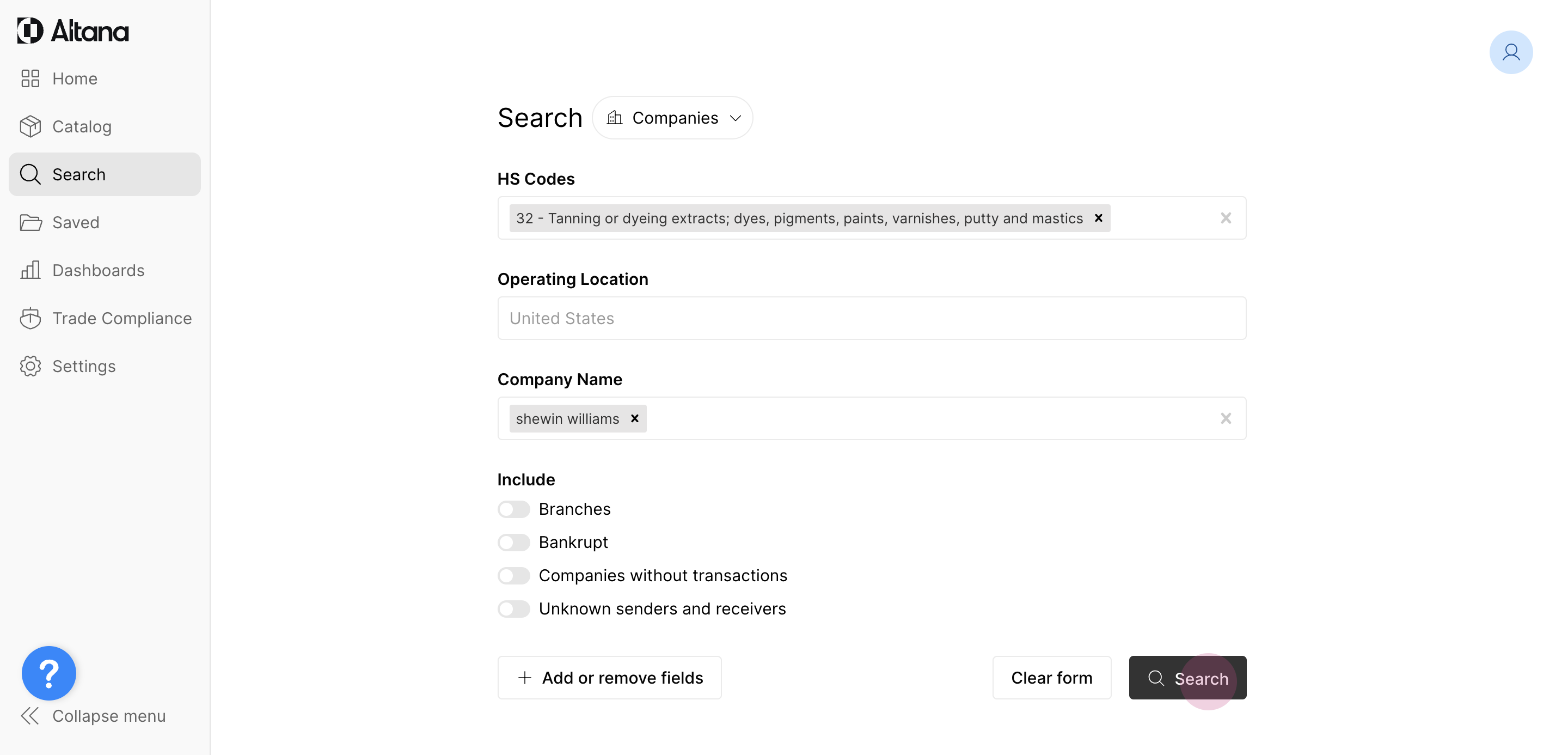
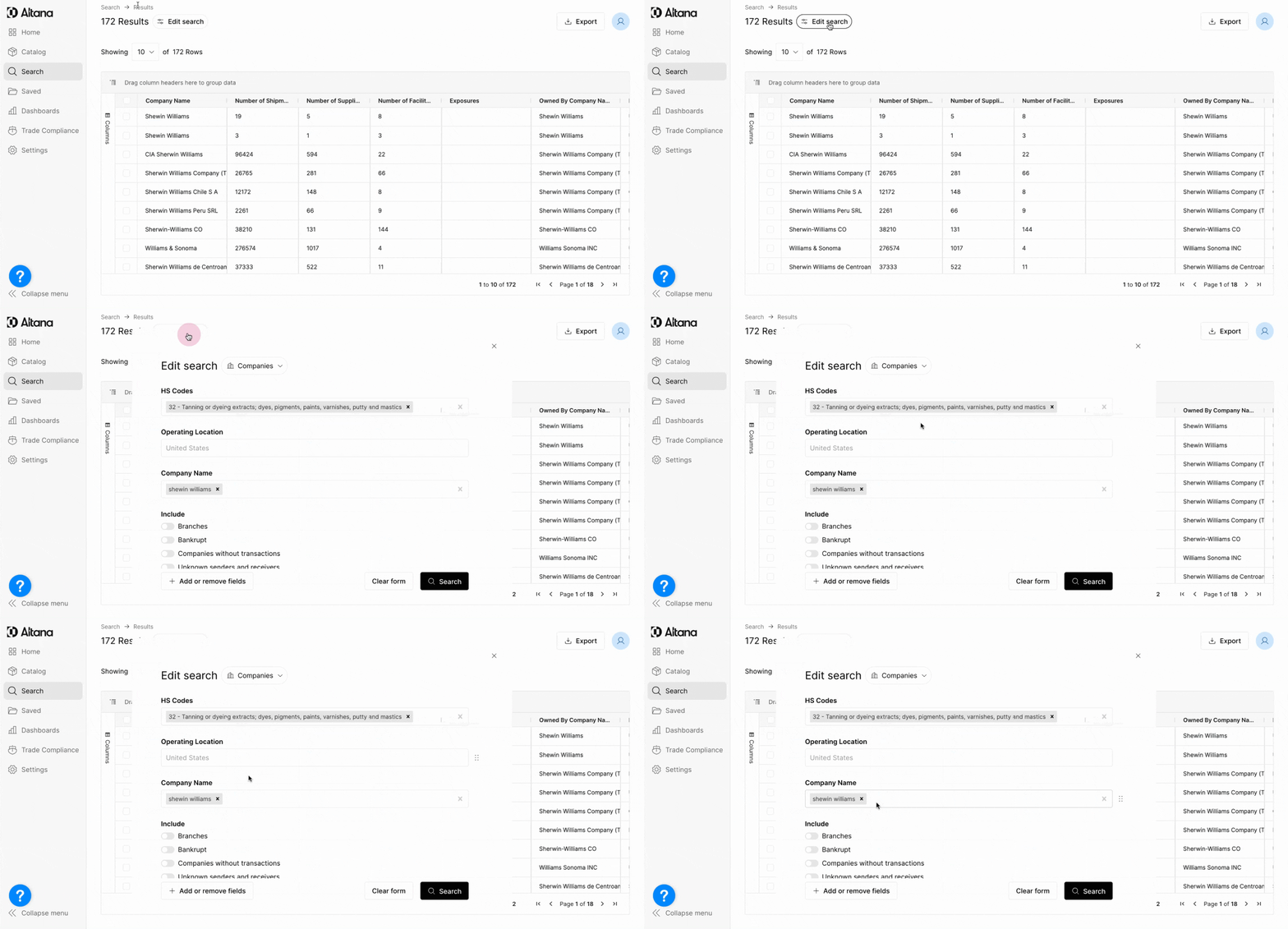
On this page, you can further refine or expand your search criteria. If you realize you'd like to edit your initial parameters, you can do that by clicking Edit search. This will bring up the original form, which you can update.
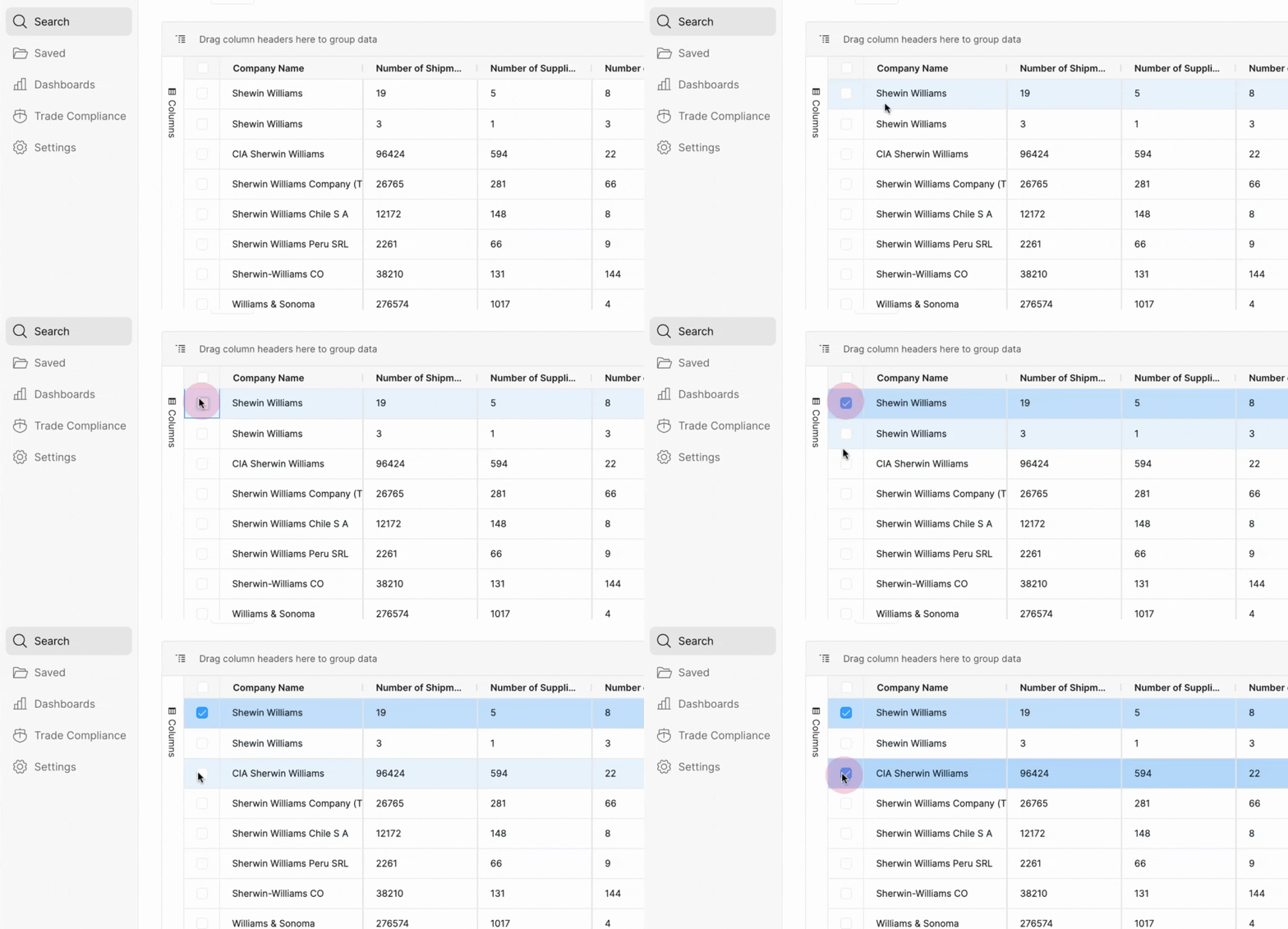
Once you're happy with your search parameters, you can choose to explore any combination of the Search Results by clicking the check boxes to the left of the name. It's often helpful to select multiple entries. Think of these selections as an "add to cart" function.
Then, you can view what is in your "cart" by clicking View selection.
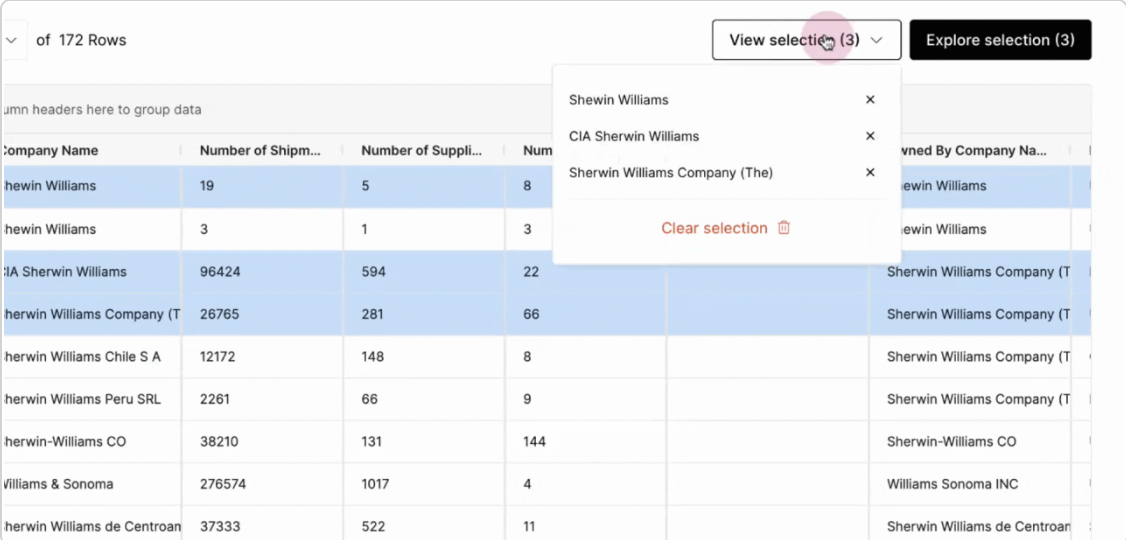
When you're finished selecting the Search entities, click Explore selection to launch your Exploration.