
Altana AI-Assisted Classification: Classified Products
In this section, we will do a deep dive on products that have been Classified as well as introduce the ability to auto-generate Interpretations (GRIs) and Detailed Explanations. As a refresher, there are several methods for a product to arrive at a Classified status, listed below:
Auto-Classified: when Altana's models return a predicted classification with a confidence score of >80%, they will be auto-classified
Co-pilot Classified: when the user engages with our AI-backed chatbot, Co-pilot, to arrive at a classification
Manually Accepted: when the user selects one of Altana's five predicted classifications
Manually Classified: when the user manually enters the classification
Accepted as Provided: when a provided HS code is associated with a product either matches Altana's top predicted classification or when the likelihood of the provided HS code being misclassified is low
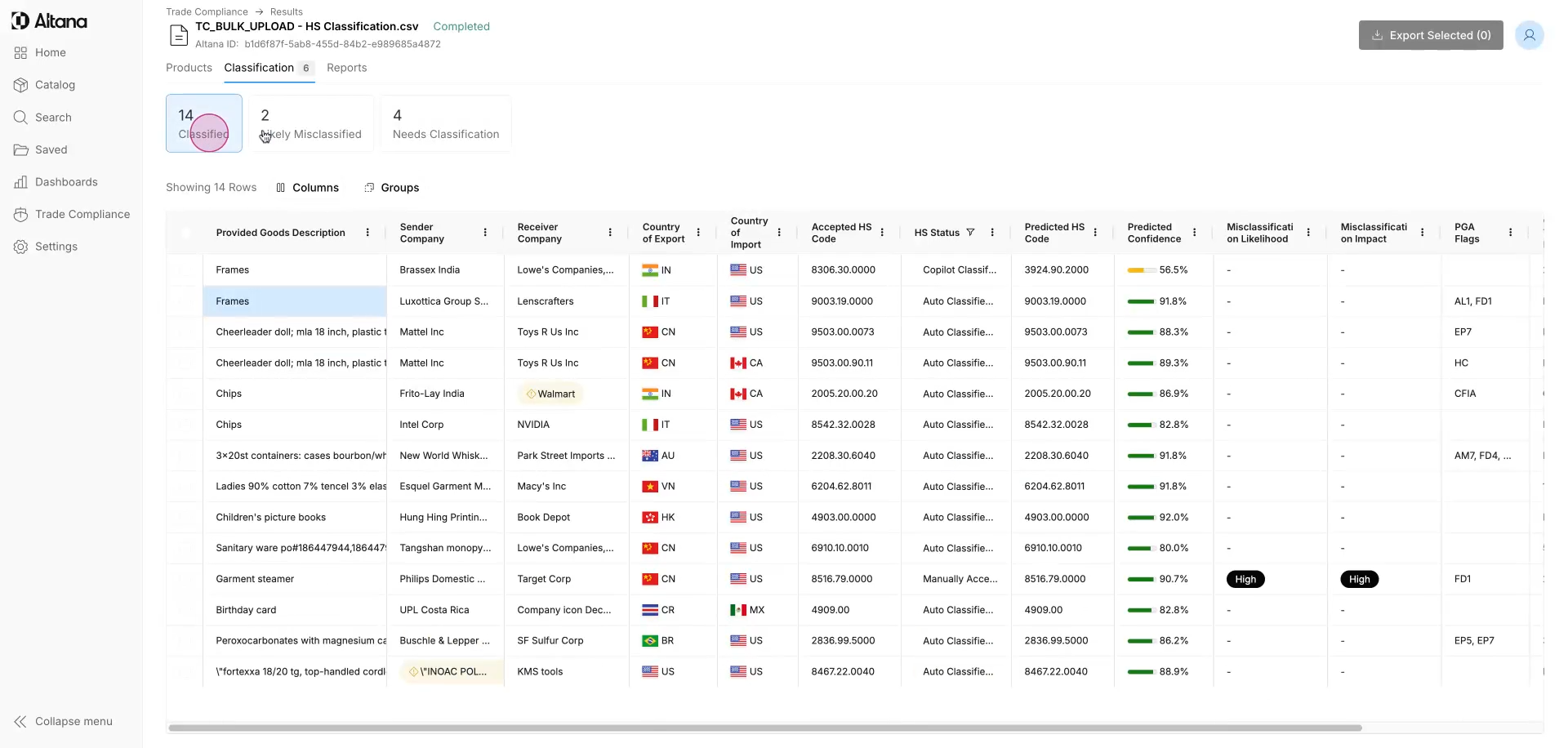
Step 1: Begin by navigating to the Classification tab. To view only the classified products, click Classified (this will filter out the products that either Need Classification or that are Likely Misclassified). Users can view the Accepted HS Code, HS Status, Altana's top Predicted HS Code along with its Predicted Confidence.
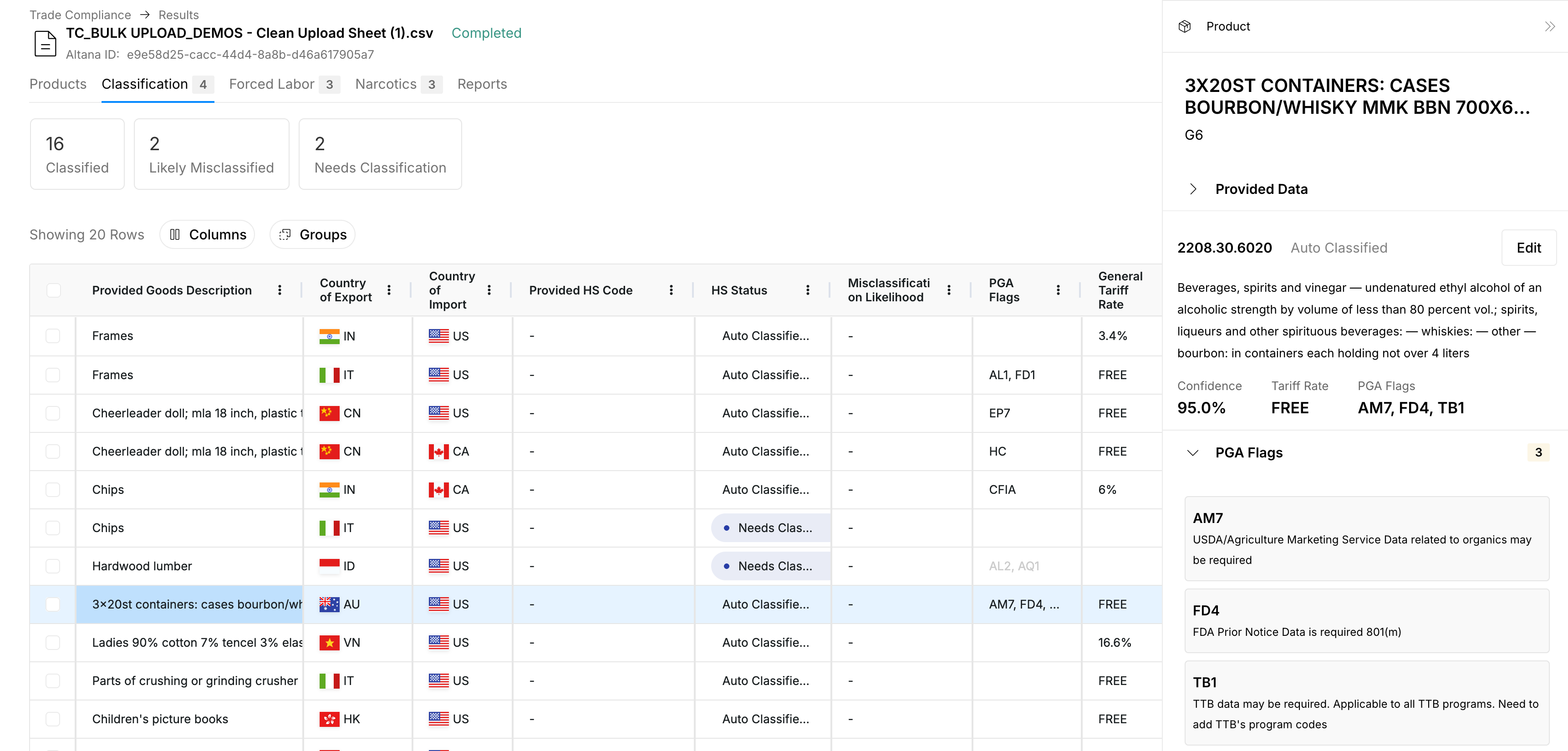
Step 2: Clicking a product will open up a window where the user can view the selected classification and associated information including the models' predicted confidence of that classification as well as applicable partner government agency (PGA) flags, and general tariff rate.
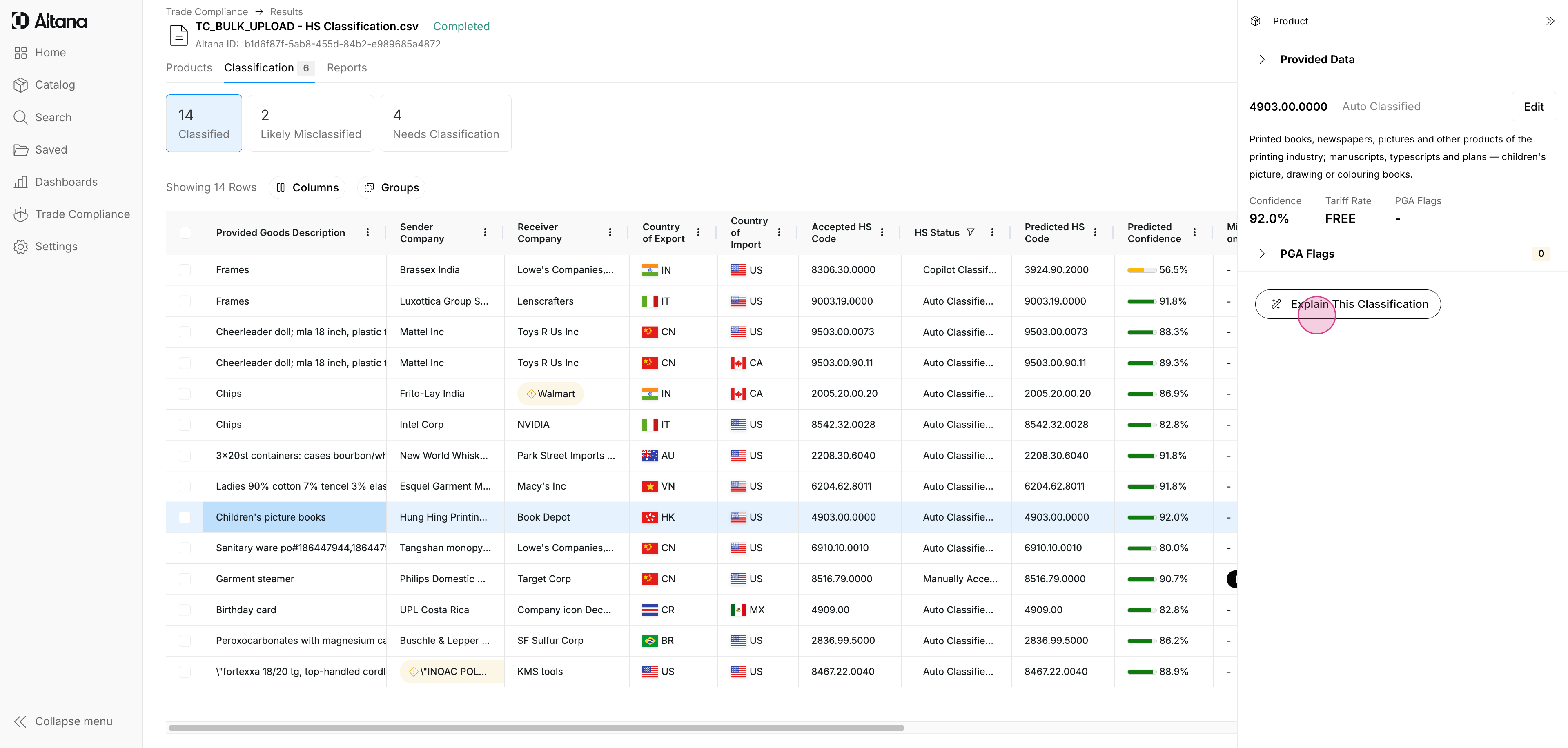
Step 3: Taking this one step further, Altana allows the user to auto-generate Interpretations (GRIs) and Detailed Explanations for any classified product by clicking Explain This Classification.
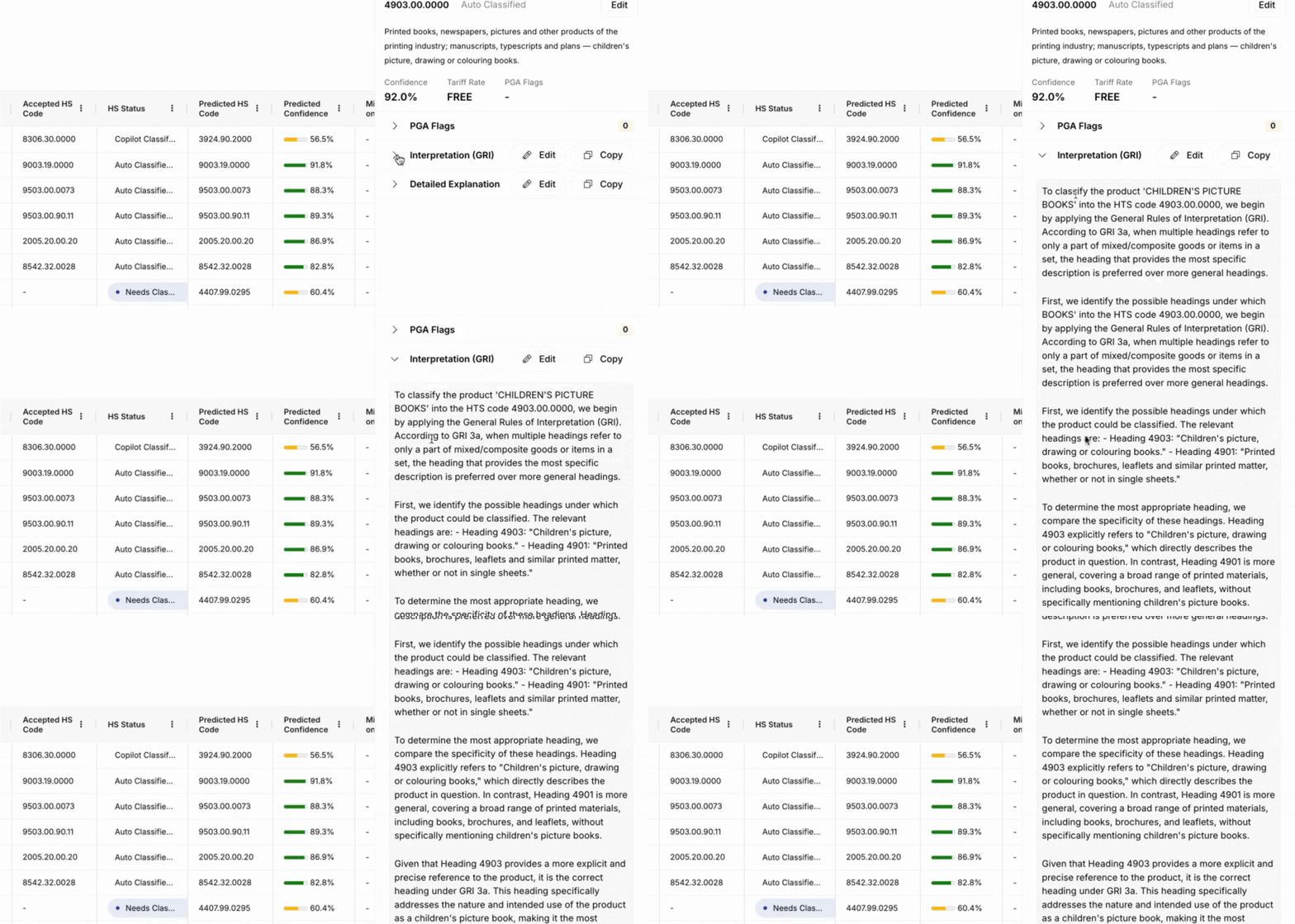
Step 4: The Interpretation (GRI) will effectively demonstrate the model 'showing its work', referencing applicable GRIs to justify the selected classification and providing meaningful data and insights for an audit trail.
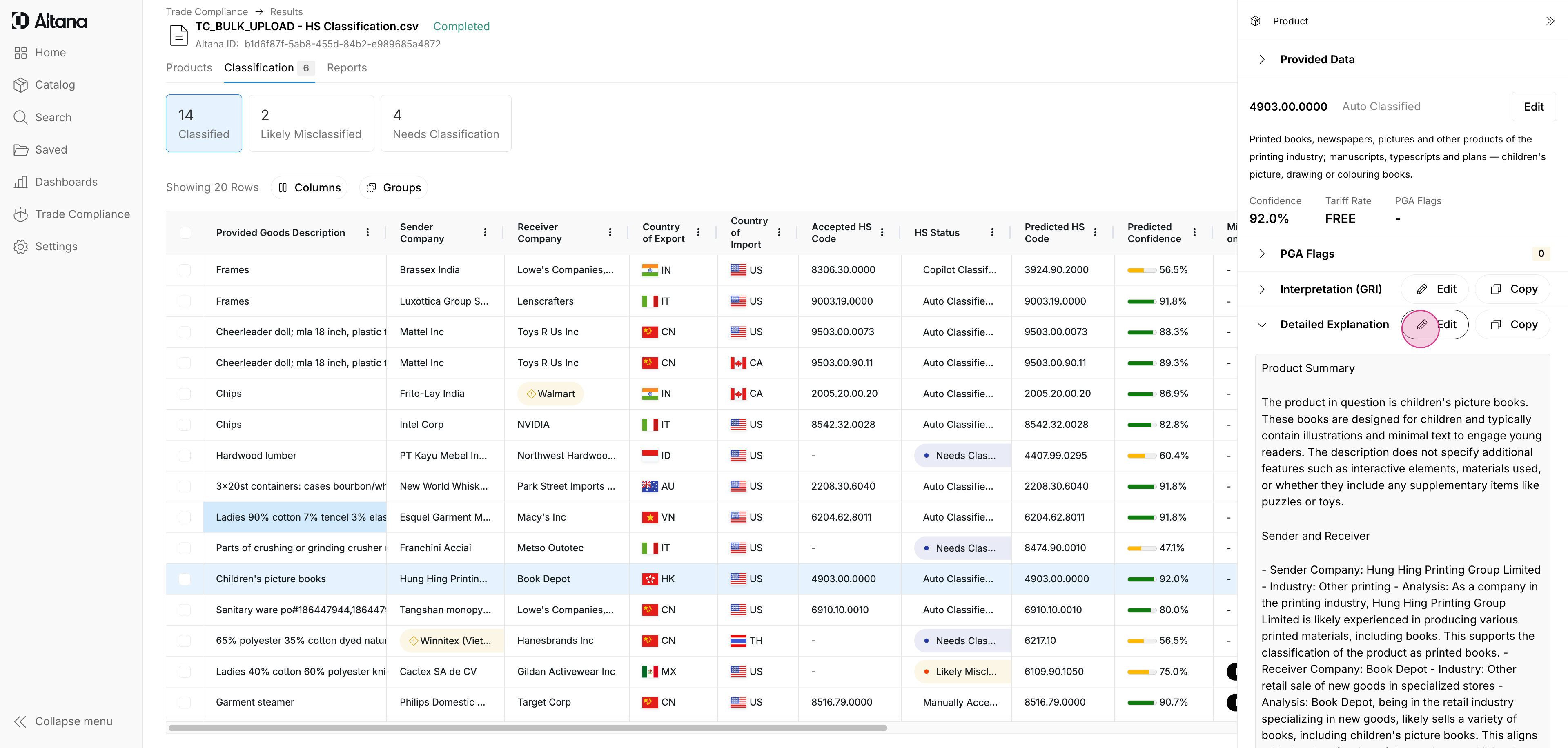
Step 5: Similarly, Altana also generates Detailed Explanations, referencing the product summary, information about the sender and receiver, assumptions made by the model, and relevant and applicable CROSS rulings to further support the selected classification. The combination of these can significantly reduce the cost-to-serve, reduce or mitigate errors, and provide the requisite justification and defensibility for selected classifications.
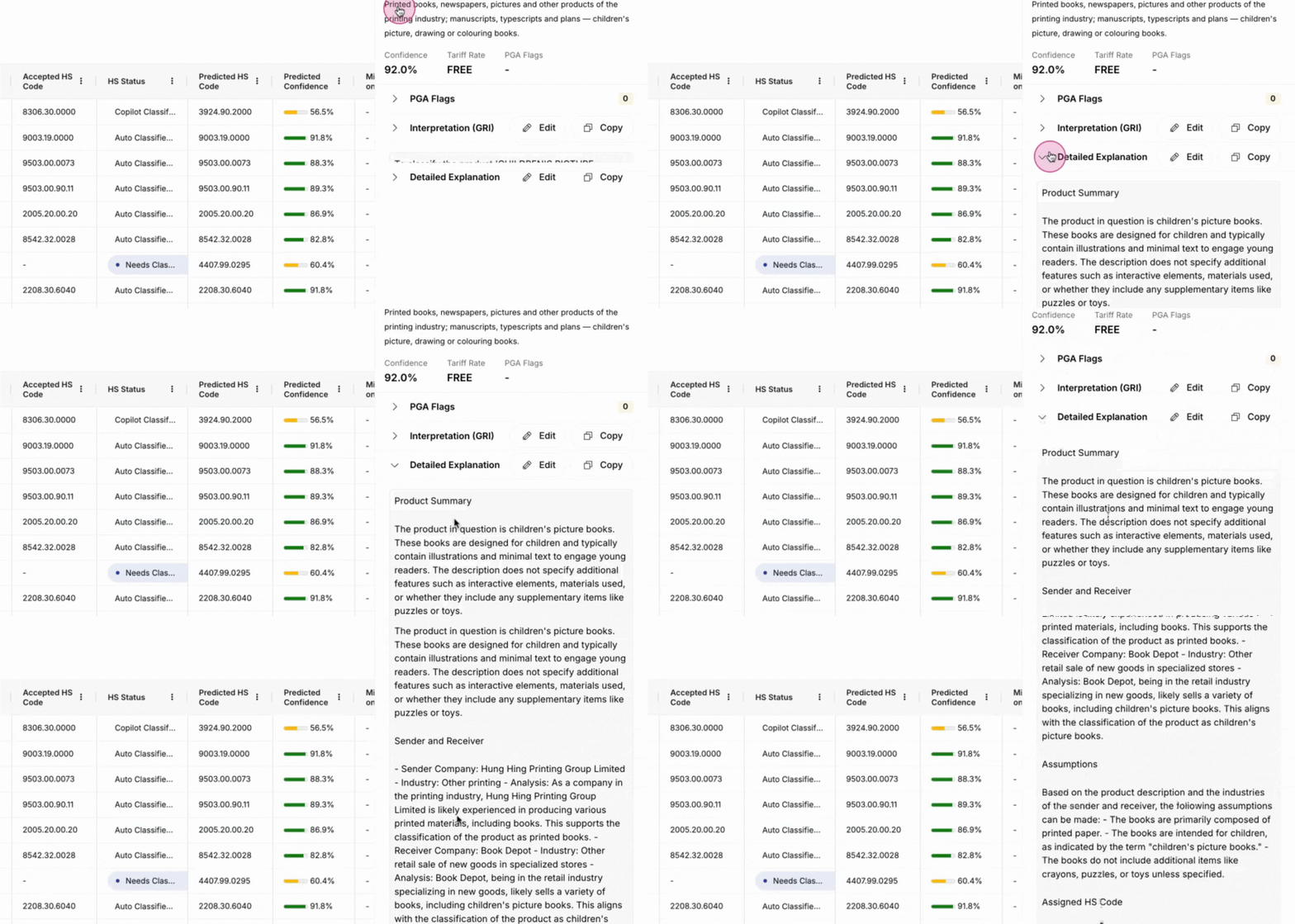
Step 6: While the language in both the Interpretation (GRI) and Detailed Explanation is AI-generated, it is presented in a human-legible format and allows the user to edit as they see fit, by clicking the Edit button.
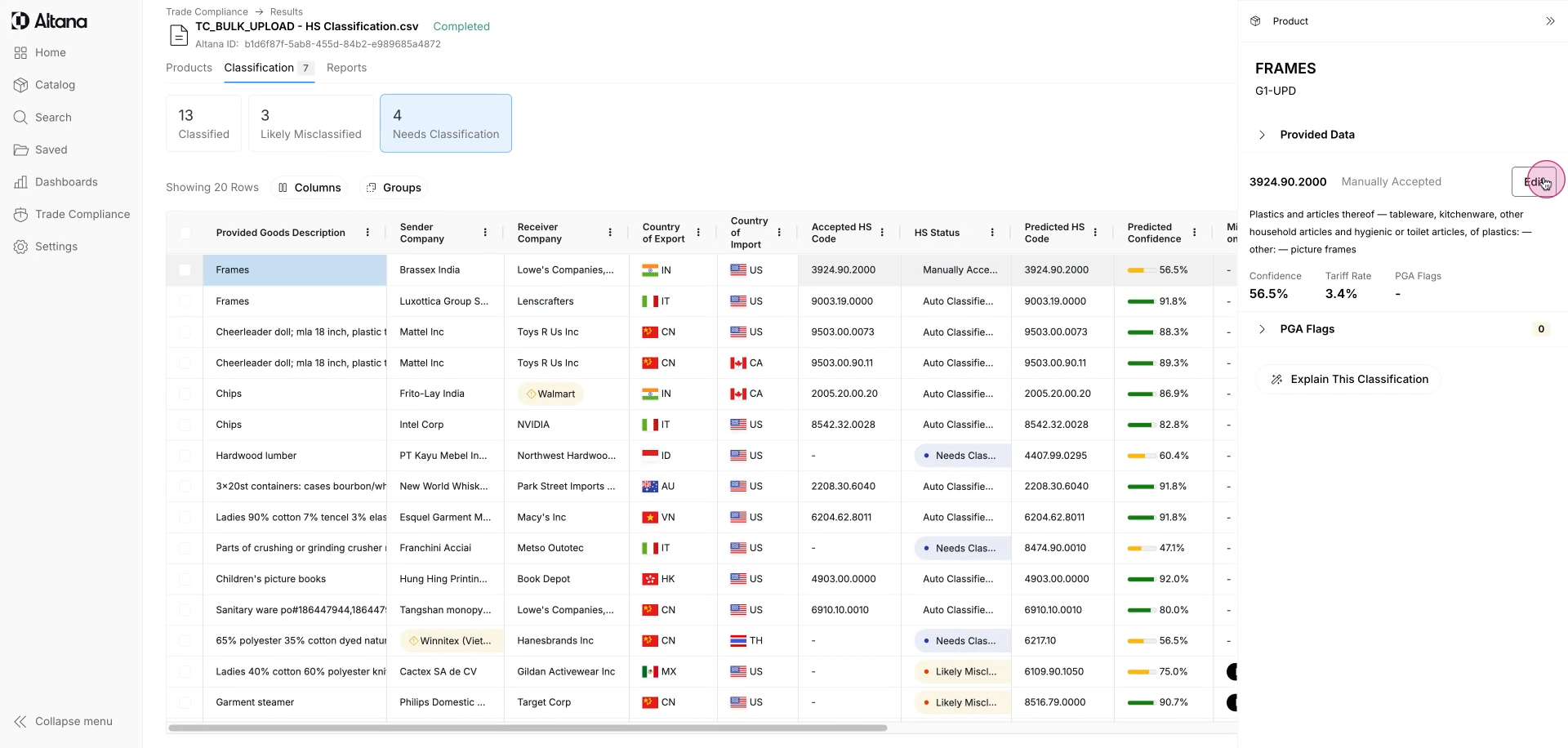
Step 7: It is crucial to note that products with a Classified status can be amended by clicking Edit. This will allow a user to select from Altana's top five predicted classifications, engage with our AI-backed chatbot, Co-pilot, or manually classify the good - more on that during the Needs Classification section.
Note: HS10-level classification is available for the United States, European Union, Mexico, and the United Kingdom.