Using Network Filters
On the exploration canvas you can search for several companies at once and apply filters across every selected company, so you narrow the whole network in one step rather than adjusting each entity individually.
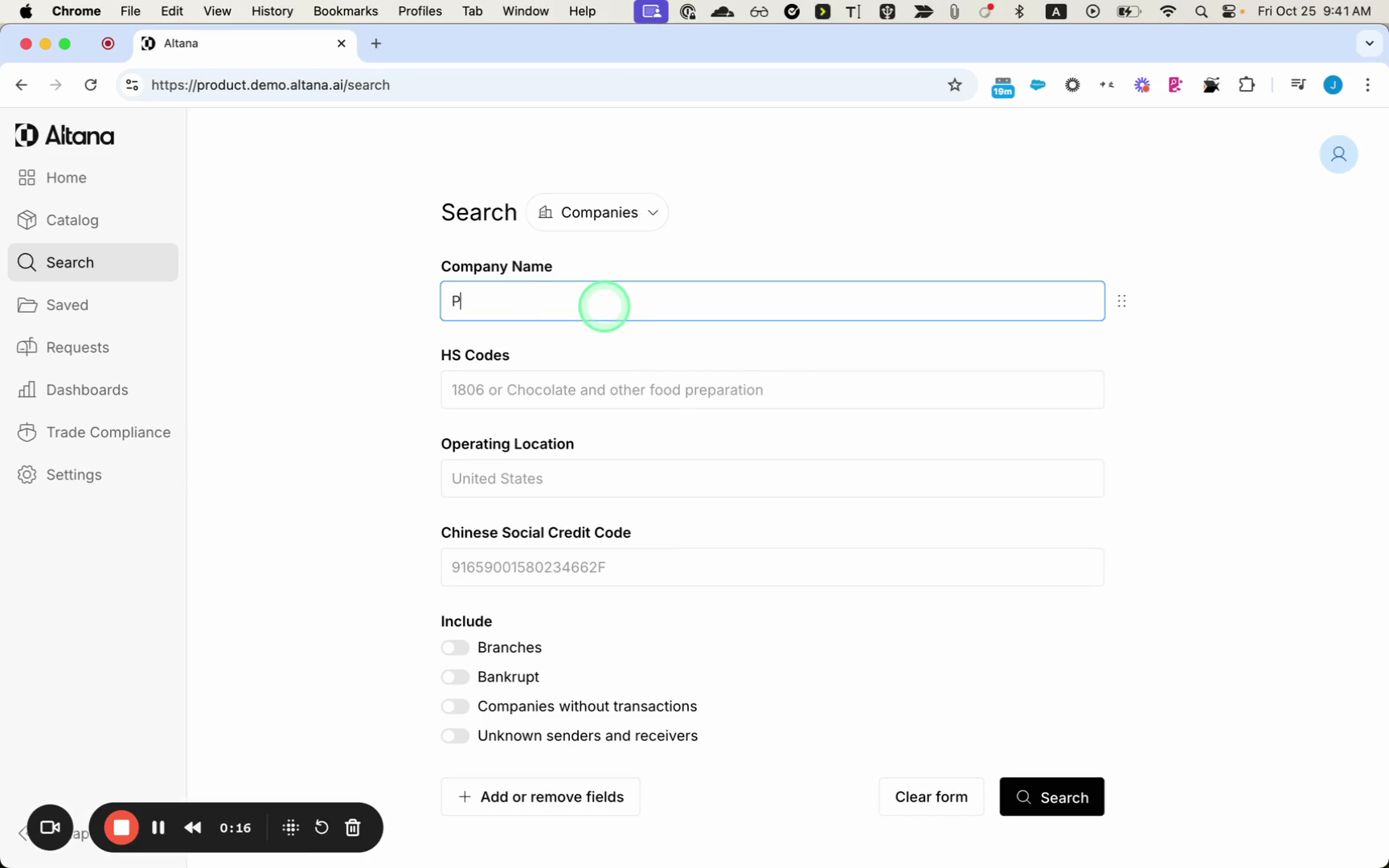
Search for the companies you want to explore
Enter the company you want to investigate. In this example, the search is for a single company name, which returns several matching results.
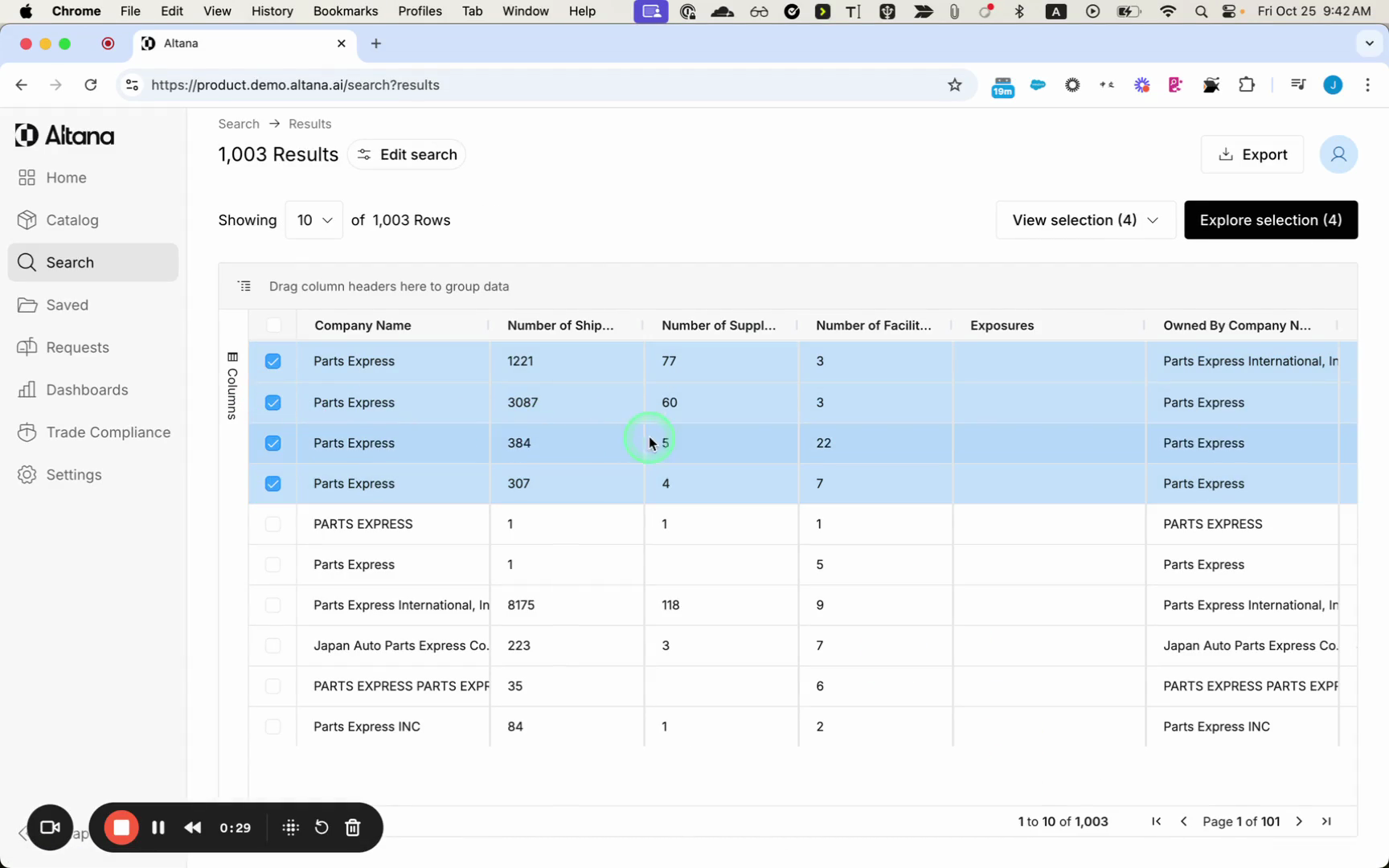
Select the results you want to explore — selecting multiple matches gives you broader coverage — and continue into the exploration.
Apply filters across the selection
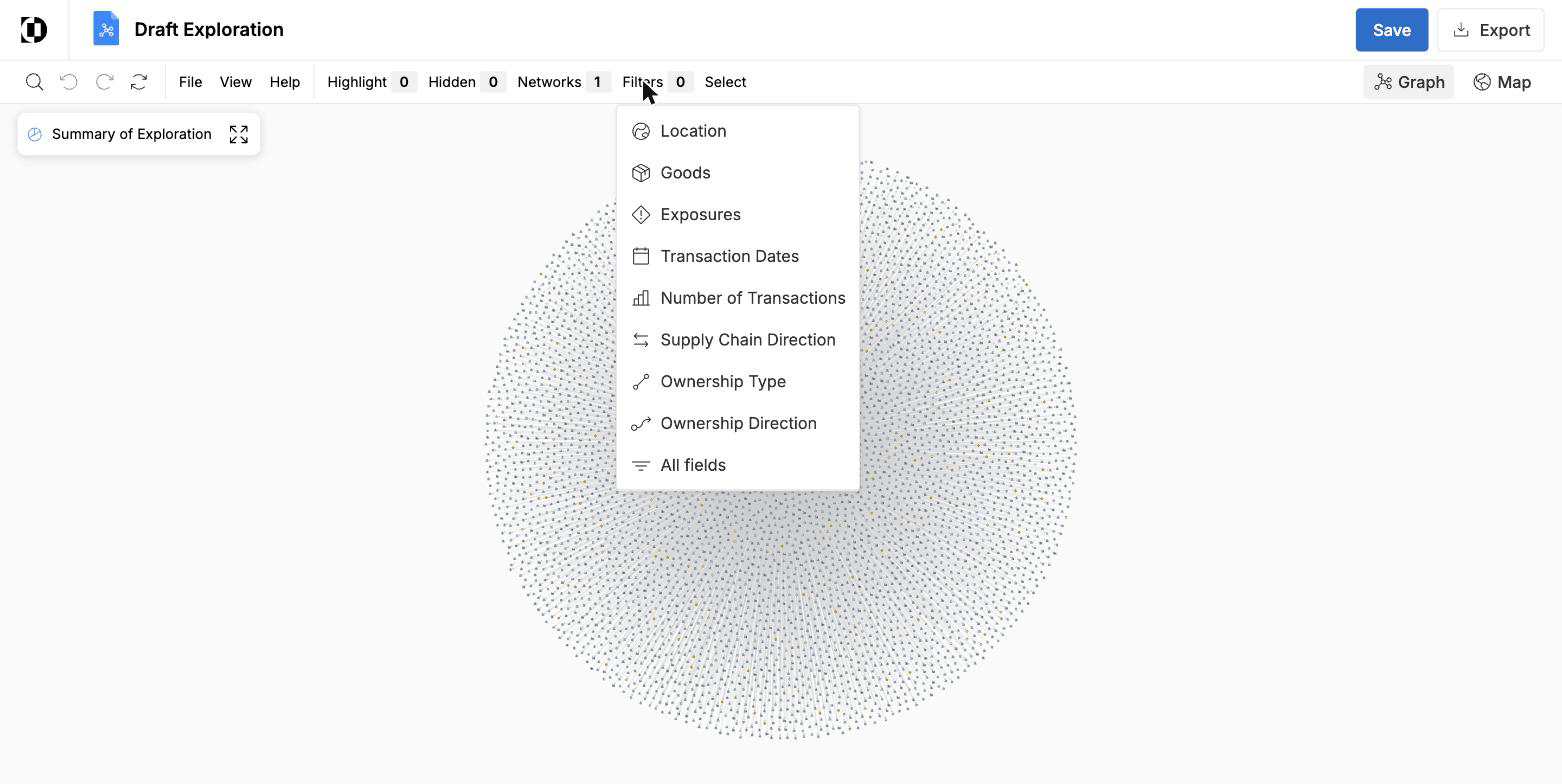
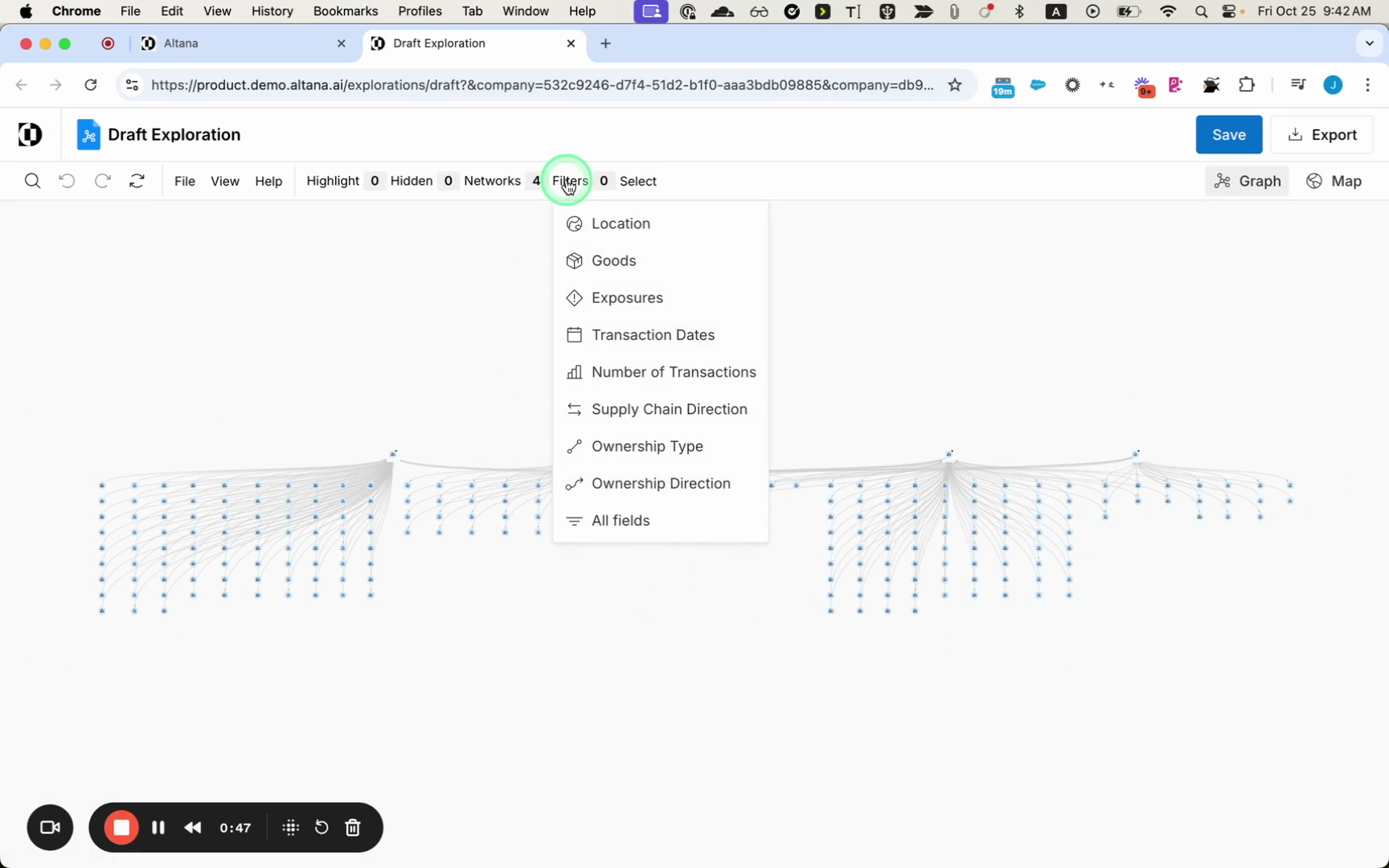
All of the selected companies populate the exploration canvas. Open the Filters menu to see the dimensions you can filter on, including Location, Goods, Exposures, Transaction Dates, Number of Transactions, Supply Chain Direction, and Ownership Type and Direction.
To filter the selected companies together, apply a filter once and it snaps to every selected company. Here, the network is filtered to inbound relationships only.
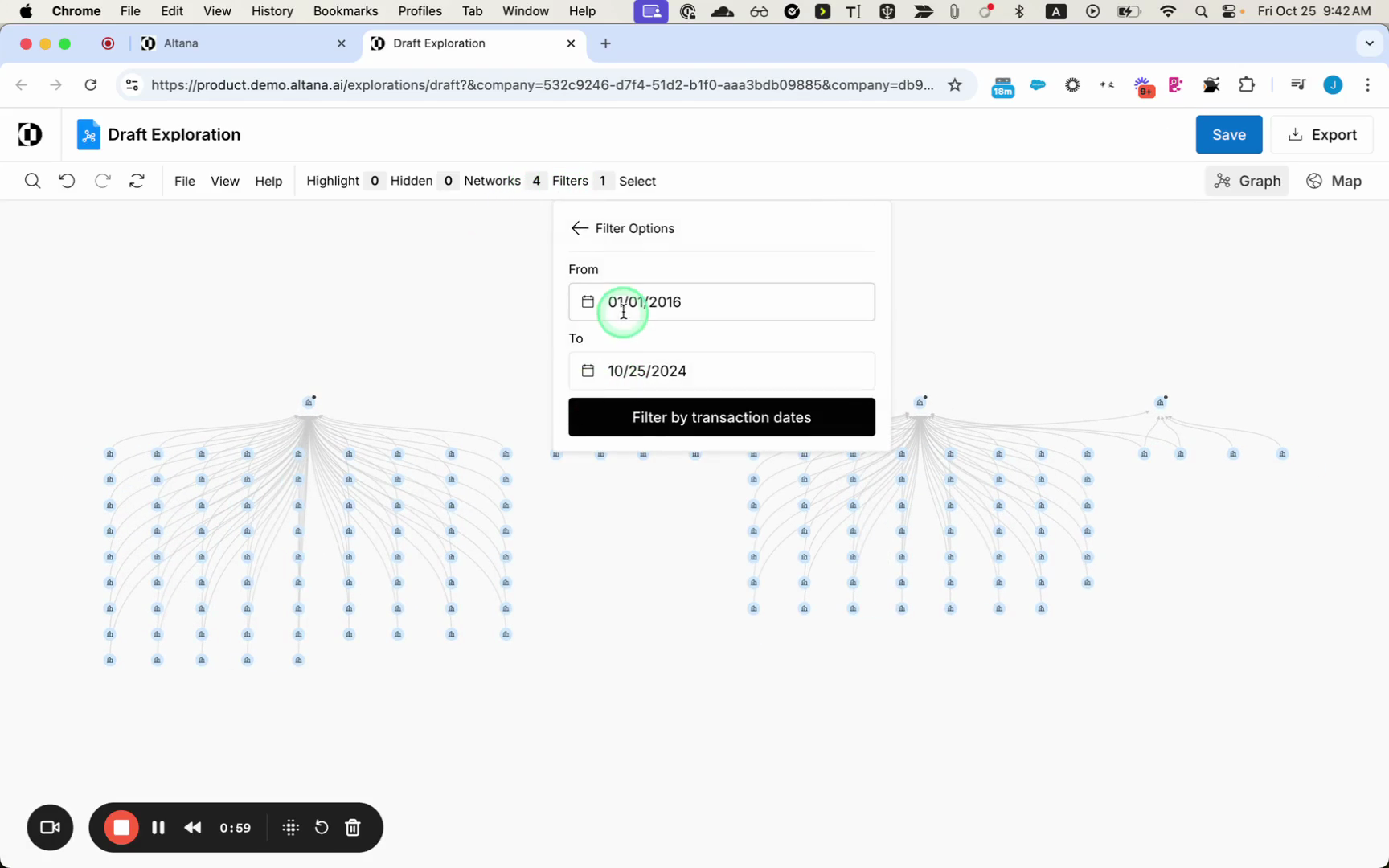
Filters are additive, so you can stack as many as you need. Adding a Transaction Dates filter — for example, shipments in 2024 — applies a second condition on top of the first.
Group the results
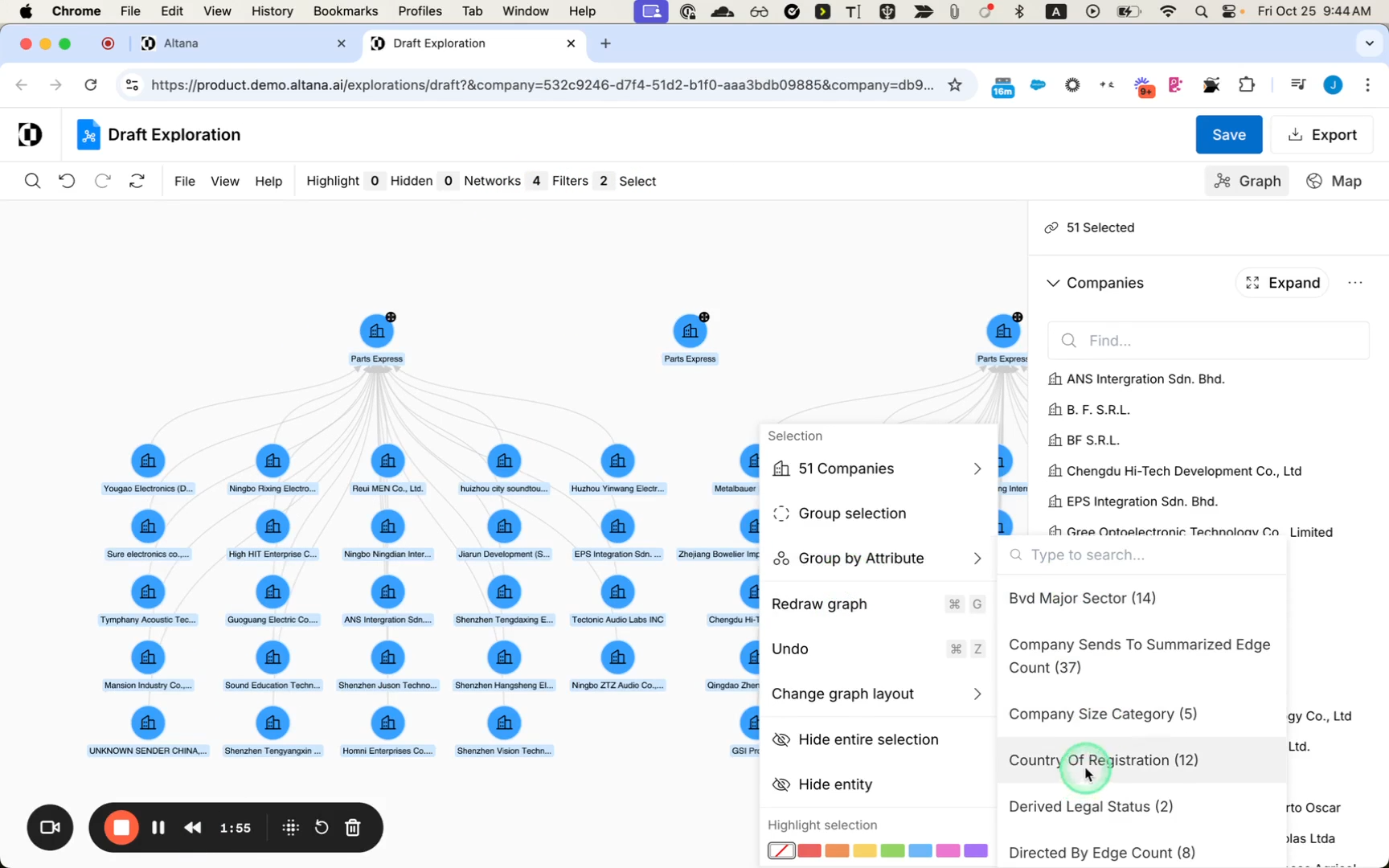
You can group the entire selection to see the network organized the way you want. Grouping by country of registration, for instance, shows all the companies sending to your search targets, organized by country.